How to Use the Node-RED VPS Template
Node-RED is a flow-based, low-code development tool for visual programming that enables anyone to build applications that collect, transform and visualize their data; building flows that can automate their world. Node-RED provides a web browser-based flow editor, which can be used to create JavaScript functions. Its low-code nature makes it accessible to users of any background, whether for home automation, industrial control systems or anything in between. With the Ubuntu 24.04 with Node-RED VPS template from Hallo-Webseite.de, Node-RED comes pre-installed via Docker, so you can start building your flows immediately.
Accessing Node-RED
Once your VPS is deployed using this template, Node-RED is ready to use out of the box. Open your web browser and navigate to:
<code>https://[your-vps-IP]:1880</code>
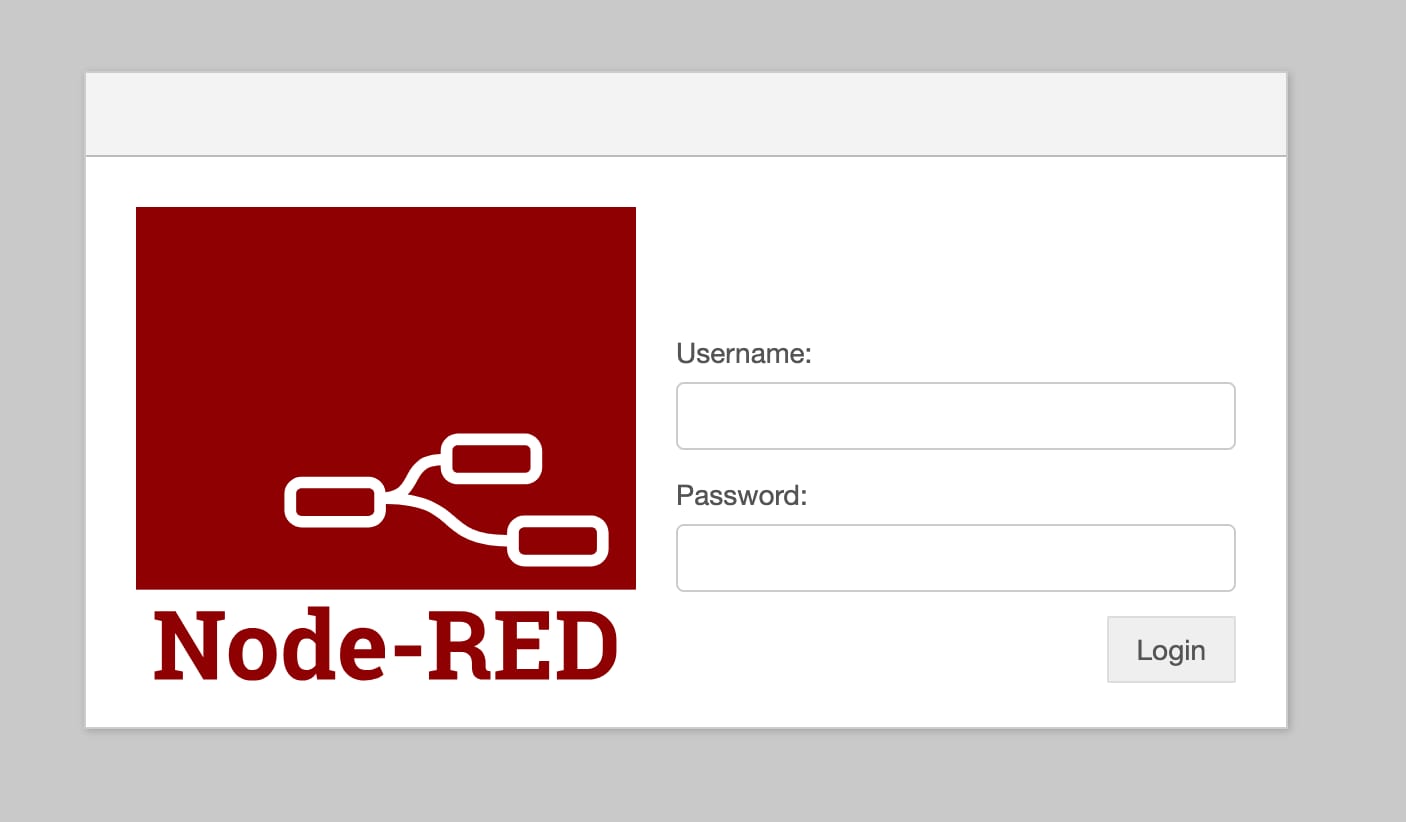
When accessing Node-RED, you must log in using the username admin and the password set during installation.
Updating Node-RED
Its important to keep your Node-RED version up to date. This ensures you get the latest features and fixes. Follow these steps in SSH to update Node-RED:
<code># Change to the Node-RED directorycd /root/nodered/# Pull the latest versiondocker compose pull# Stop and remove the older versiondocker compose down# Start the container with the updated imagedocker compose up -d</code>
Hallo-Webseite.des Ubuntu 24.04 with Node-RED VPS template lets you quickly set up and manage flow-based automation solutions.
Additional Resources
Official website:https://nodered.org/
Official documentation:https://nodered.org/docs/
