How to Use the Windmill VPS Template
Windmill is a fast, open-source workflow engine and developer platform. Its an alternative to the likes of Retool, Superblocks, n8n, Airflow, Prefect, Kestra and Temporal, designed to build comprehensive internal tools (endpoints, workflows, UIs). It supports coding in TypeScript, Python, Go, PHP, Bash, C#, SQL and Rust, or any Docker image, alongside intuitive low-code builders. With the Ubuntu 24.04 with Windmill VPS template from Hallo-Webseite.de, Windmill comes pre-installed, so you can start building workflow tools immediately.
Accessing Windmill
Once your VPS is deployed using this template, Windmill is ready to use out of the box. Open your web browser and navigate to:
<code>https://[your-vps-hostname]</code>
The first time, youll be prompted to create an admin account and set up your windmill instance.
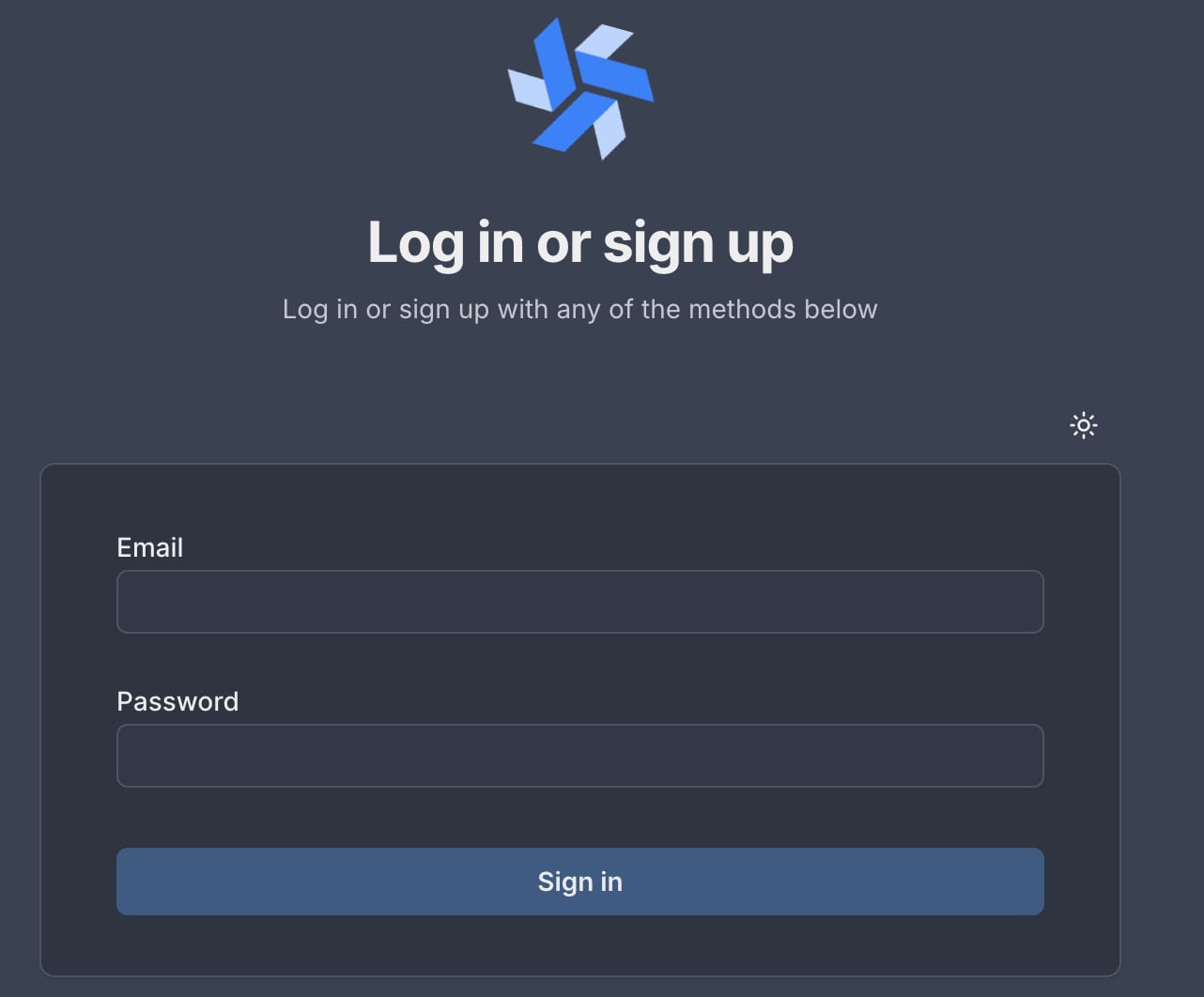
After logging in, you can access the Windmill interface and create your custom flows.
Updating Windmill
Its important to keep your Windmill version up to date. This ensures you get the latest features and fixes. Follow these steps in SSH to update Windmill:
<code># Change directorycd /root/windmill/# Pull latest versiondocker compose pull# Stop and remove older versiondocker compose down# Start the containerdocker compose up -d</code>
Hallo-Webseite.des Ubuntu 24.04 with Windmill VPS templates let you quickly set up and manage workflow automation solutions.
Official website:https://www.windmill.dev/?
Official documentation: https://www.windmill.dev/docs/intro
