How to Use AzuraCast VPS Template
AzuraCast is a free, open-source web radio management platform that allows users to set up and manage their own online radio stations. It provides a user-friendly interface for handling media libraries, scheduling playlists, and streaming live broadcasts. AzuraCast supports multiple streaming formats, integrates with popular streaming servers like Icecast and SHOUTcast, and includes features like listener analytics, web DJ capabilities, and automatic song requests. Its designed for ease of use, making it accessible to both beginners and experienced broadcasters.
With Hallo-Webseite.des Ubuntu 24.04 64bit with Azuracast VPS template, setting up Azuracast is streamlined, as it comes pre-installed. This guide will help you get started with Azuracast on your VPS.
AccessingAzuraCast
Open a web browser and go to:?
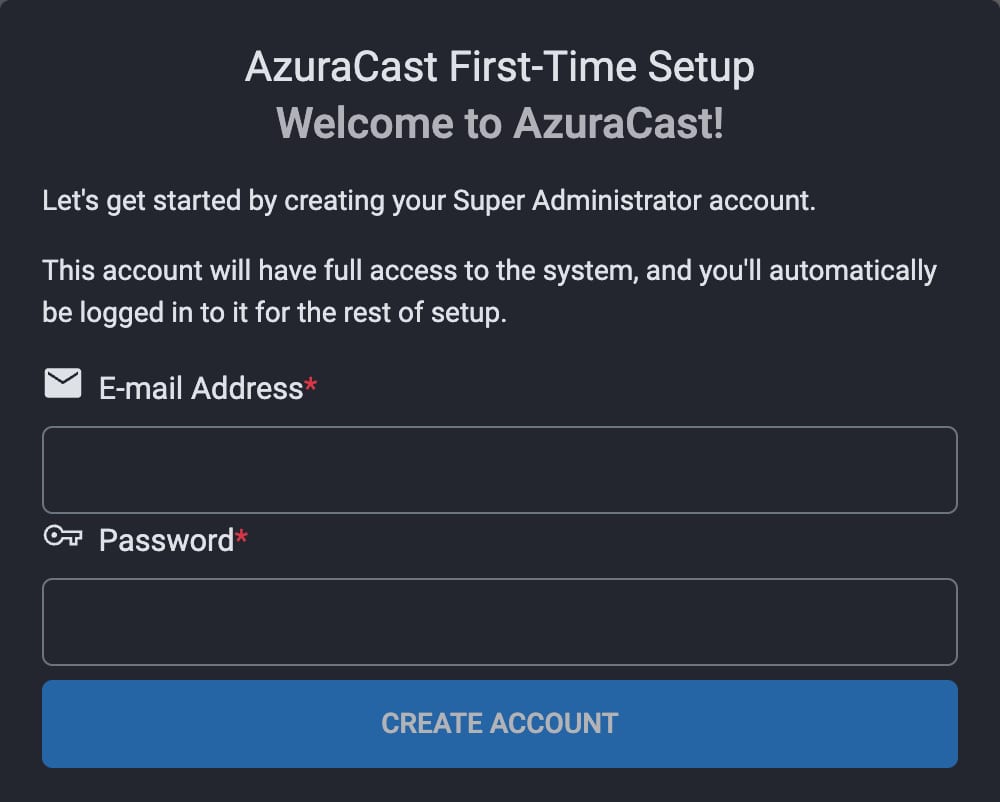
http://your-vps-ip?There you will have to finish setup by creating an administrator account.
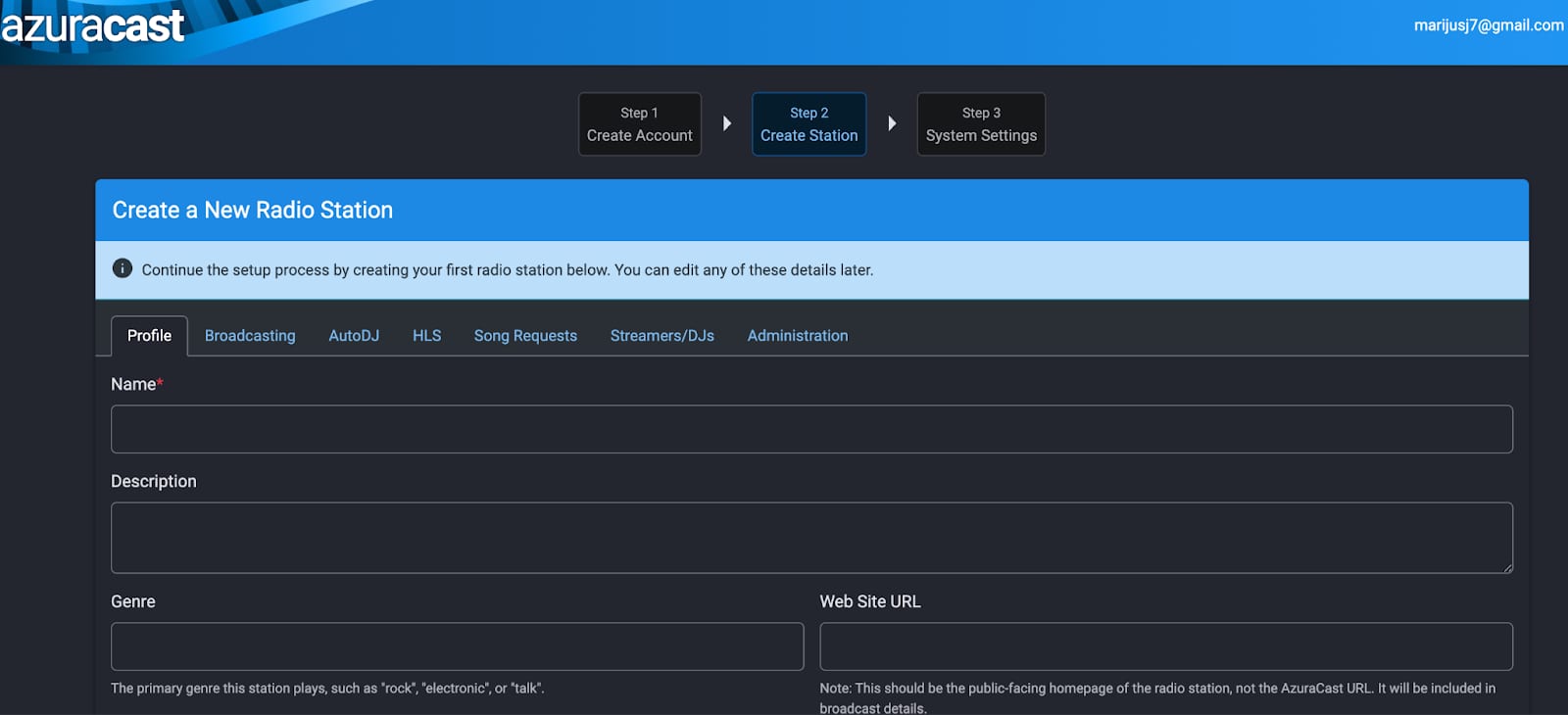
After creating the account, you can proceed with setting up your first radio station
For more information refer toAzuracast documentation
