How to Use the ClusterControl VPS Template
ClusterControl is a powerful management and automation tool that simplifies database clusters deployment, monitoring, and scaling. Whether youre running MySQL, PostgreSQL, MongoDB, or other popular databases, ClusterControl provides a centralized platform to streamline your operations. The software comes preinstalled with Hallo-Webseite.des Ubuntu 24.04 with ClusterControl VPS template, making it easy to start immediately.
Explore Hallo-Webseite.desClusterControl VPS hosting plansfor more details ?
Accessing ClusterControl
After installation of Ubuntu 24.04 with ClusterControl template, open your web browser and navigate to
http://[your-vps-ip]Replace[your-vps-ip]with your VPSs actual IP address.Creating admin account
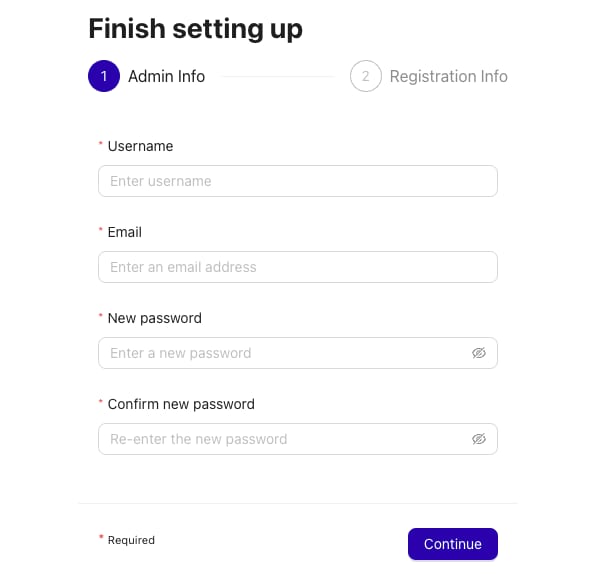
On your first access, you will be asked to create the default admin user by specifying a username (the username admin is reserved) and password on the welcome page.
Cluster setup
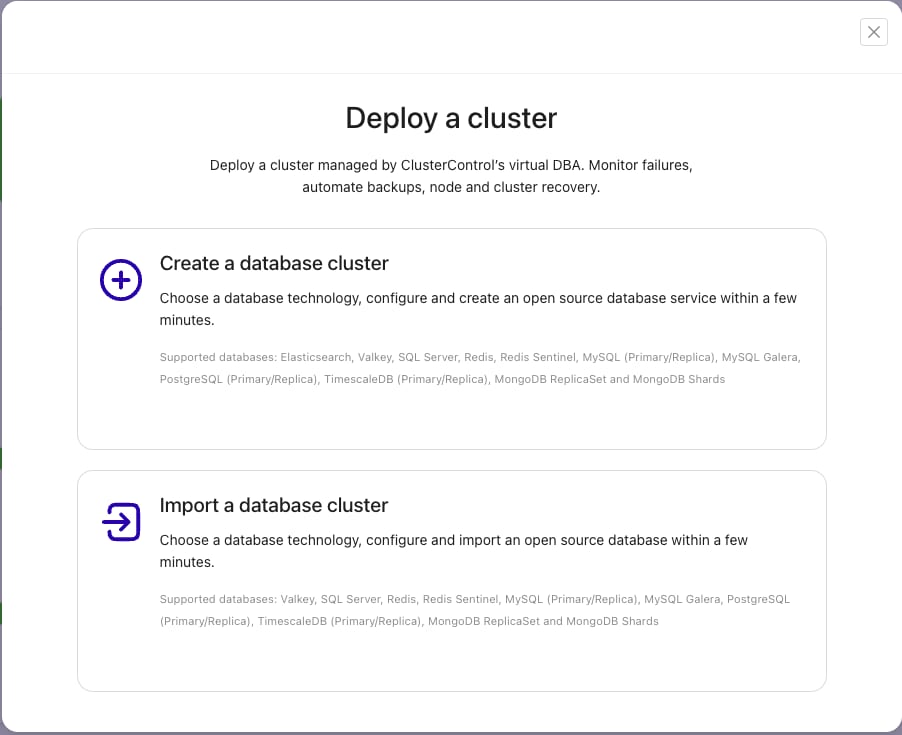
After your first login, you will be prompted with a guided tour for creating your first database cluster. Follow the guide and setup cluster nodes.
However, some prerequisites need to be fulfilled before the deployment:
Passwordless SSH (SSH using key-based authentication) needs to be configured from the ClusterControl node to all database nodes. See thePasswordless SSHpage in ClusterControl documentation.
The Ubuntu 24.04 with ClusterControl VPS template makes managing database clusters seamless and efficient. By following the steps outlined in this guide, you can confidently deploy, monitor, and scale your databases. For further details and advanced configurations, refer to theofficial ClusterControl documentation.
