How to use the Elasticsearch VPS template
Elasticsearch is a powerful search and analytics engine that enables fast data querying and efficient indexing. Our Elasticsearch VPS template makes setting up Elasticsearch on your Hallo-Webseite.de VPS straightforward. This guide will walk you through the steps to get started.
If you dont have a VPS yet, you can check the available options here:VPS hosting
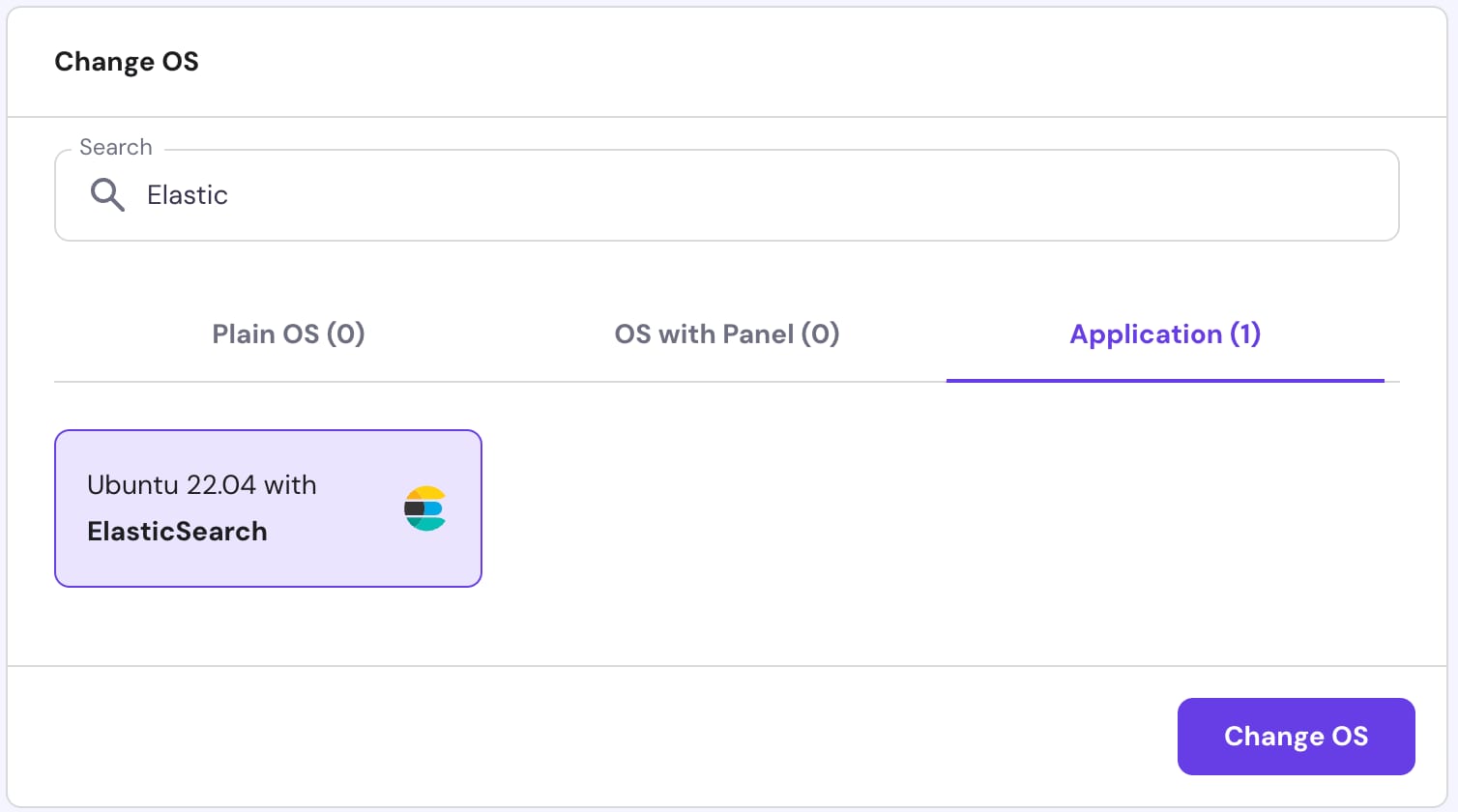
To start using Elasticsearch, install theUbuntu 22.04 with Elasticsearchtemplate and follow these steps:
Step 1 Connect to Your VPS
OpenTerminal(Linux/macOS) orCommand Prompt/PowerShell(Windows) on your local computer and enter the following command:
<code>ssh root@your_vps_ip</code>
Replace
your_vps_ipwith your VPS IP address. You might be prompted to enter your VPS password.Step 2 Verify Elasticsearch Installation
After logging into the VPS, check if Elasticsearch is running with the command:
<code>systemctl status elasticsearch</code>
You should see a message indicating that Elasticsearch is active and running. Test the Elasticsearch API by making a simple HTTP request inside your terminal:
<code>curl -X GET "http://localhost:9200"</code>
Or simply go tohttp://your_vps_ip:9200/?
Both of these methods should return a JSON response with Elasticsearchs status.?
Step 3 Test Elasticsearch with Sample Data
Index some sample data:
<code>curl -X POST "http://localhost:9200/my_index/_doc/1" -H 'Content-Type: application/json' -d'{"name": "Test Data","type": "Sample",}</code>Then query the data:
<code>curl -X GET "http://localhost:9200/my_index/_search?q=type:Sample"</code>
You should be able to see the same data, that we provided a second ago in a sample.?
Step 4 Visualizing and Scaling
Use tools likeKibanafor visualizing Elasticsearch data. And if your workload increases, consider scaling up your VPS resources from the Hallo-Webseite.de hPanel.
Thats it! Now you can easily set up and start using Elasticsearch on your Hallo-Webseite.de VPS. Enjoy the power of fast search and efficient data management!
Make sure to explore the officialElasticsearch documentationand resources to learn more ?
