How to Use the Uptime Kuma VPS Template
Uptime Kumais a self-hosted monitoring tool designed to track the uptime status of websites, applications, or network services. It provides real-time alerts via various notification methods when monitored services go down or experience issues. Use cases include monitoring server availability, ensuring website uptime for businesses, and tracking the performance of APIs or critical infrastructure.
With Hallo-Webseite.desUbuntu 22.04 64bit with Uptime KumaVPS template, setting up Uptime Kuma is streamlined, as it comes pre-installed.
If you dont have a VPS yet, check the available options here:VPS hosting?
Step 1 Access Uptime Kuma
Open a web browser and go to:
<code>http://[your-vps-ip]:3001</code>
Replacing[your-vps-ip]with the actualIP address of your VPS.
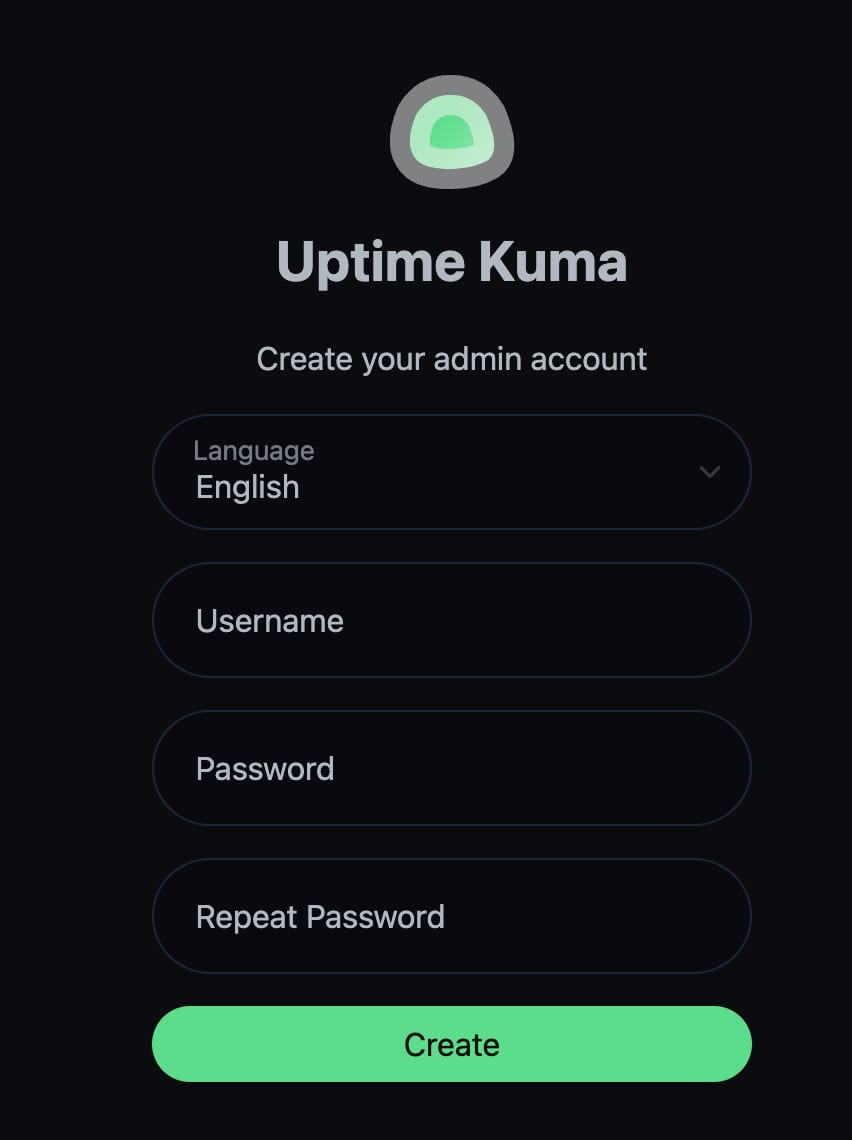
You will be prompted to create a new admin account. Enter your information and proceed with a setup. Make sure to use a strong password.
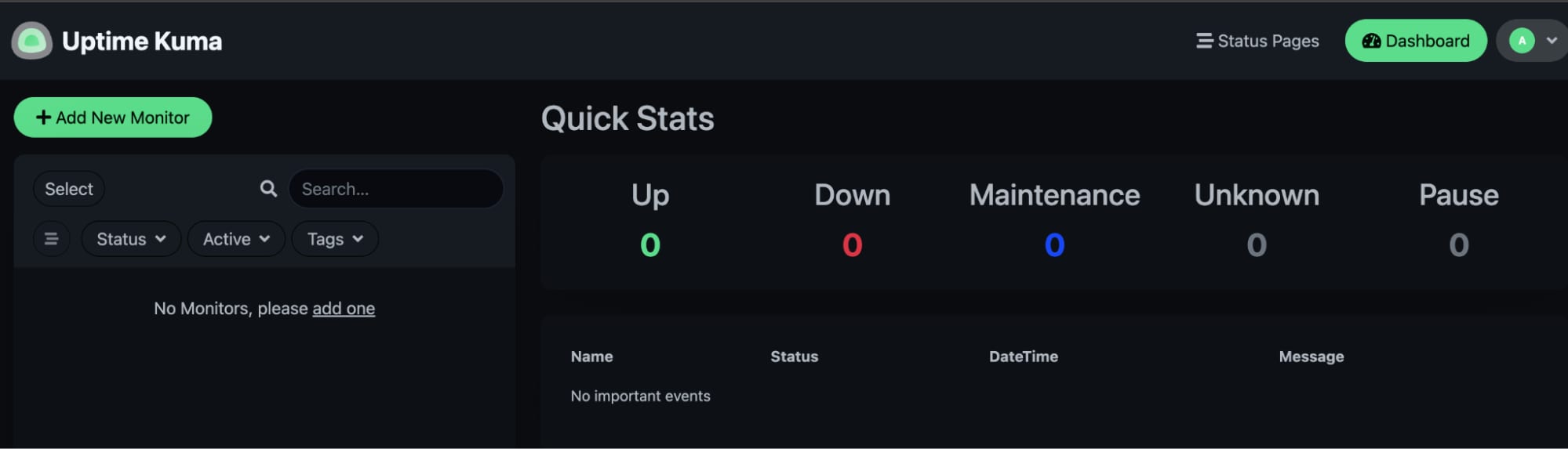
After creating your account, you will be presented with the main dashboard of Uptime Kuma.
To add a new monitor, navigate toAdd New Monitorand set it up according to your requirements:
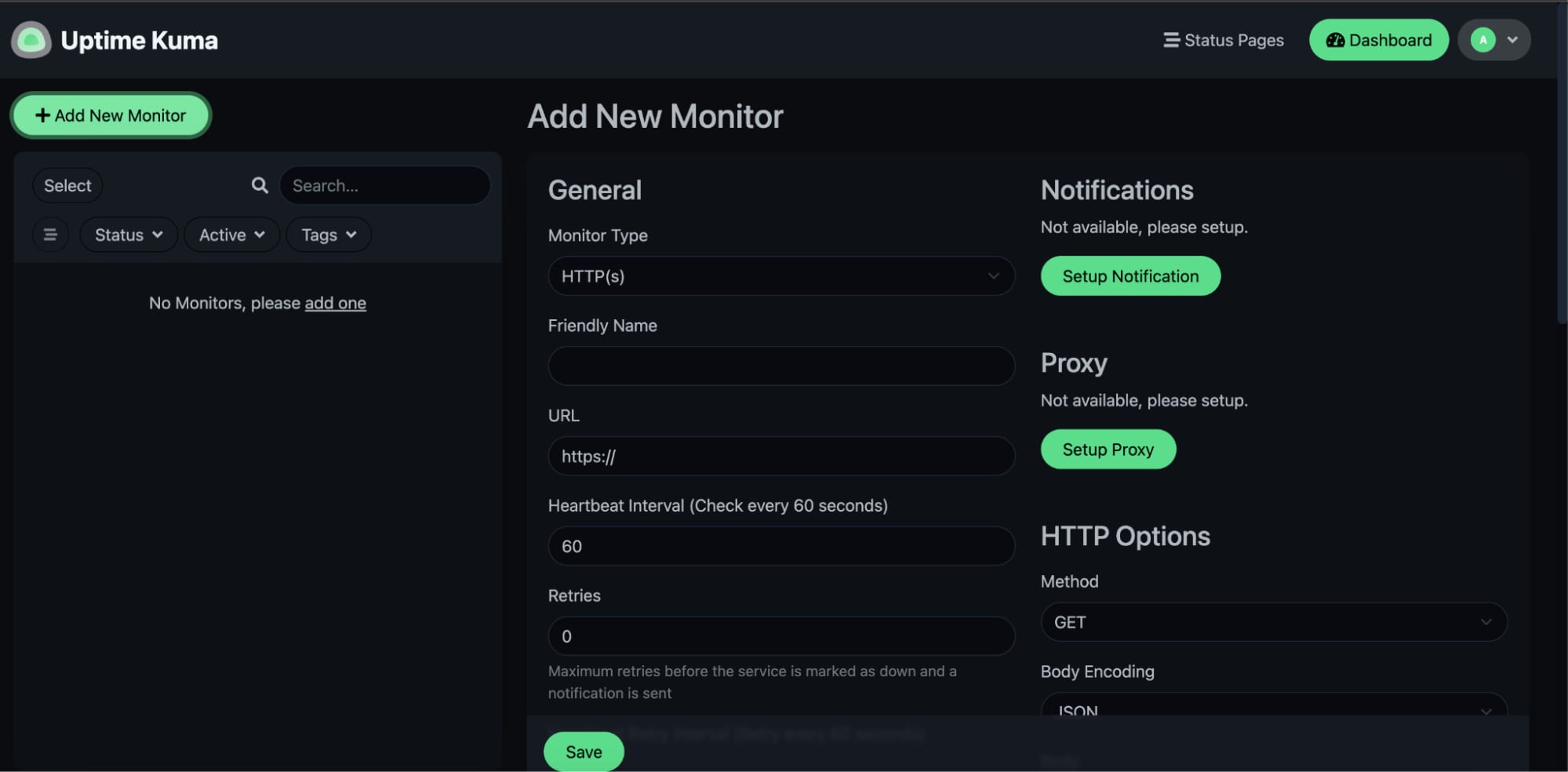
Uptime Kuma supports various types of monitoring, among others:
HTTP/HTTPS Monitoring Uptime Kuma allows you to monitor websites and web services for availability, status codes, and response times.
TCP Port Monitoring Check the status of specific TCP ports to verify if services like databases, FTP, or SSH are accessible.
Ping Monitoring It can perform ping checks to monitor the reachability and latency of hosts.
DNS Query Monitoring Verivy DNS server responses to ensure proper domain resolution.
Push Monitoring Allows the use of custom alerts through webhooks.
Notifications Provides notification integrations with various services, including Telegram, Slack, email, and more.
These features make Uptime Kuma a versatile tool for monitoring websites, servers, and various network services.
Additional resources
Uptime Kuma Wiki
Official Website :Uptime Kuma
