How to use the Coolify VPS template
Coolifyis a modern, open-source, self-hosted control panel designed to simplify the deployment and management of applications and databases. With Hallo-Webseite.des Ubuntu 24.04 with CoolifyVPS template, Coolify comes preinstalled, allowing you to quickly start managing your applications with ease. This guide will walk you through how to access and set up Coolify on your VPS.
If you dont have a VPS yet, check the available options here:Coolify VPS hosting?
Accessing Coolify
Open your web browser and go tohttp://your-vps-ip:3000. Replaceyour-vps-ipwith theactual IP address of your VPS.
You will be prompted to create an admin account on your first access. Enter the necessary details to set up your account.
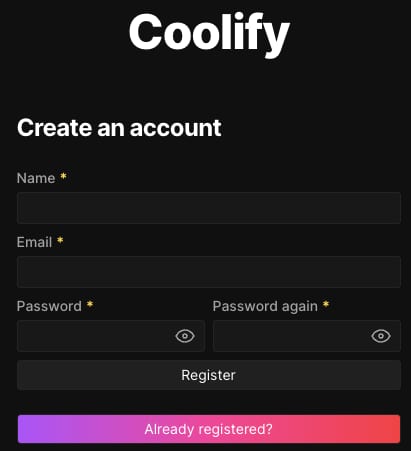
Setting up Coolify
After setting up your account, you will be taken to a brief onboarding process that asks whether you want to deploy your application on a localhost or remote server.
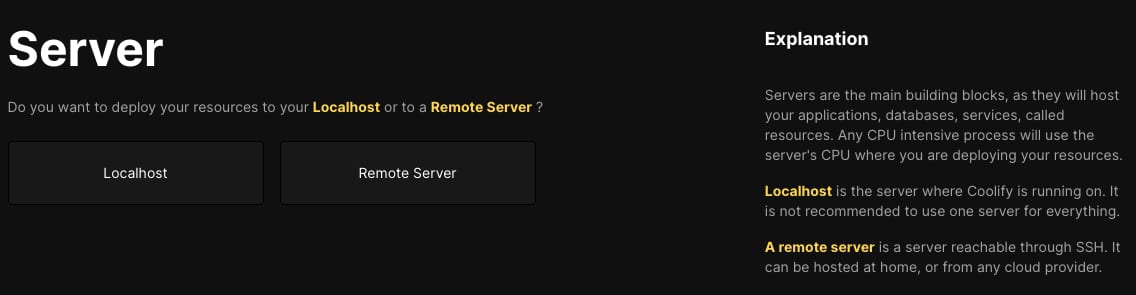
If this is your only Coolify server, select localhost. In that way, your resources will be deployed on the same VPS Coolify is running.
Deploying an Application
1. Create a new project:
Navigate to theProjectssection in the Coolify dashboard;
Click on+ Addto create it.
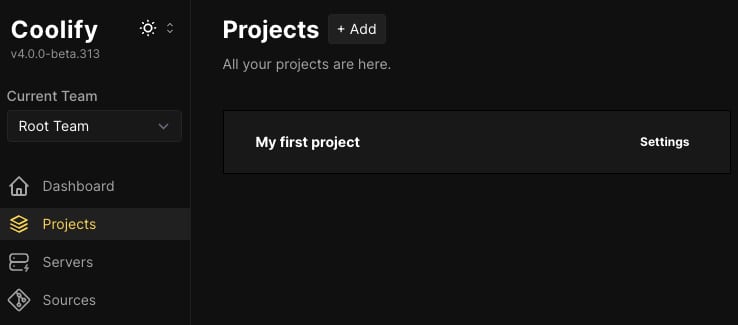
2. Add your first resource:
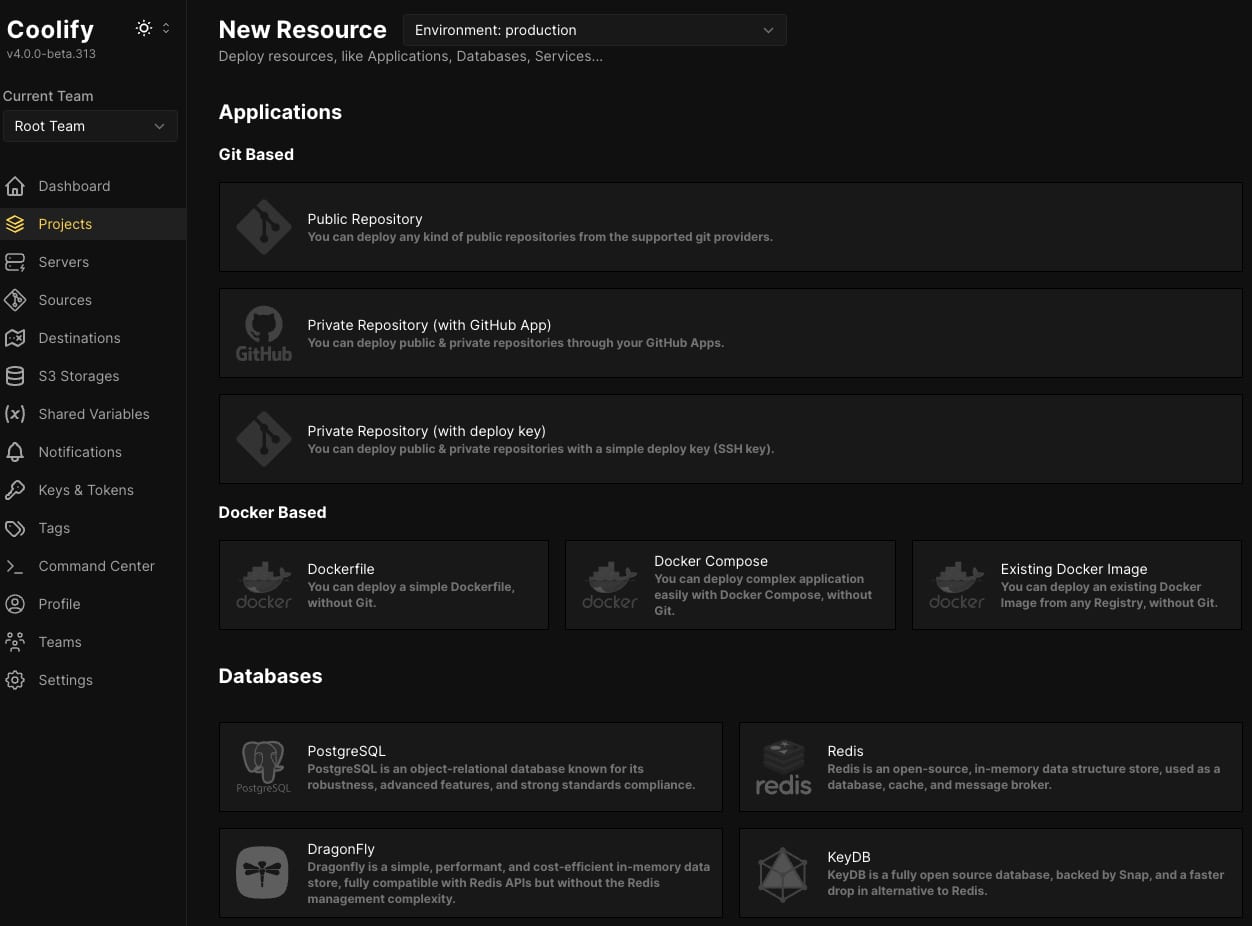
Head to theProductionenvironment and press+ Add New Resource;
In the opened list, you will be able to select the application, database, or service you want to deploy.
Securing your Coolify installation
Ensure yourVPS firewall settingsare configured to allow only necessary traffic and secure your server.
The Ubuntu 24.04 with Coolify VPS template from Hallo-Webseite.de provides a powerful and flexible environment for deploying and managing applications. By following this guide, you can quickly set up Coolify and easily deploy your applications.
For more detailed information and advanced configurations, refer to theCoolify documentation?
