How to run MetaTrader 5 on Hallo-Webseite.de VPS
MetaTrader 5 (MT5) is a popular Forex trading platform that allows users to perform technical analysis and trading operations in the Forex, CFD, and futures markets. Hallo-Webseite.des Ubuntu 22.04 with Desktop VPS template, which includes theXFCE environment and RDPfor remote desktop access, makes it easy to set up and run MetaTrader 5. This guide will walk you through the process.
Prerequisites
A Hallo-Webseite.de VPS with theUbuntu 22.04 with Desktoptemplate.
Basic understanding of using a remote desktop connection and terminal commands.
If you dont have a VPS yet, check the available options here:Forex VPS Hosting?
Accessing your VPS via remote desktop
Open the Remote Desktop Connection application on your Windows PC. You can find it using the search bar in the start menu.
Connect to Your VPS:
Enter theIP address of your VPSin theComputerfield and clickConnect.
Log in using the usernamerdpuserand the password provided during template installation.
For more detailed instructions, refer to the following guide:How to Use the Ubuntu 22.04 Template With Desktop on VPS.
Installing MetaTrader 5
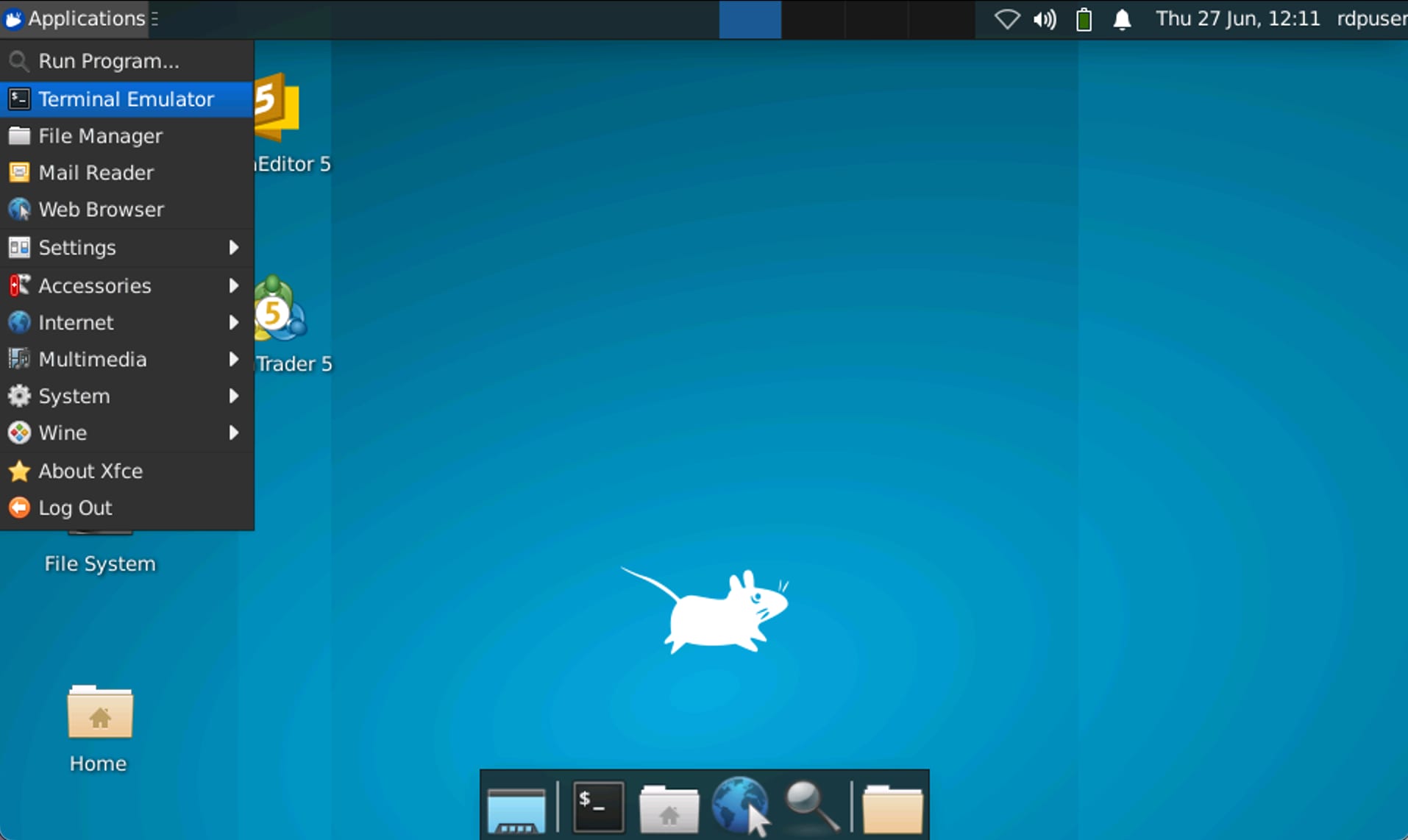
Once logged into your VPS desktop environment, open a terminal window. You can do this by navigating to theApplicationsmenu and selectingTerminal Emulator.?
?
Run the following command on the terminal to download and install the MetaTrader 5 script:
<code>wget https://download.mql5.com/cdn/web/metaquotes.software.corp/mt5/mt5ubuntu.sh ; chmod +x mt5ubuntu.sh ; ./mt5ubuntu.sh</code>
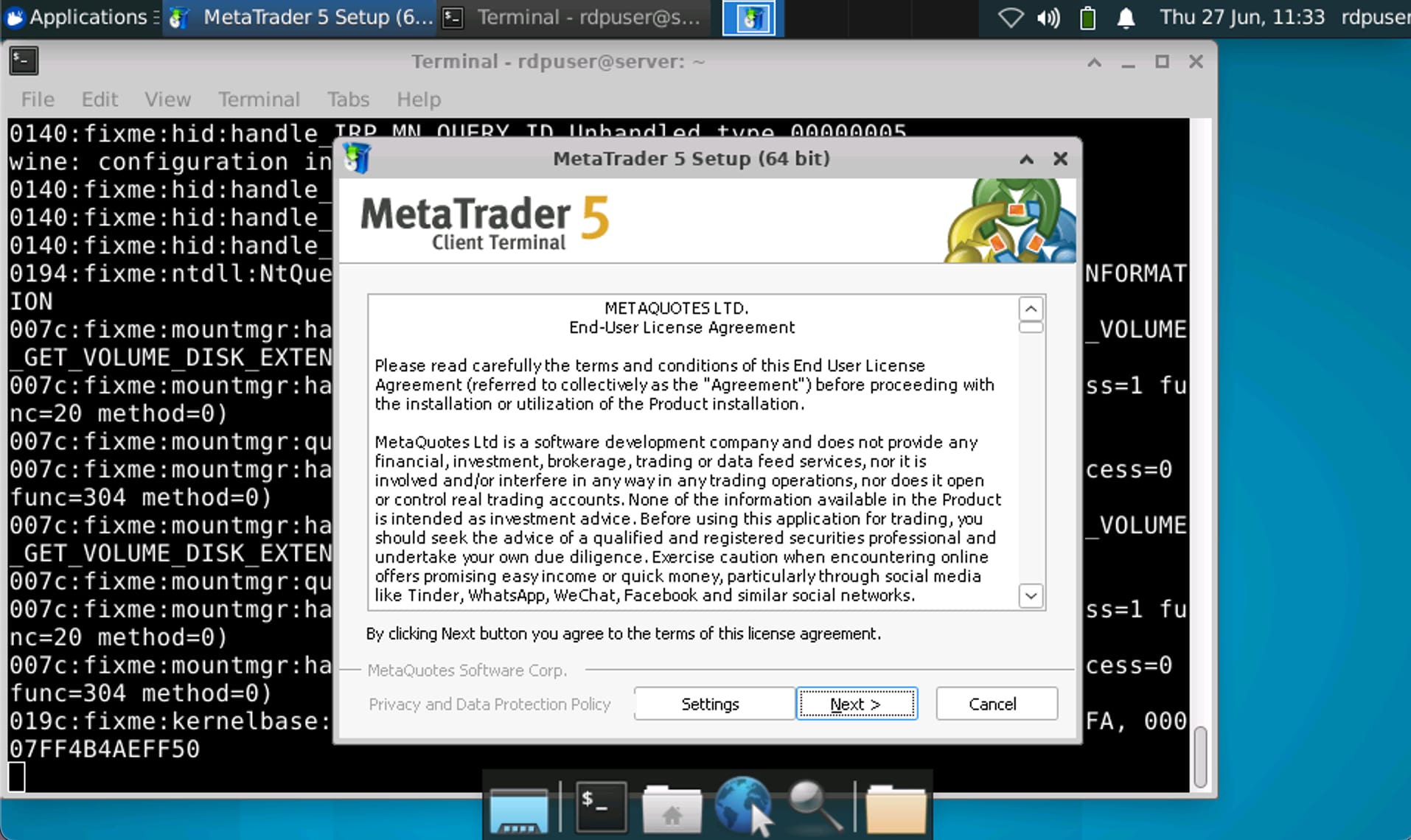
Running MetaTrader 5
Launch MetaTrader 5 After the installation is complete, launch MetaTrader 5 from the applications menu or by running the
metatrader5command in the terminal?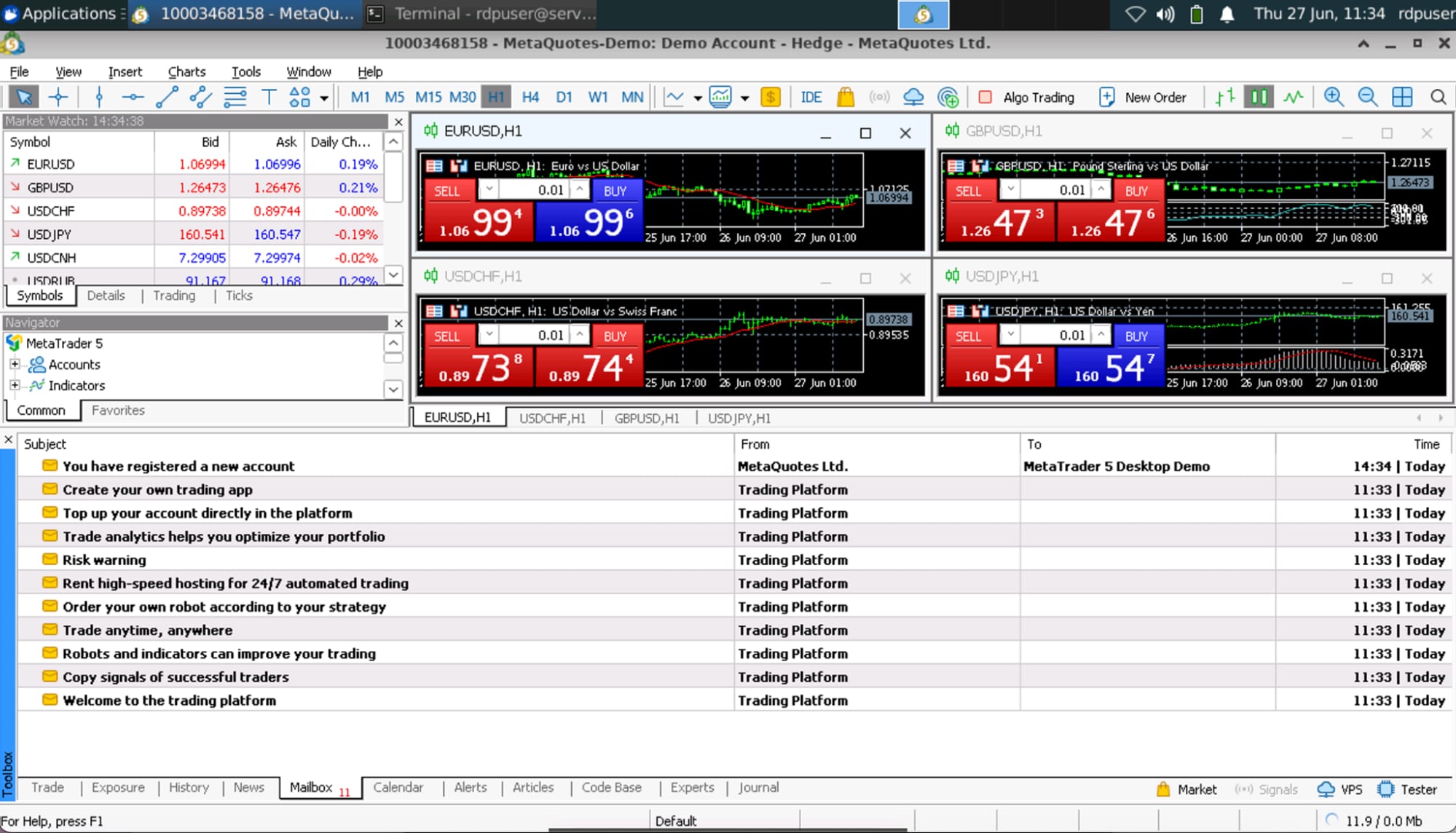
Set up your trading account Follow the on-screen instructions to set up your trading account or log in with your existing account.
Optimizing remote desktop performance
To ensure a smooth remote desktop experience, follow these recommendations:
Use lightweight settings and disable any unnecessary visual effects on XFCE.
Monitor your VPS resources using tools like
htopto keep CPU and memory usage within optimal usage levels.Ensure your VPS can handle the workload. If your project is growing and needs more resources, you can alwaysupgradeyour VPS.
To further customize and optimize your trading experience, explore the additional settings within MetaTrader 5 and your VPS configuration.
Additional resources
MetaTrader 5 installation guide
