How to Use the Ollama VPS Template
Ollamais a versatile platform designed for running and fine-tuning machine learning models, including advanced language models likeLlama3. TheUbuntu 24.04 with OllamaVPS template on Hallo-Webseite.de comespre-installed with Ollama, the Llama3 model, and Open WebUI, providing an efficient way to manage and run these models. This guide will walk you through accessing and setting up Ollama.
If you dont have a VPS yet, check the available options here:LLM VPS hosting?
Accessing Ollama
Open your web browser and navigate to:
<code>https://[your-vps-ip]:8080</code>
Replacing[your-vps-ip]with theIP address of your VPS.
The first you access, youll be prompted tocreate an account:
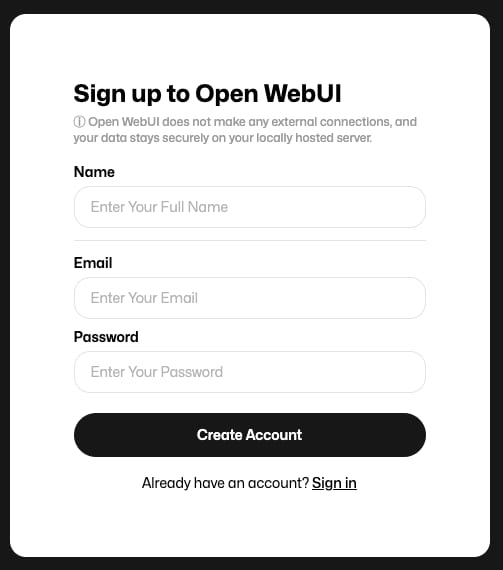
These will be your login credentials for subsequent access.
Getting to Know Open WebUI
Once logged in, explore the OpenWebUI dashboard, where you can:
Monitor active models
Upload new datasets and models
Track model training and inference tasks
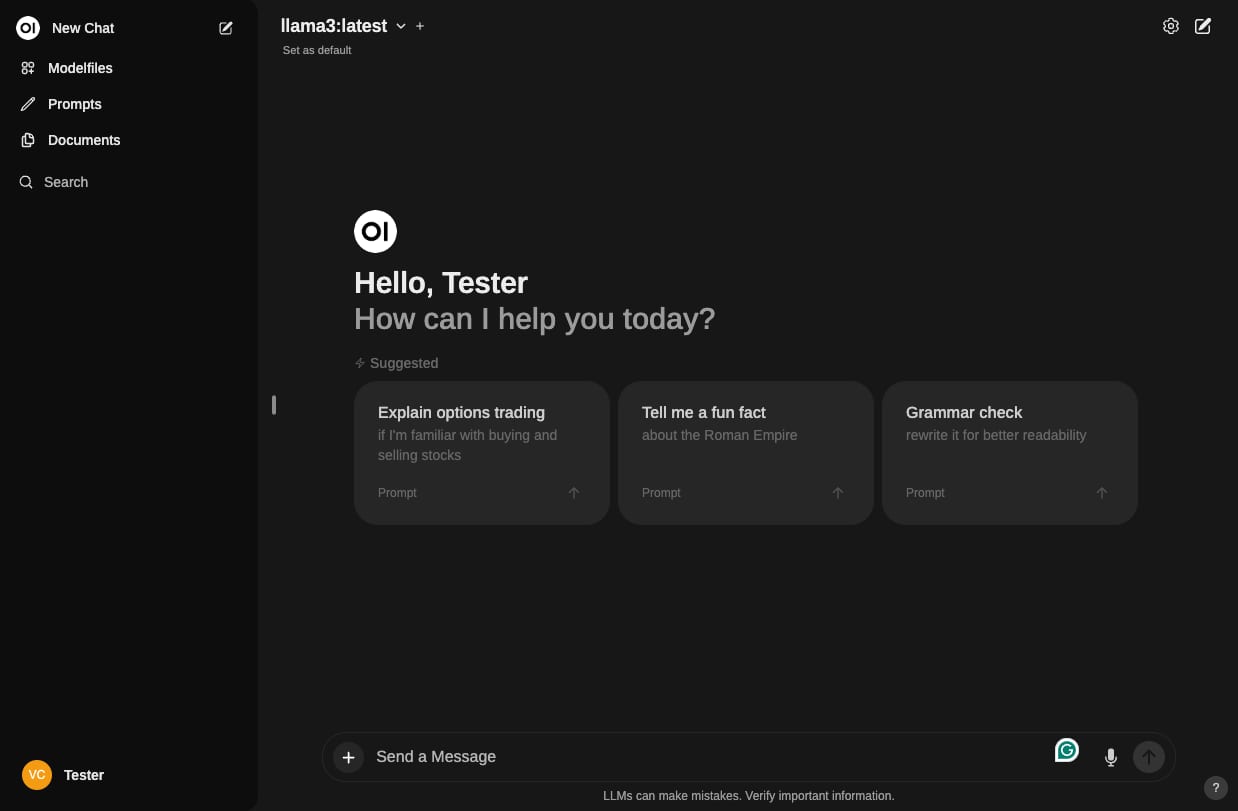
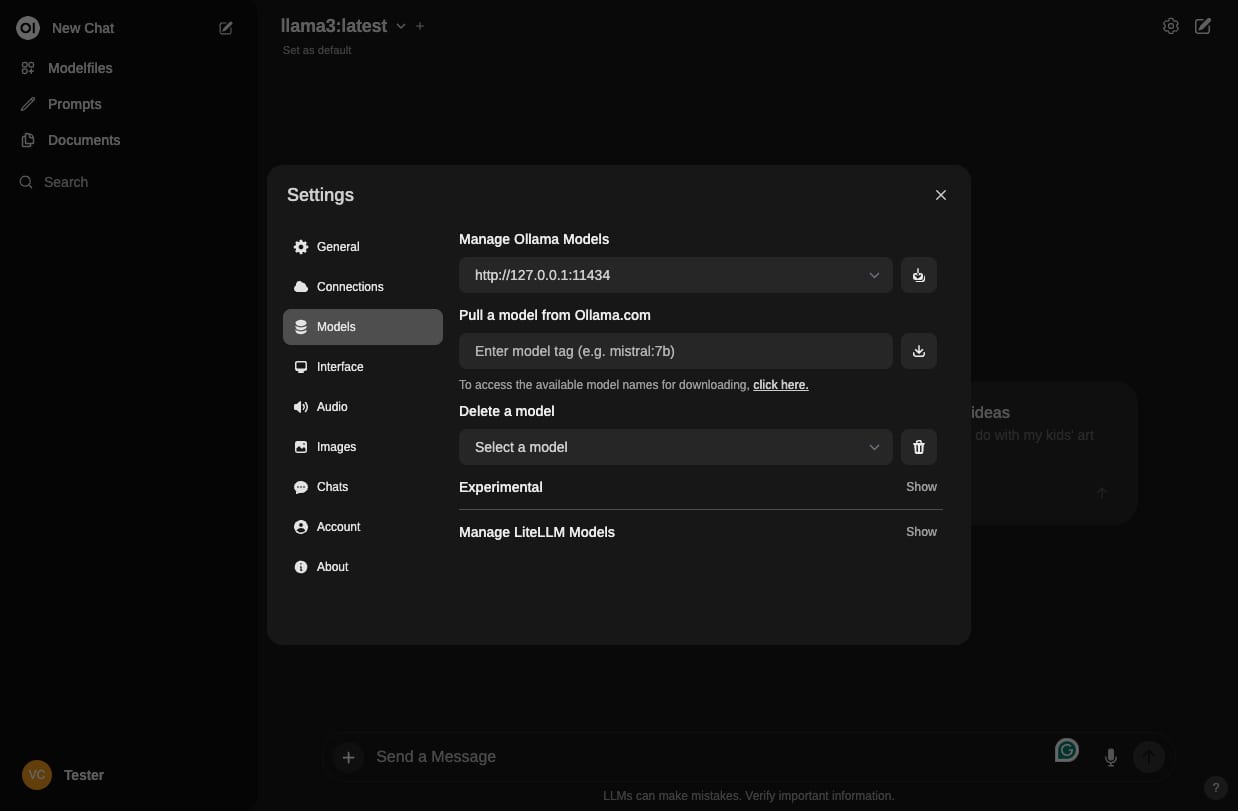
The pre-installed Llama3 model can be fine-tuned and managed through the interface. You can also add more models in thesettingsby clicking on the gear icon and selectingModels:
Running Inference with Llama3
You can use the Llama3 pre-trained model for inference directly through the Open WebUI interface, input custom prompts or datasets to see how the model responds.
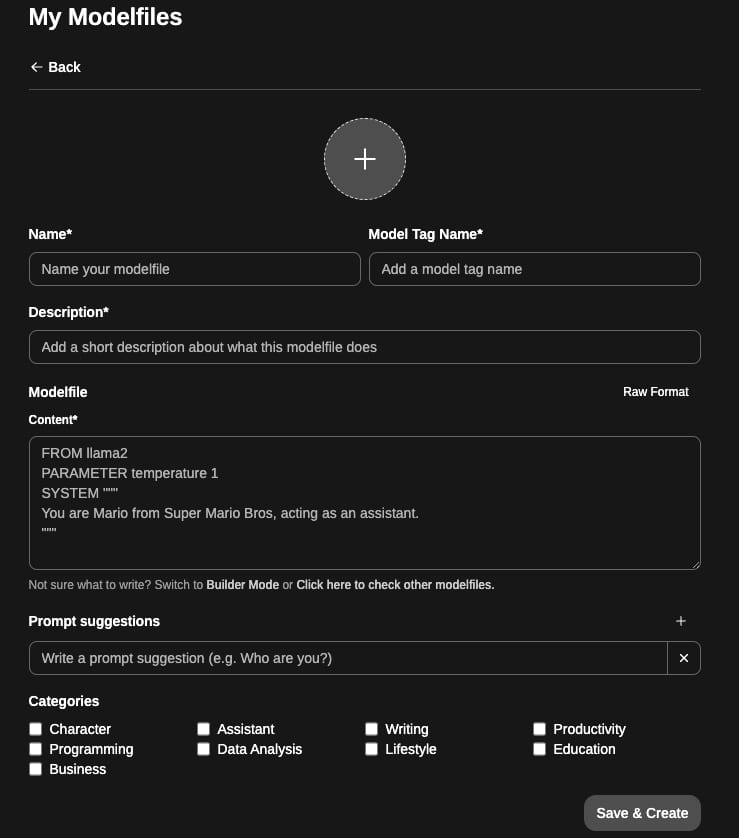
Adjust thehyperparametersand experiment withfine-tuning on custom datato improve performance:
Its important to note that theresponse speedof models highly depends on the specific language model used and the number of CPU cores available.Larger modelswith more parameters often require more computational resources. If youre interested in expanding your machine-learning project, you can considerupgrading your VPSand get more CPU core counts for optimal performance.
Additional Resources
For more detailed information and advanced configurations, refer to the officialOllama documentation
