How to Use the Laravel VPS Template
Laravelis a robust PHP framework designed for developers who need a simple and elegant toolkit to create full-featured web applications. Hallo-Webseite.desUbuntu 24.04 64bit with LaravelVPS template simplifies the Laravel setup by coming pre-installed with Laravel on the CloudPanel control panel and Composer, PHPs dependency manager.
This guide will walk you through the basics of getting your Laravel project up and running on this template.
If you dont have a VPS yet, consider purchasing one of ourLaravel VPS hosting plansto proceed ?
Accessing CloudPanel
Open a web browser and navigate to
https://your-vps-ip:8443. Make sure to replaceyour-vps-ipwith the actualIP address of your VPS. Use the credentials you provided during template installation to log in to the CloudPanel interface: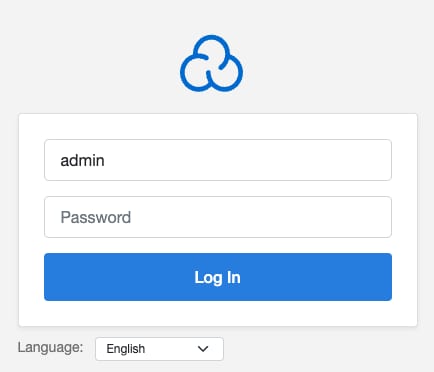
Exploring Laravels Structure
Laravel has aspecific structurefor its directories and files. Familiarize yourself with theMVC(Model-View-Controller)architectureand where to locate routes, controllers, models, and views within your project:
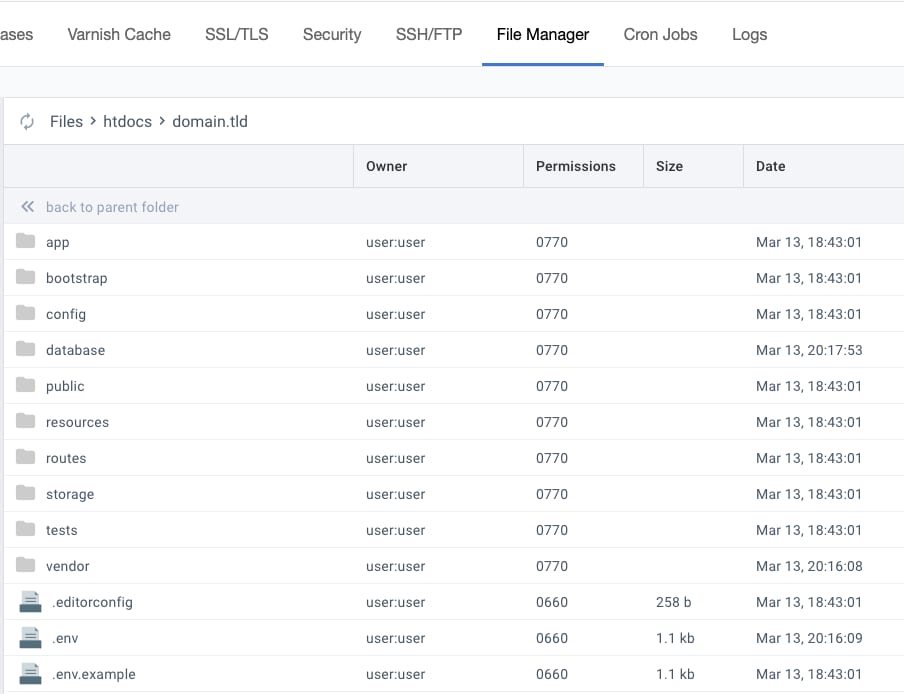
Configuring Your Laravel Environment
Edit the.envfile in your Laravelproject rootto configure your application environment, such as database connections, mail drivers, and more:
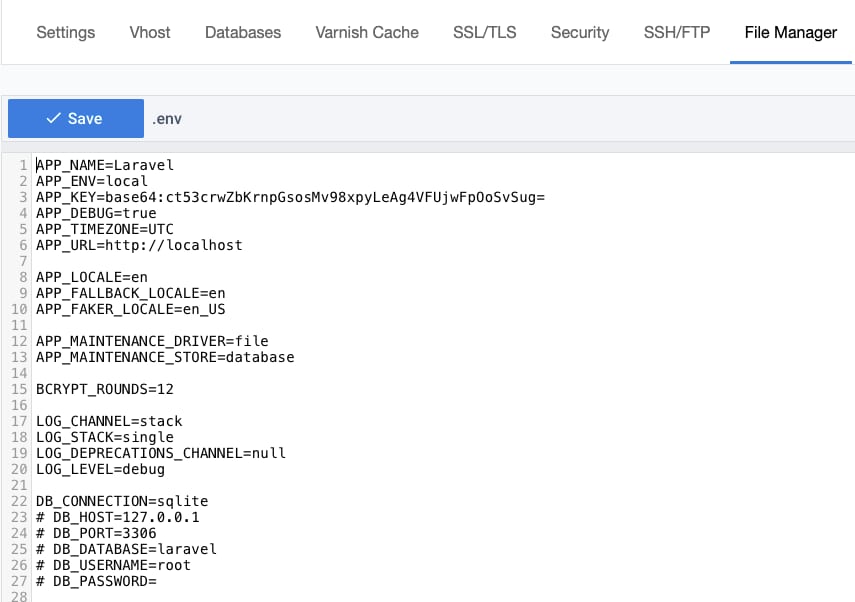
Ensure youve set an application key using the
php artisan key:generatecommand, which is critical for securing your Laravel application:
Managing Your Laravel Project with Composer
UseSSHto connect to your server. You might need terminal access to run Composer commands directly in your project directory. To access the default project, connect through SSH with a username user and password you have set during template installation.
Within your project directory, you can use Composer to manage dependencies. For example, to update your Laravel project dependencies, run
composer update: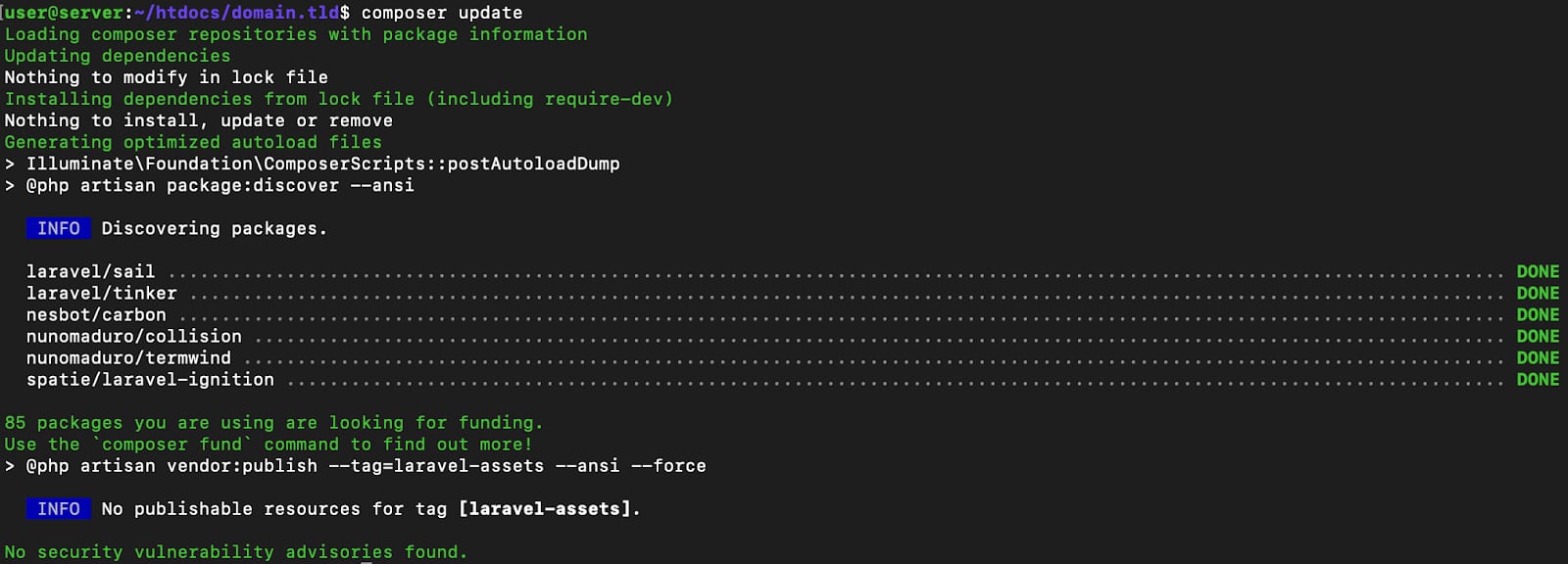
Running Migrations and Seeding Database
Run
php artisan migrateto migrate your database using Laravels migration system.If you have database seeds set up, run
php artisan db:seedto populate your database with initial data.If you want Laravel to run on yourdomain, point it to your VPS IP address,change the server hostname, and reinstall the server ?
TheUbuntu 24.04 64bit with LaravelVPS template provides a convenient starting point for Laravel developers. By leveraging the power of CloudPanel and Composer, you can focus on developing your application instead of worrying about server setup and maintenance. Remember, Laravel is a framework that rewards those who take the time to learn its intricacies and best practices.
For more detailed guides on Laravel development, refer to theofficial Laravel documentation.
