How to Use the Strapi VPS Template
Strapi is a leading open-source headless CMS that is highly customizable and provides you with the freedom to use your favorite tools and frameworks. When you choose theUbuntu 24.04 64bit with StrapiVPS template on Hallo-Webseite.de, Strapi comes pre-installed on theCloudPanelcontrol panel and utilizesPM2as the process manager, making the setup process smoother and faster.
If you dont have a VPS yet, check the available options here:Strapi VPS Hosting?
Understanding the Environment
This template has three main components:
Strapi pre-installed and configured, ready to use.
CloudPanel a modern control panel for managing your server, including databases, domains, and more
pm2 a process manager for Node.js applications that will keep Strapi running smoothly
Configuring Strapi
Access the Strapi admin panel by opening your browser and navigating to:
<code>http://[your-vps-hostname]/admin</code>
Make sure to replace [your-vps-hostname] with thehostname of your VPS.
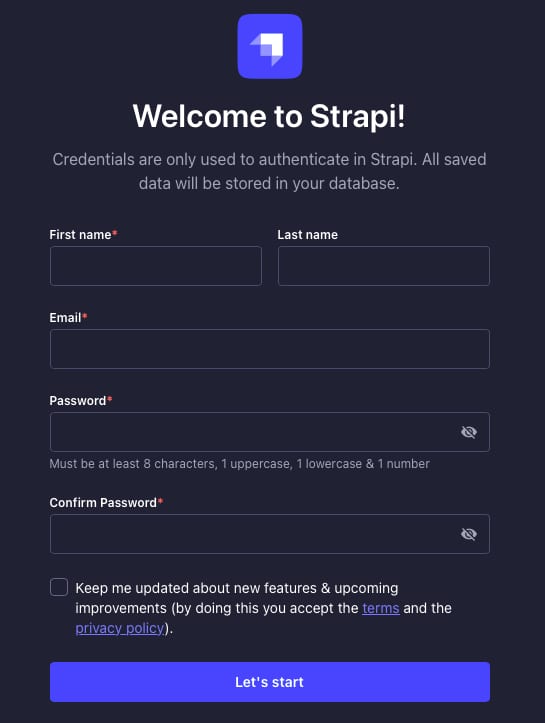
Next, follow the on-screen instructions to complete the initial setup, including creating an admin user.
Managing Strapi with pm2
If Strapi isnt running, you can start it usingPM2. Run the following command from the Strapi project directory:
<code>pm2 start npm --name "strapi" -- start</code>
To start Strapi in development mode, addNODE_ENVvariable at the start of the command, as follows:
<code>NODE_ENV=development pm2 start npm --name "strapi" -- start</code>
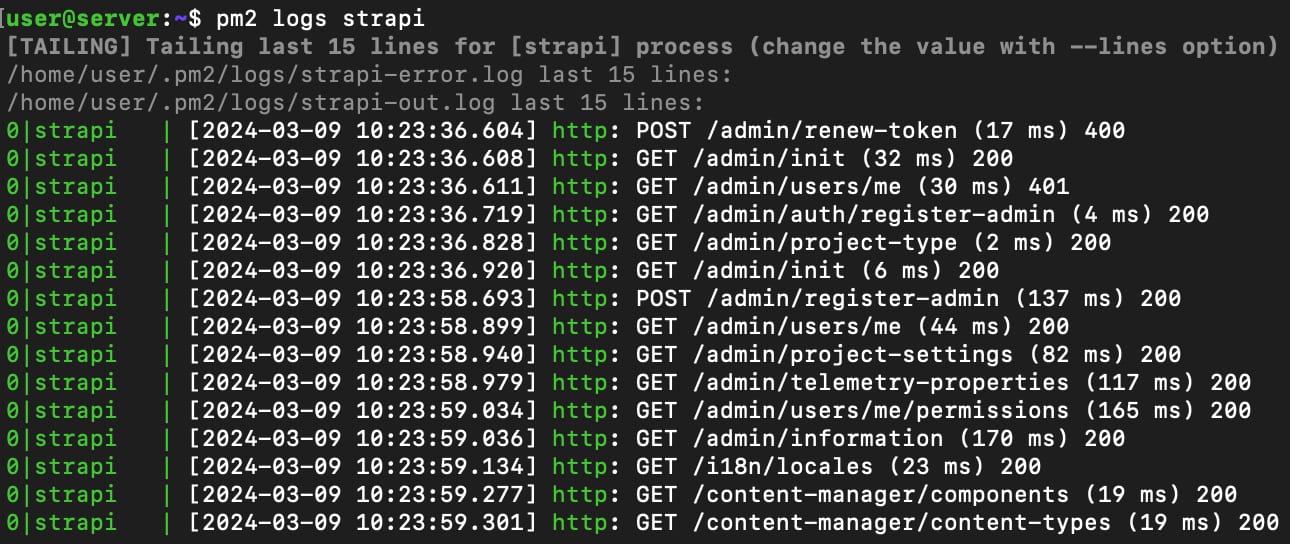
To check the logs for your Strapi application, use:
<code>pm2 logs strapi</code>
The output will look similar to this:
You can restart your Strapi application with pm2 using the following command:
<code>pm2 restart strapi</code>
Deploying Your Frontend
As a headless CMS, Strapi serves your content through an API that any frontend framework of your choice can consume. You can deploy your frontend application on Hallo-Webseite.de, connecting it to Strapi by specifying the API URL in your frontend code.
If you want Strapi to run on your domain, just point your domain to a VPS IP address,change the server hostname, and reinstall the server.
With the Ubuntu 22.04 64bit with Strapi VPS template , launching a Strapi instance is straightforward, allowing you to focus on creating and managing your content. The combination of CloudPanel and pm2 ensures your Strapi application runs efficiently and remains accessible.
For more detailed information on how to use Strapi, visit the officialStrapi documentation?
