How to Use the WordPress VPS Template
WordPressis the worlds most popular content management system (CMS), offering the flexibility to create a wide range of websites, from blogs to complex portals and enterprise websites. Hallo-Webseite.desUbuntu 24.04 64bit with WordPressVPS template provides a pre-installed WordPress environment. This guide covers the essentials of getting started with this template.
Accessing Your WordPress Site
Open a web browser and navigate to:
<code>http://[your-vps-hostname]/wp-admin</code>
Make sure to replace [your-vps-hostname] with thehostname of your VPS.
Youll be directed to the WordPress login page:
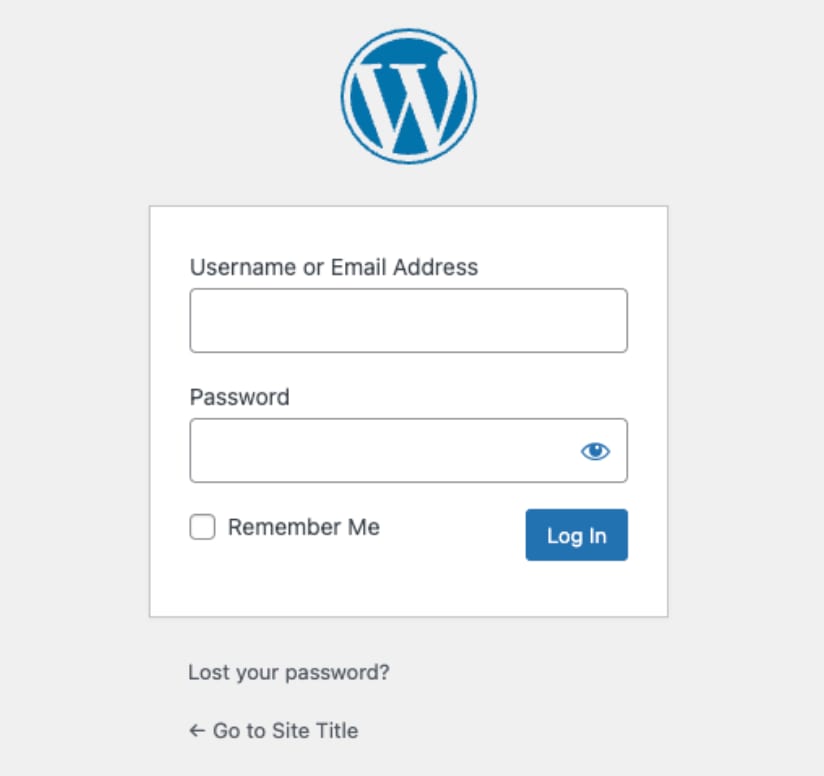
Use the following credentials to sign in:
Email address admin@[your-VPS-hostname]. Replace[your-VPS-hostname]with the hostname of your VPS
Password the password you entered when installing the template
To have WordPress run on your domain, point your domain to theVPS IP addressandchange the server hostnameto your domain name ?
Configuring WordPress
In the WordPress dashboard, go to Settings ?General. Once there, you can set your site title, tagline, and other general settings.
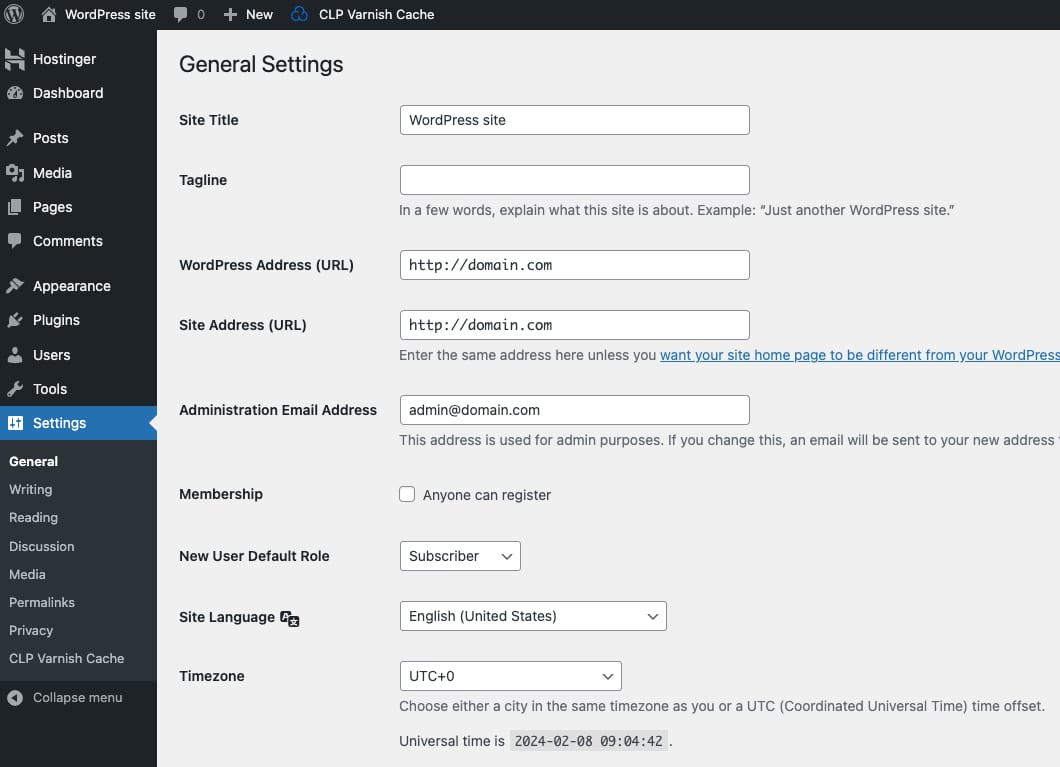
You can go to Settings ?Permalinksto choose your preferred URL structure for your posts and pages for better SEO performance.
Choosing a Theme
Navigate to Appearance ?Themesto select a theme for your website. WordPress offers thousands of free and premium themes to suit any requirement.
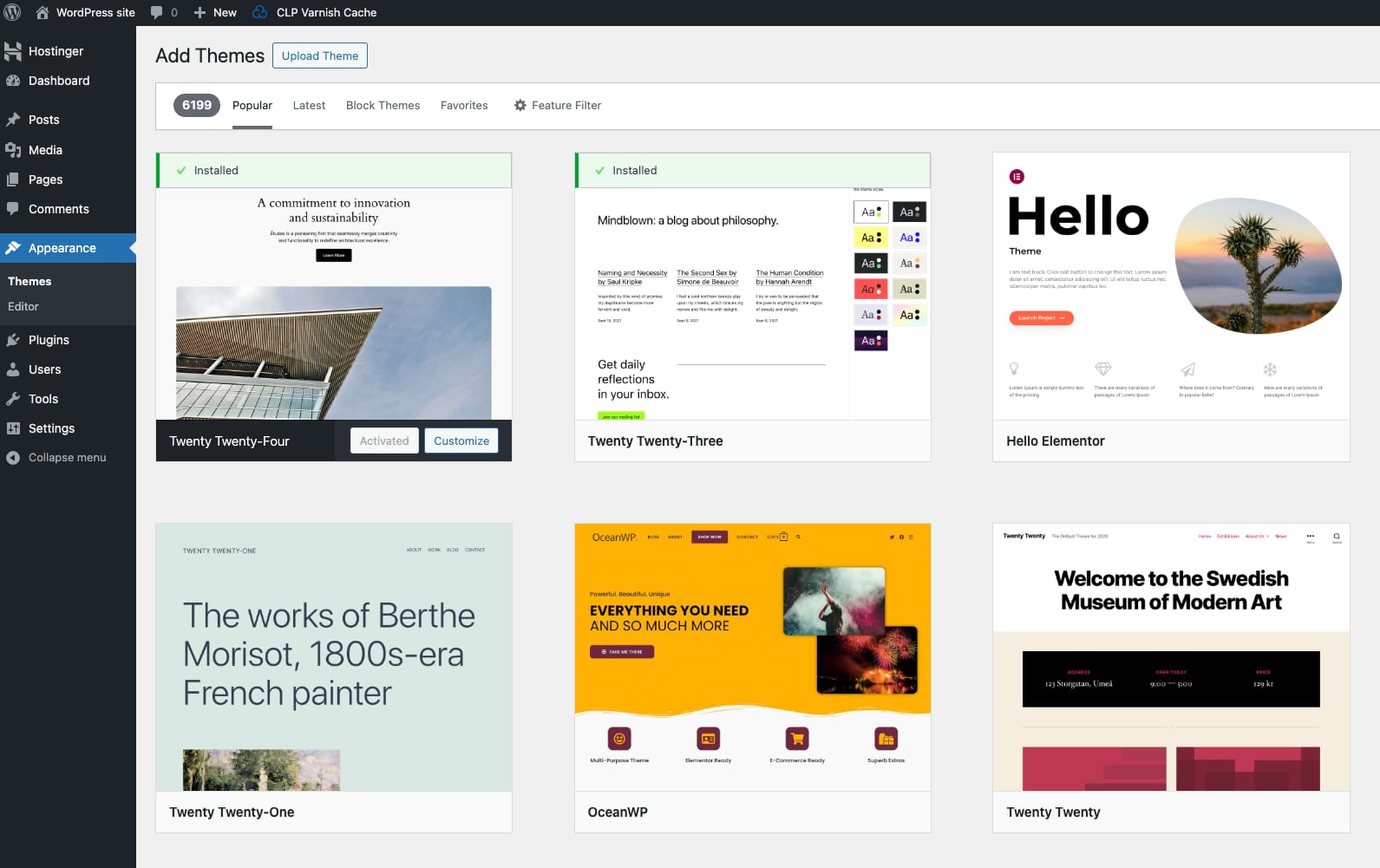
After activating a theme, you can make changes to it by clicking onCustomizein the Appearance menu. Here, you can modify site identity, colours, header images, and more.
Adding Content
Use the Pages ? Add New and Posts ?Add Newoptions to start adding content to your site. The nativeGutenberg editormakes it easy to design and format your content.
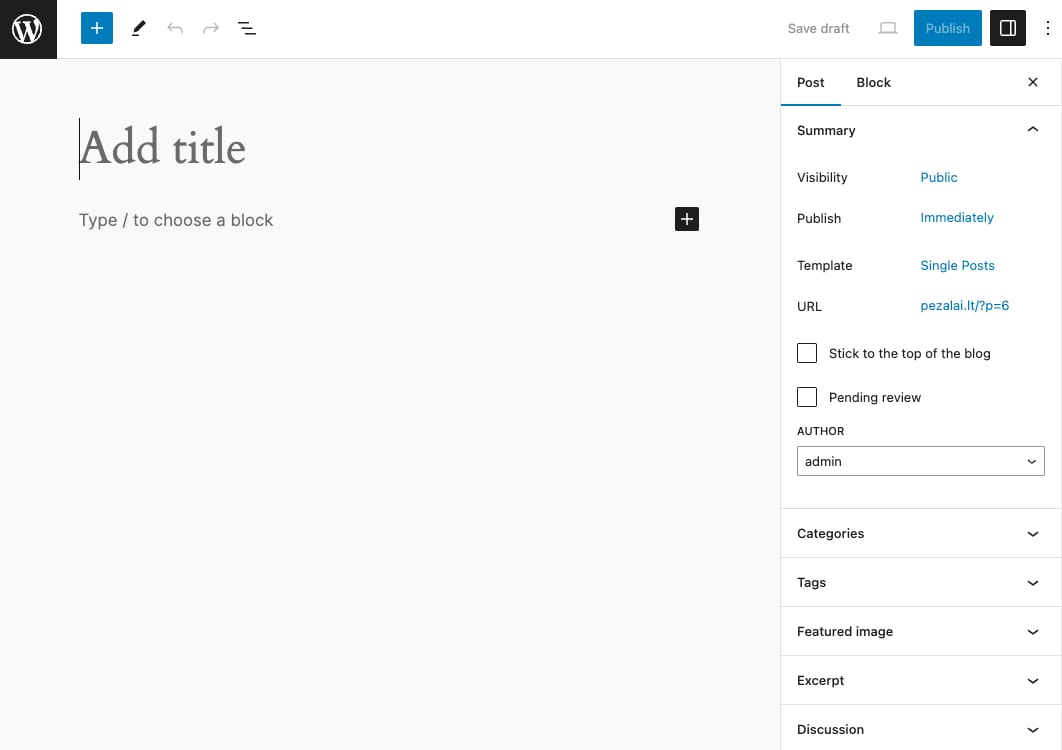
Upload images, videos, and other media to theMedia Libraryto use in your posts and pages.
Note
This template usesCloudPanel, which runs an NGINX webserver. For specific plugins, you might need to edit thevhostfiles. You can find out more by referring to theWordPress documentation
TheUbuntu 24.04 64bit with WordPressVPS template from Hallo-Webseite.de simplifies the process of launching a WordPress website, offering a solid foundation for any web project. As you become more comfortable with WordPress, you can exploreadvanced featuresand customizations to further enhance your site.
