How to Use the Moodle VPS Template
Moodleis a widely usedopen-source learning management system(LMS) that provides educators and learners with robust tools for online learning and collaboration. With Hallo-Webseite.desUbuntu 24.04 64bit with MoodleVPS template, setting up a Moodle environment is streamlined, as it comes with Moodle pre-installed. This guide will help you get started with Moodle on your VPS.
Check out ourMoodle VPS hosting solutionsto ensure you have the best Moodle experience!
Accessing Moodle
Open a web browser and go tohttps://[your-VPS-hostname]/admin make sure to replace[your-VPS-hostname]with thehostnameof your VPS
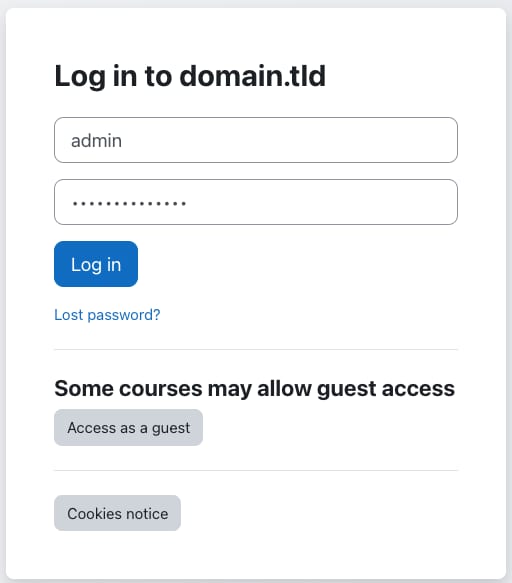
Use
adminas a username and thepasswordyou entered when installing the template.Configuring Moodle
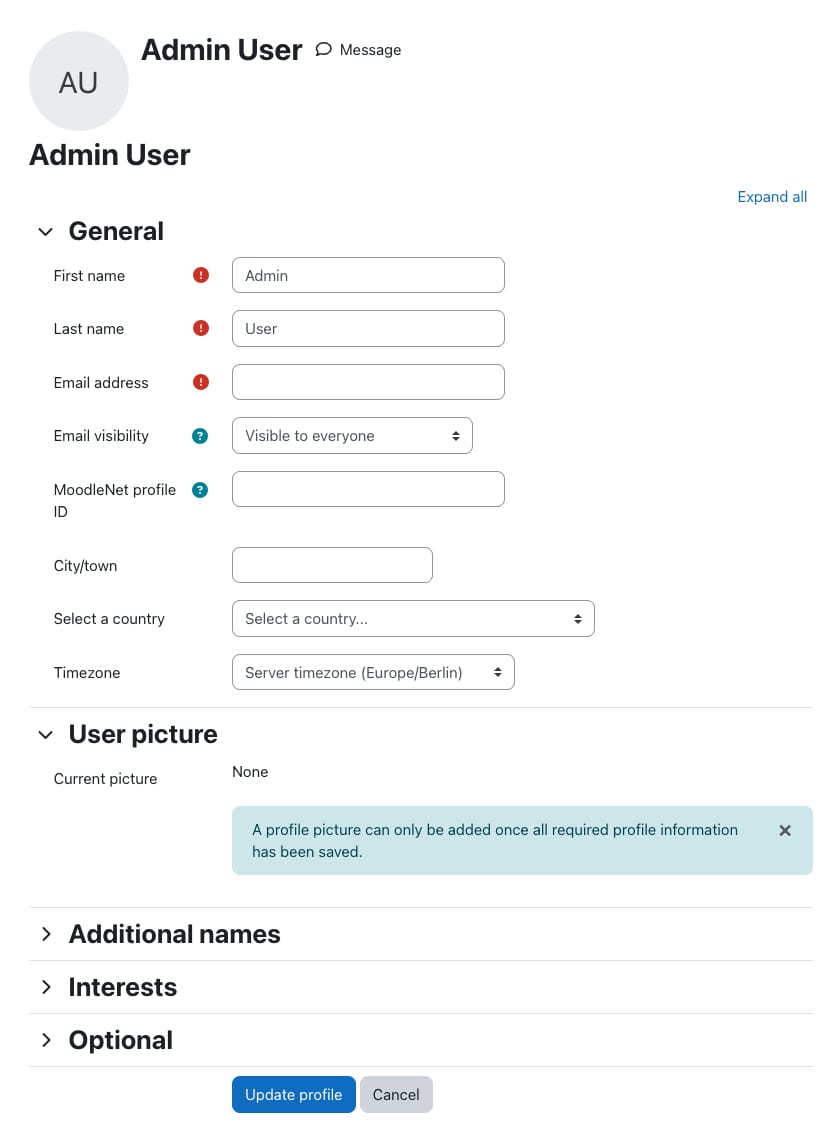
Upon first access, Moodle will ask to change your admin account details:
Creating Courses
In the Moodle dashboard, navigate to theMy coursessection to start creating your online courses:
Here, you can add learning materials, quizzes, assignments, and other educational resources to your courses.
Enrolling Users
InSite administration?Users, createuser accountsfor learners and educators. You can also enable self-registration for users:
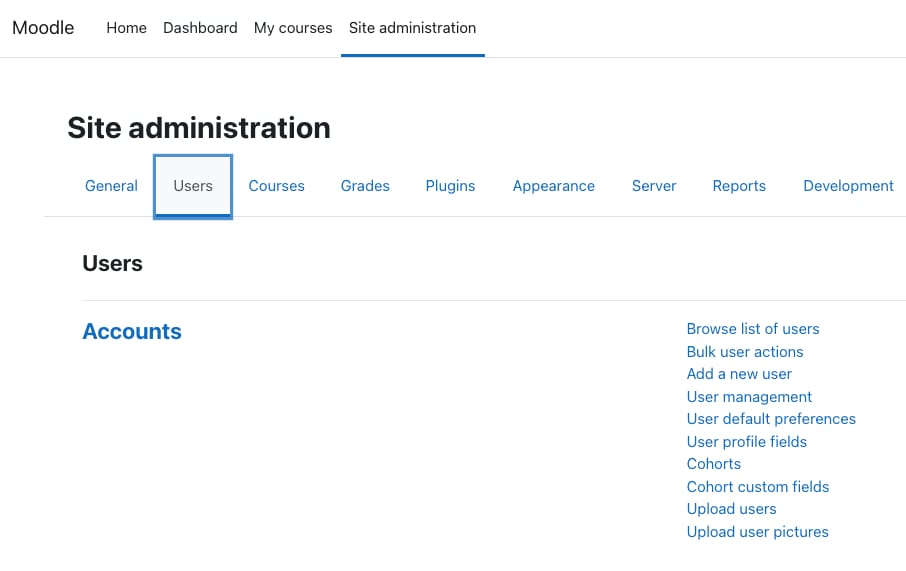
You can easilyassign roles(e.g.,student,teacher, ormanager) to users for course access and management.
Customizing Your Moodle Site
Choose and customize Moodle themes to align with your branding or preferences inSite administration?Appearance:
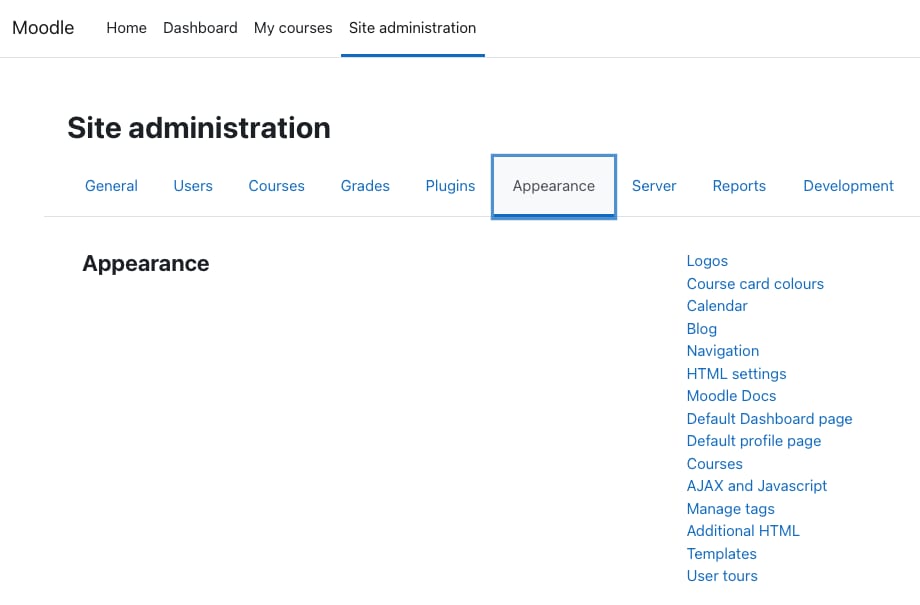
Explore and install additional Moodlepluginsto extend the functionality of your site!
For more detailed instructions and support, always refer to the officialMoodle documentation?
