How to Use the FASTPANEL VPS Template
FASTPANEL is a modern VPS control panel that simplifies web server management, offering anintuitive user interfacefor hosting websites, managing domains, and configuring server settings.
, we have anUbuntu 24.04 VPS templatewith FASTPANEL pre-installed, providing an efficient way to manage your server.
To start using it,install FASTPANELand follow this guide ?
Accessing FASTPANEL
Open your web browser and navigate to:
<code>https://vps_ip:8888</code>
Replacevps_ipwith yourVPS IP address.
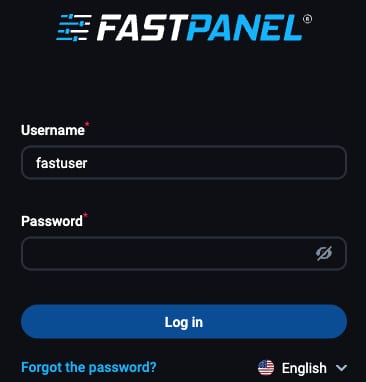
To log in to FASTPANEL, use these credentials:
Username:fastuser
Password: enter the password you set up during the FASTPANEL installation
Configuring Your Server
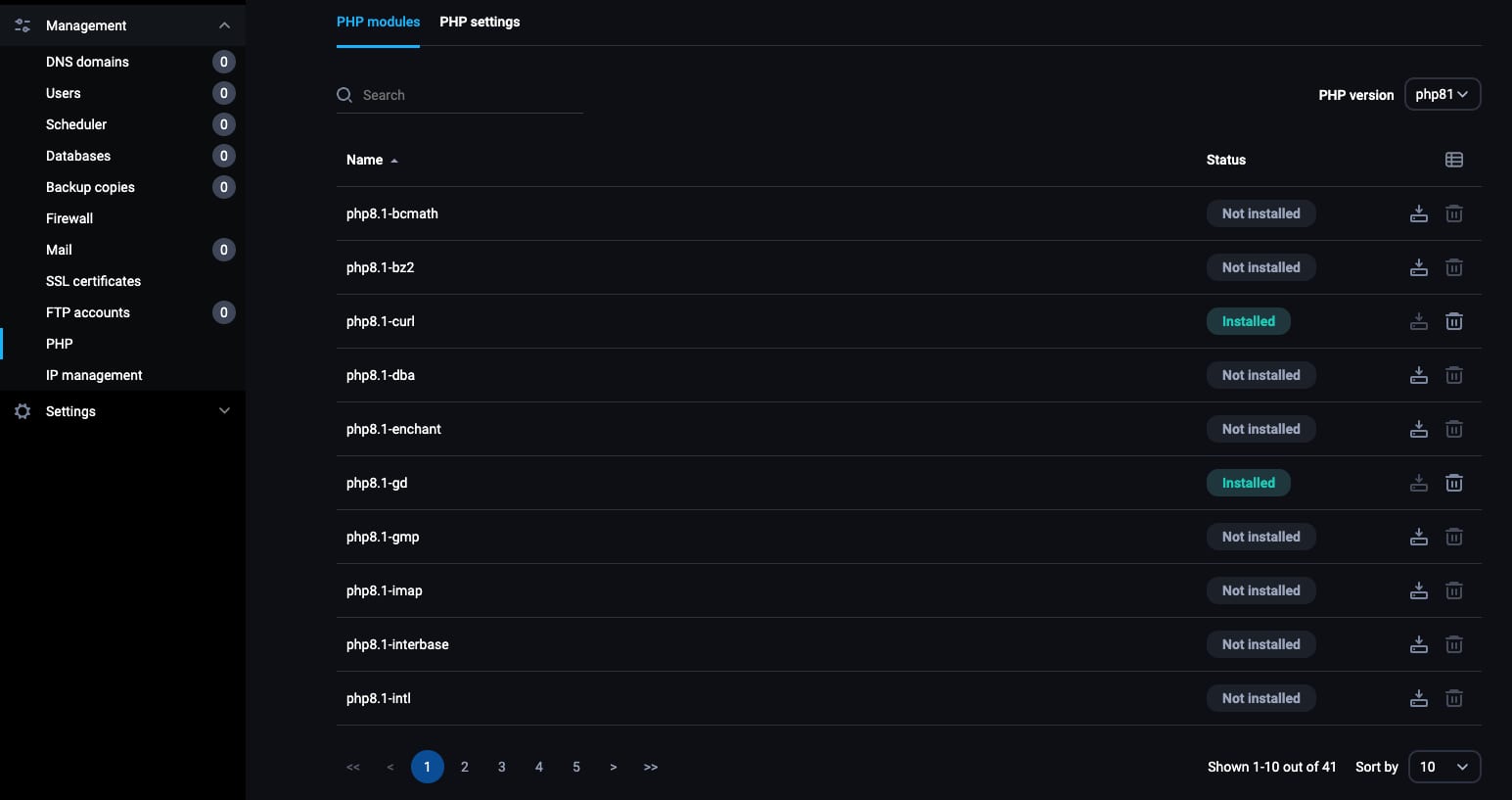
Familiarize yourself with the server settings options in FASTPANEL. This includes managing PHP versions, setting up email servers, and configuring security settings.
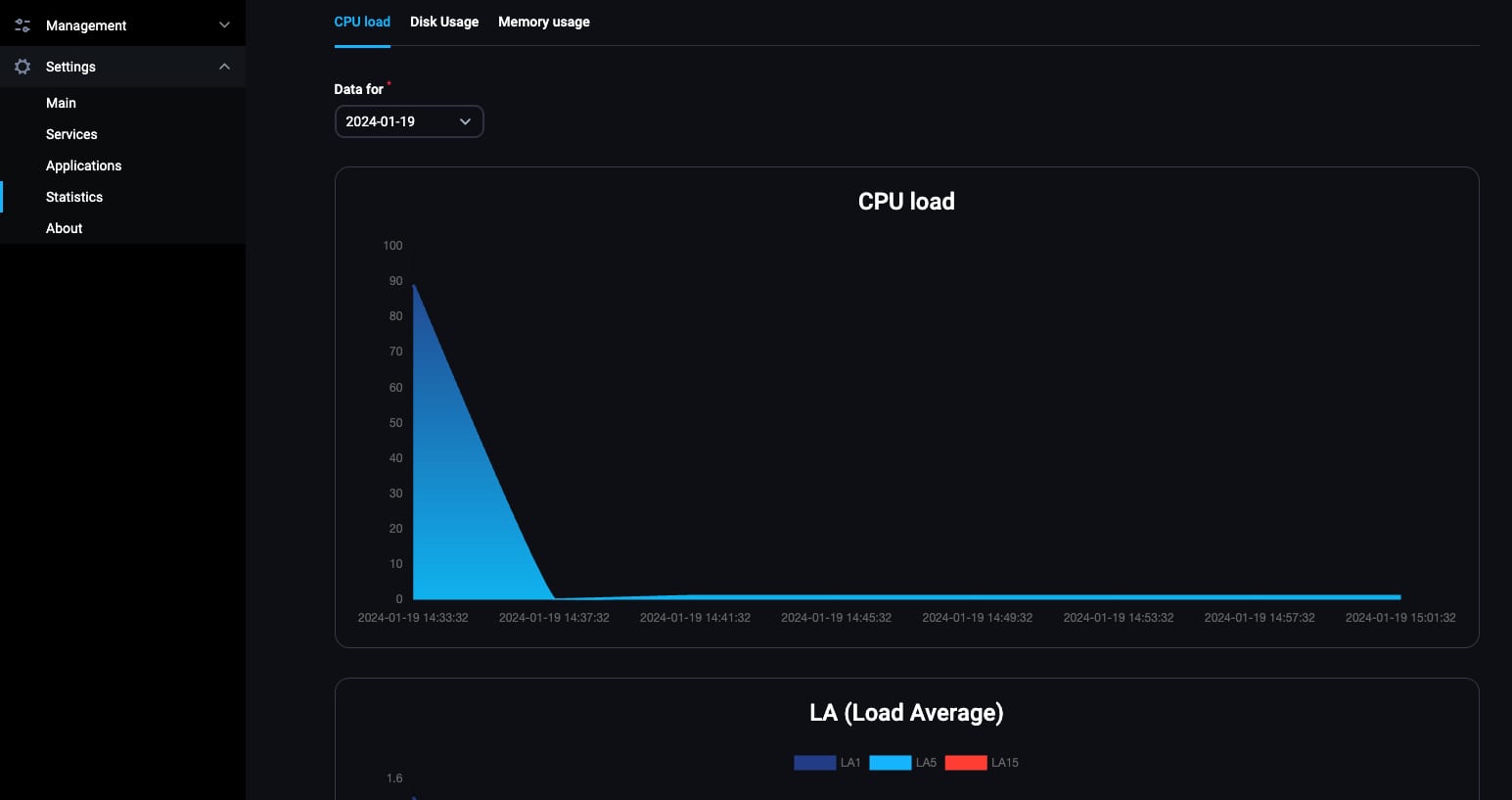
Use FASTPANEL to monitor your servers resource usage, such as CPU, memory, and disk space.
Managing Websites
To host a website, navigate to theWebsitessection and add a new website. Enter your domain and configure the necessary settings.
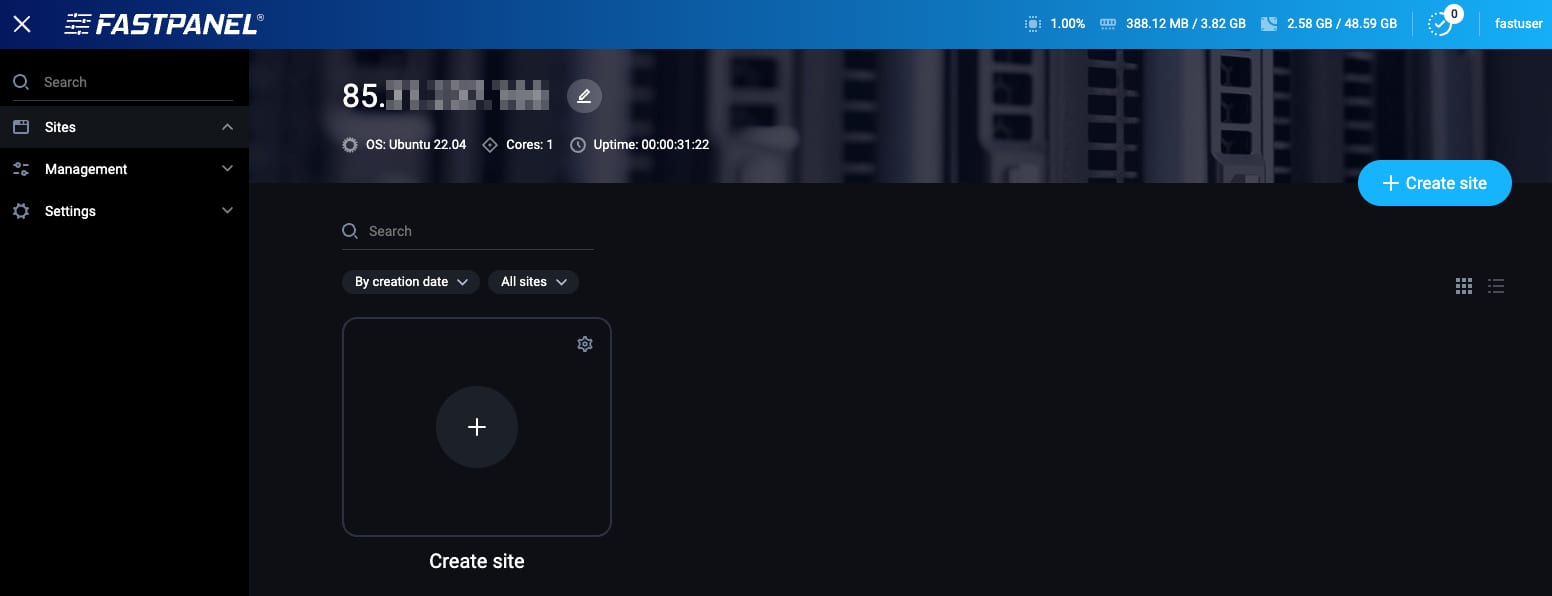
You can also secure your website by installing SSL certificates directly through FASTPANEL.
Email Management
You cancreate and manage email accountsfor your domain directly from FASTPANEL, configure email forwarding and set up filters for efficient email management.
Managing Databases
Use FASTPANEL tocreate and manage databasesfor your websites. This is essential for running content management systems like WordPress.
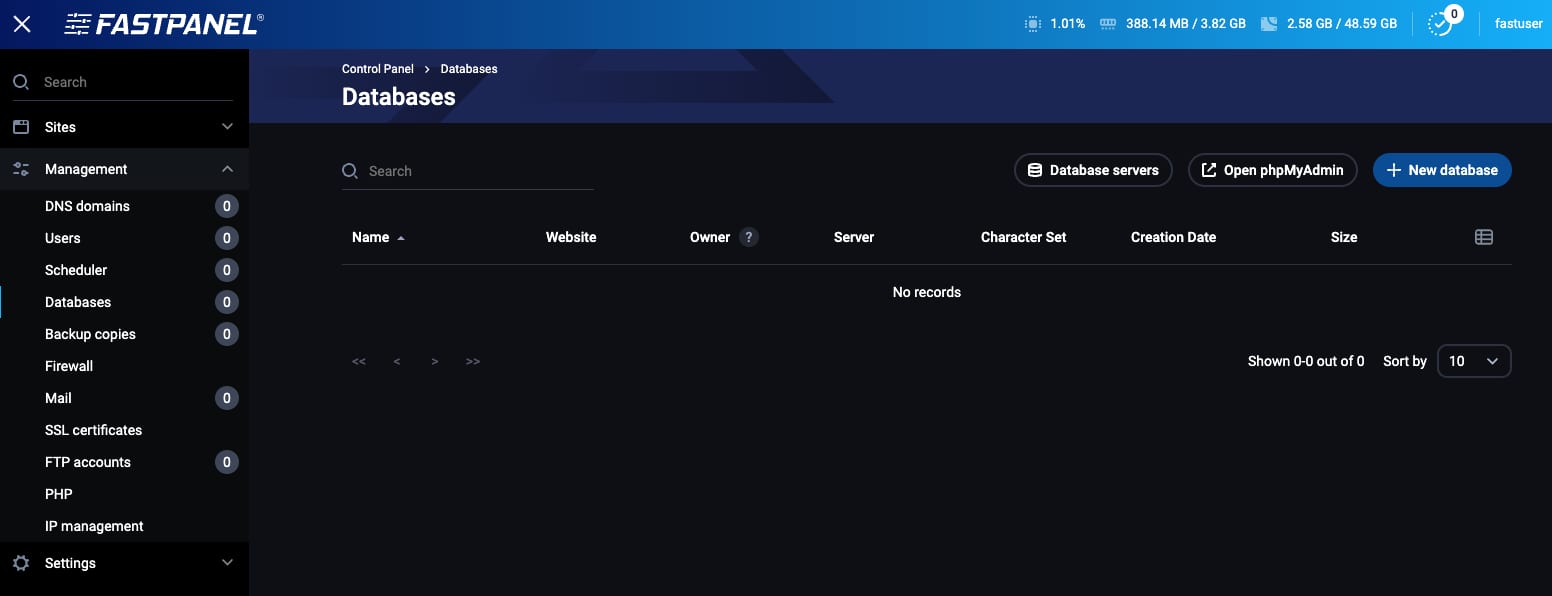
Assign users to your databases, setting appropriatepermissionsfor each user.
The Ubuntu 24.04 with FASTPANEL VPS template from Hallo-Webseite.de is an excellent choice for managing your server and websites with ease. FASTPANELs user-friendly interface and comprehensive set of features make it a powerful tool for web administrators.
For further guidance and advanced configurations, you can refer to the officialFASTPANEL documentation?
