How to Use the WooCommerce VPS Template
WooCommerceis a popular e-commerceplugin forWordPress, enabling users to create and manage online stores with ease.
Hallo-Webseite.desUbuntu 24.04 64bit with WooCommerceVPS template comes with WooCommerce pre-installed, simplifying the process of setting up an online store. This guide will walk you through the basics of getting your WooCommerce store up and running on Hallo-Webseite.de VPS.
To start,install the WooCommerce templateon your VPS.
Accessing Your WooCommerce Store
Open a web browser and visit
http://[your-VPS-hostname]/wp-admin/.Youll be directed to theWordPress admin page. Use the following email address
admin@[your-VPS-hostname] to sign in and use the password you created when installing the template.Make sure to replace[your-VPS-hostname]with the actualhostname of your VPS?
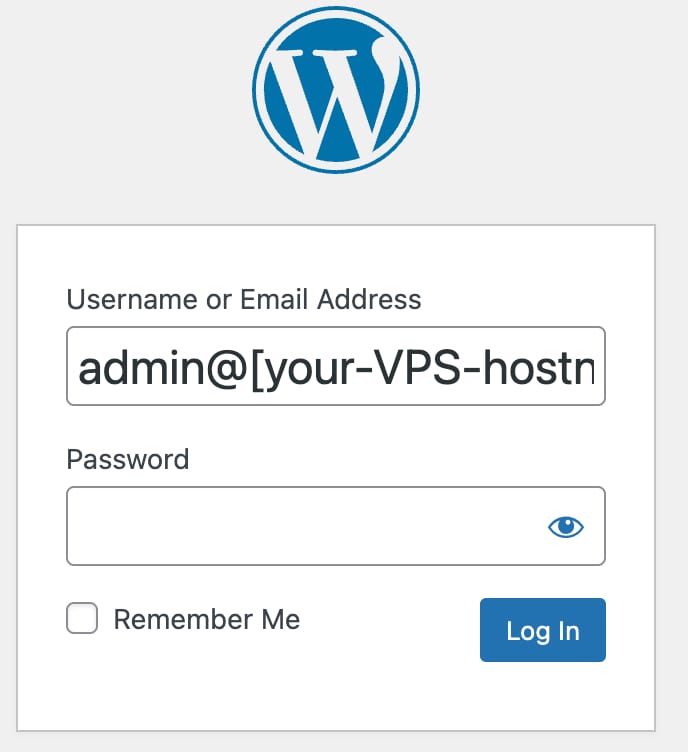
If you wantWooCommerceto run on your domain,point your domain to a VPS IP addressandchange the server hostname?
Configuring WooCommerce
After logging into WordPress, youll be prompted by the WooCommerce setup wizard. Follow the steps to configure your stores basic settings, such as location, currency, and payment methods:
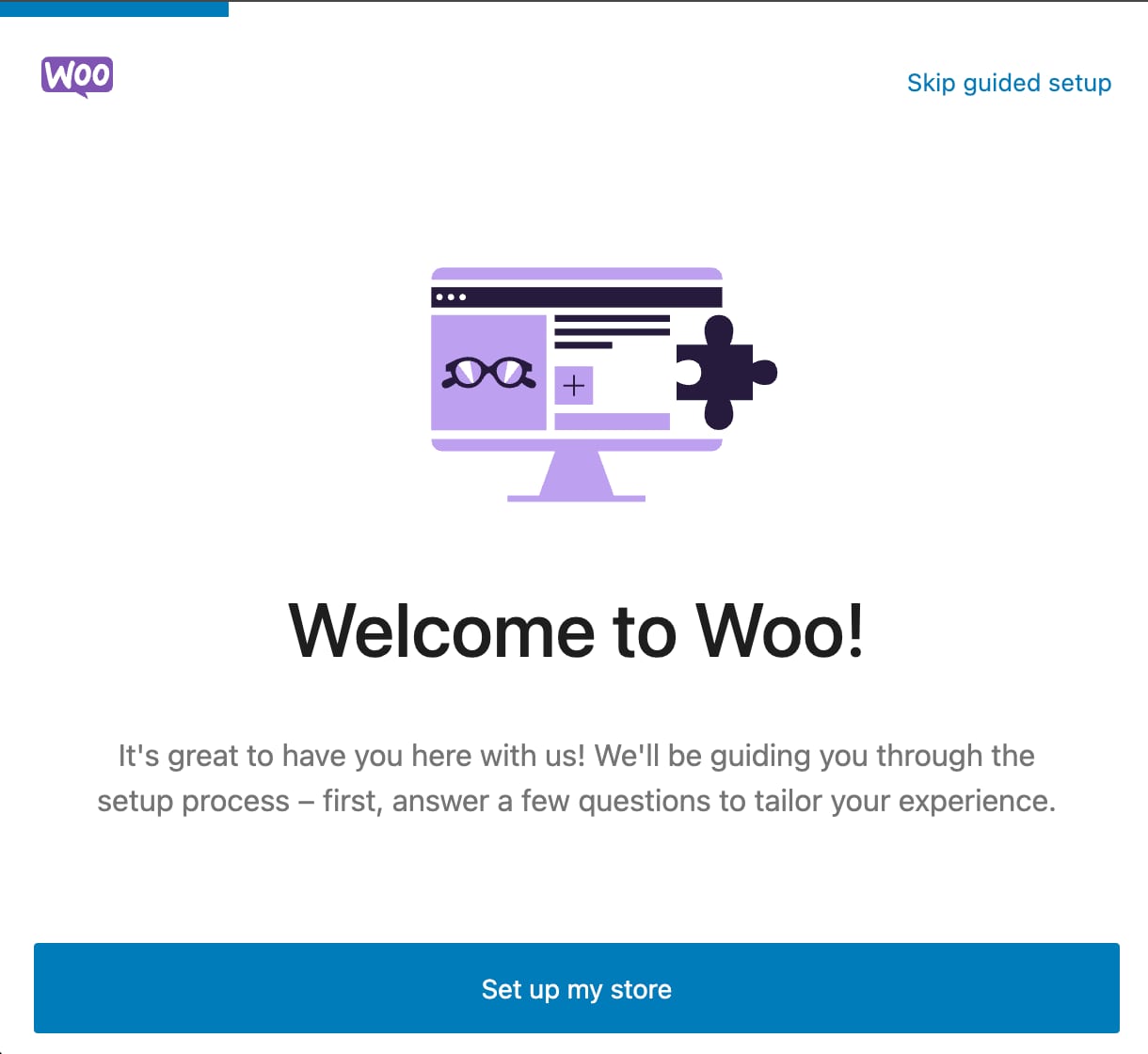
Explore the WooCommerce settings to configure shipping, taxes, and other essential store functionalities.
Adding Products
In the WordPress dashboard, navigate toWooCommerce?Products. Add new products, including descriptions, images, prices, and other relevant details:
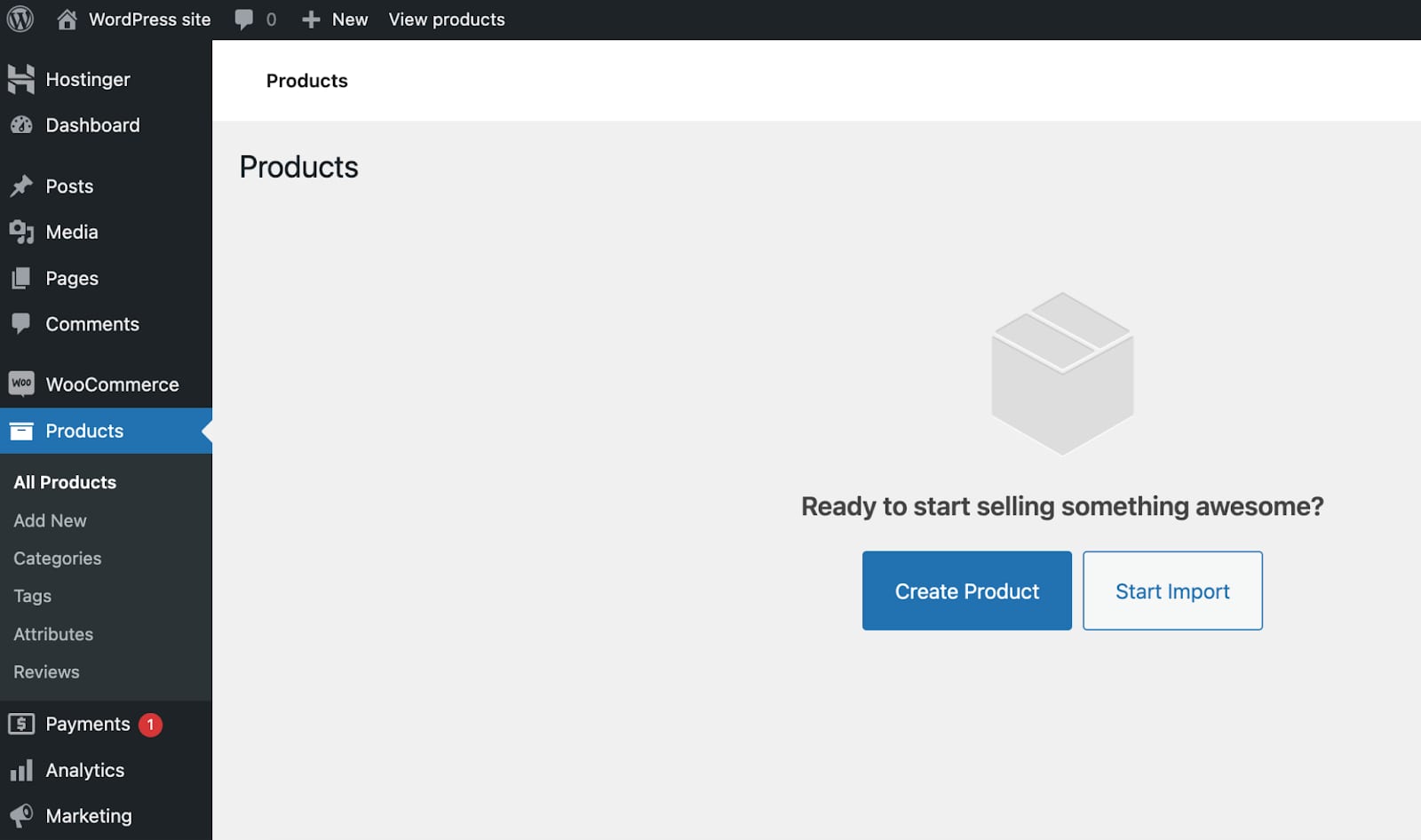
Use categories and tags to organize your products, making it easier for customers to find what theyre looking for.
Customizing the Store
Select a WordPress theme that is compatible with WooCommerce. Customize the theme to match your brand and store aesthetics:
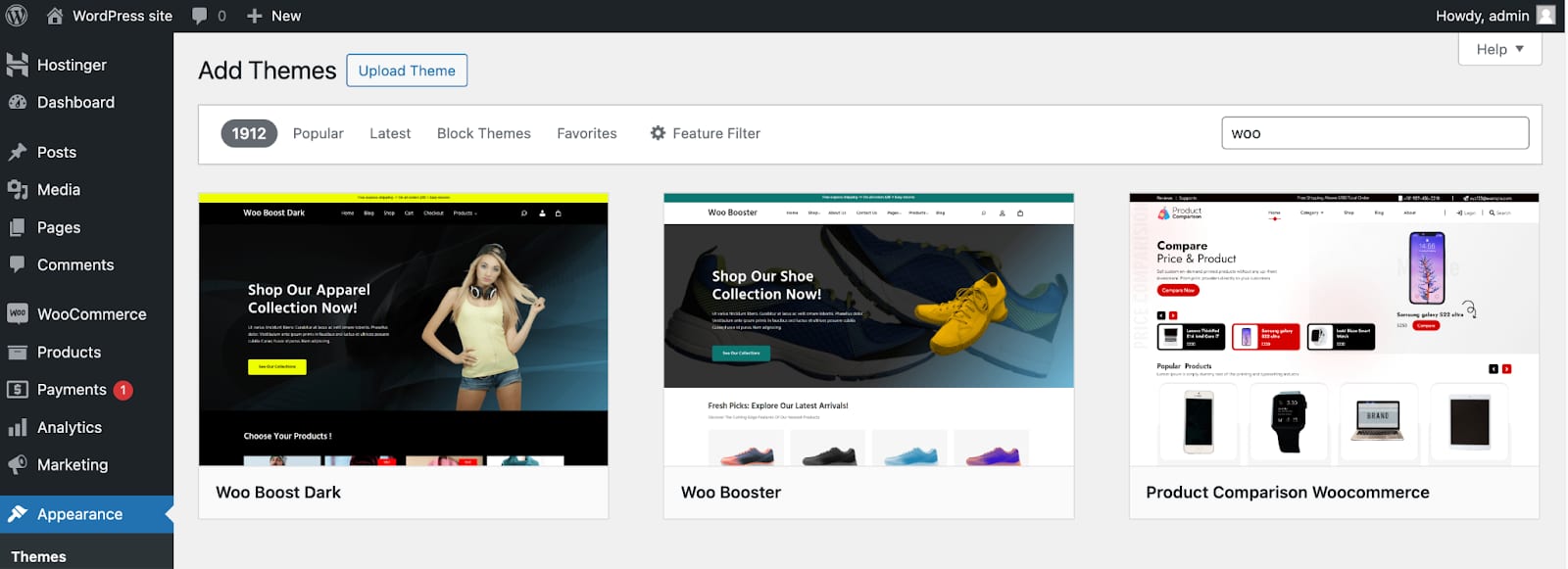
Ensure a smooth shopping experience by customizing the checkout and cart pages.
WooCommerce Extensions Store
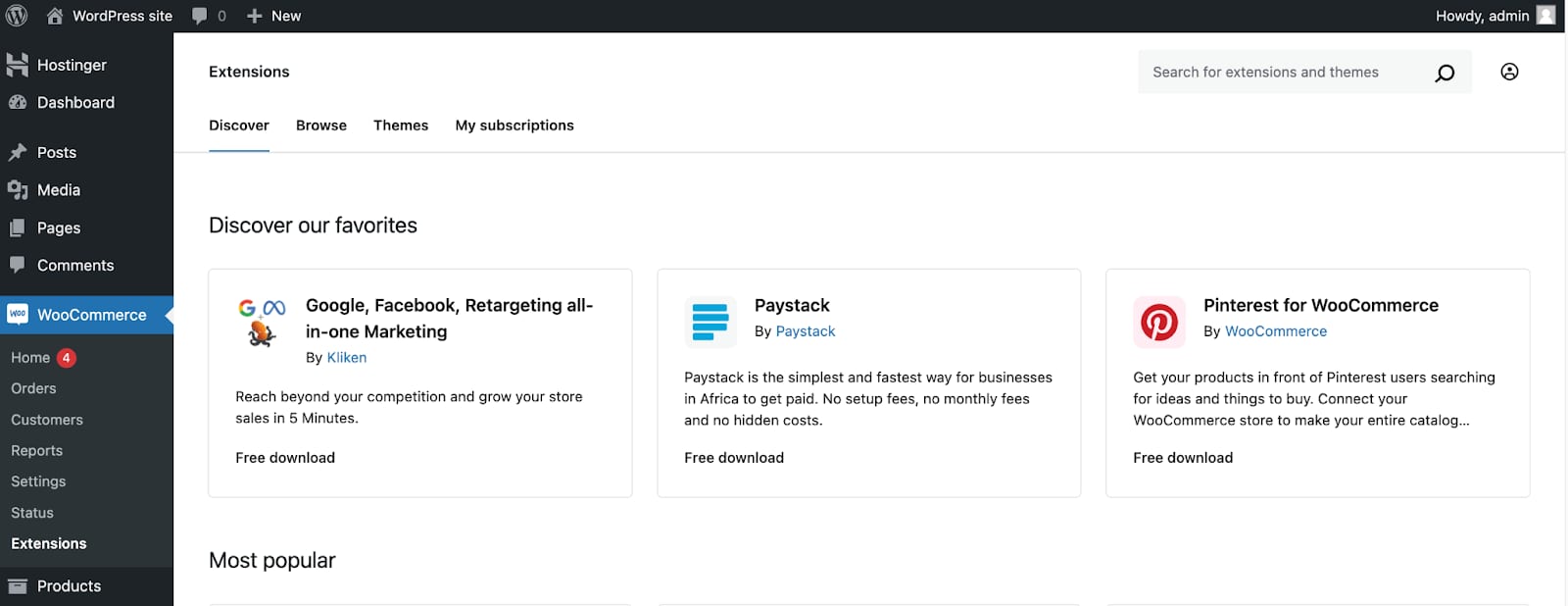
WooCommerce offers a variety of extensions foradditional featureslike subscriptions, bookings, and memberships. Explore theWooCommerce Extensionsstore for more options:
Utilize other WordPress plugins to enhance your stores functionality, such as SEO tools or analytics.
This template usesCloudPanel, which runs anNGINXwebserver. For specific plugins, you might need toedit vhost files. Some rules might be found inWordPress documentation?
Hallo-Webseite.desUbuntu 24.04 64bit with WooCommerceVPS template provides a solid foundation for launching and managing your online store. WooCommerces integration with WordPress makes it a flexible and powerful solution for e-commerce. For more detailed instructions and best practices, refer to theWooCommerce documentation.
