How to Use the Ghost VPS Template
Ghostis a powerfulbloggingandpublishingplatform known for its simplicity and speed. Hallo-Webseite.desUbuntu 24.04 64bit with GhostVPS template comes with Ghost pre-installed, making it easy to start your own blog or publication. This guide will help you understand how to utilize this template to manage and publish content effectively.
Setting up your virtual environment will only take a few clicks with ourGhost VPS hosting plans!
Accessing Ghost
Open a web browser and go tohttp://[your-vps-hostname]/ghost/ make sure to replace[your-vps-hostname]with the actual workinghostname of your VPS:
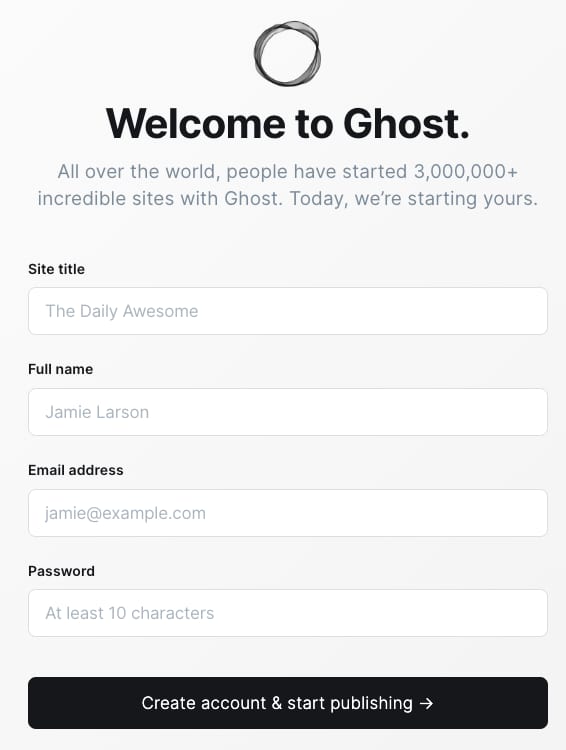
Upon your first visit, theGhost Setup Wizardwill guide you through creating an admin account:
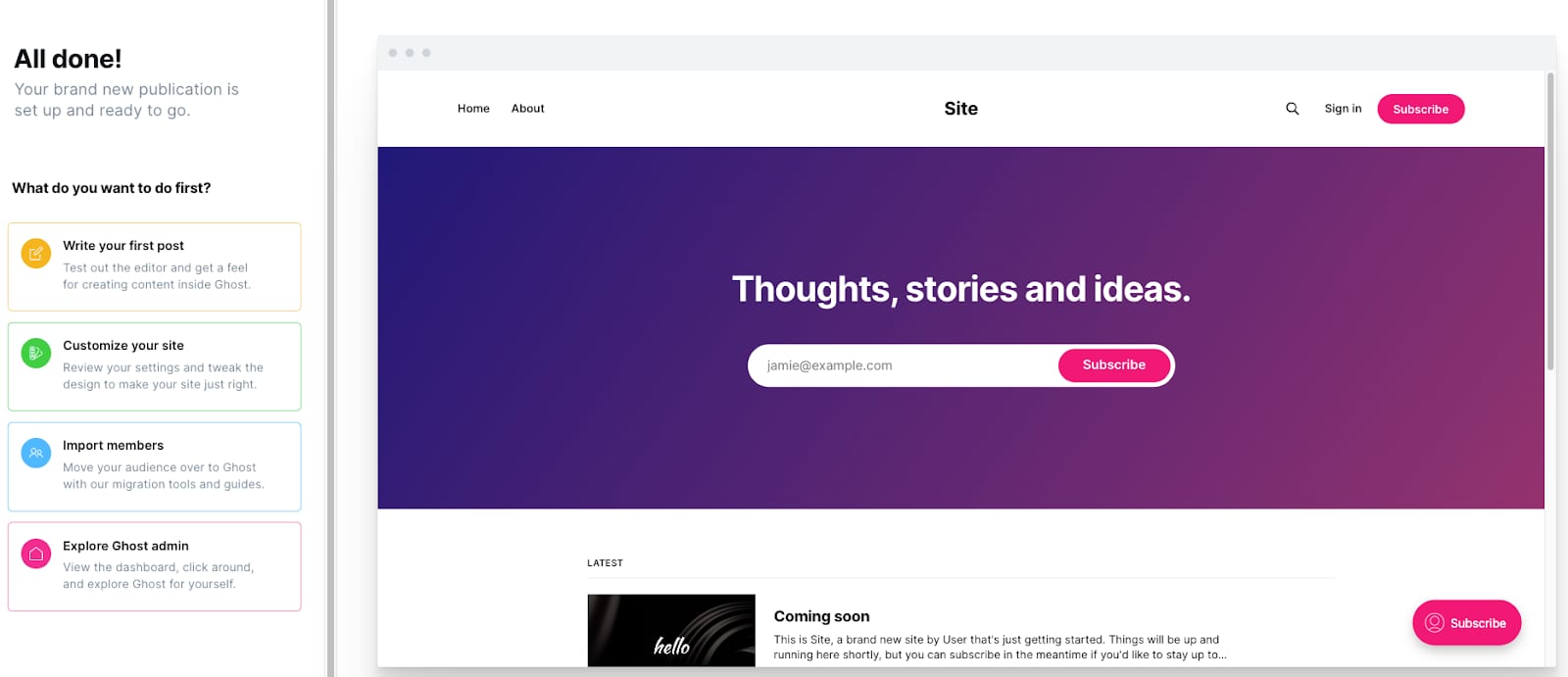
Exploring the Ghost Dashboard
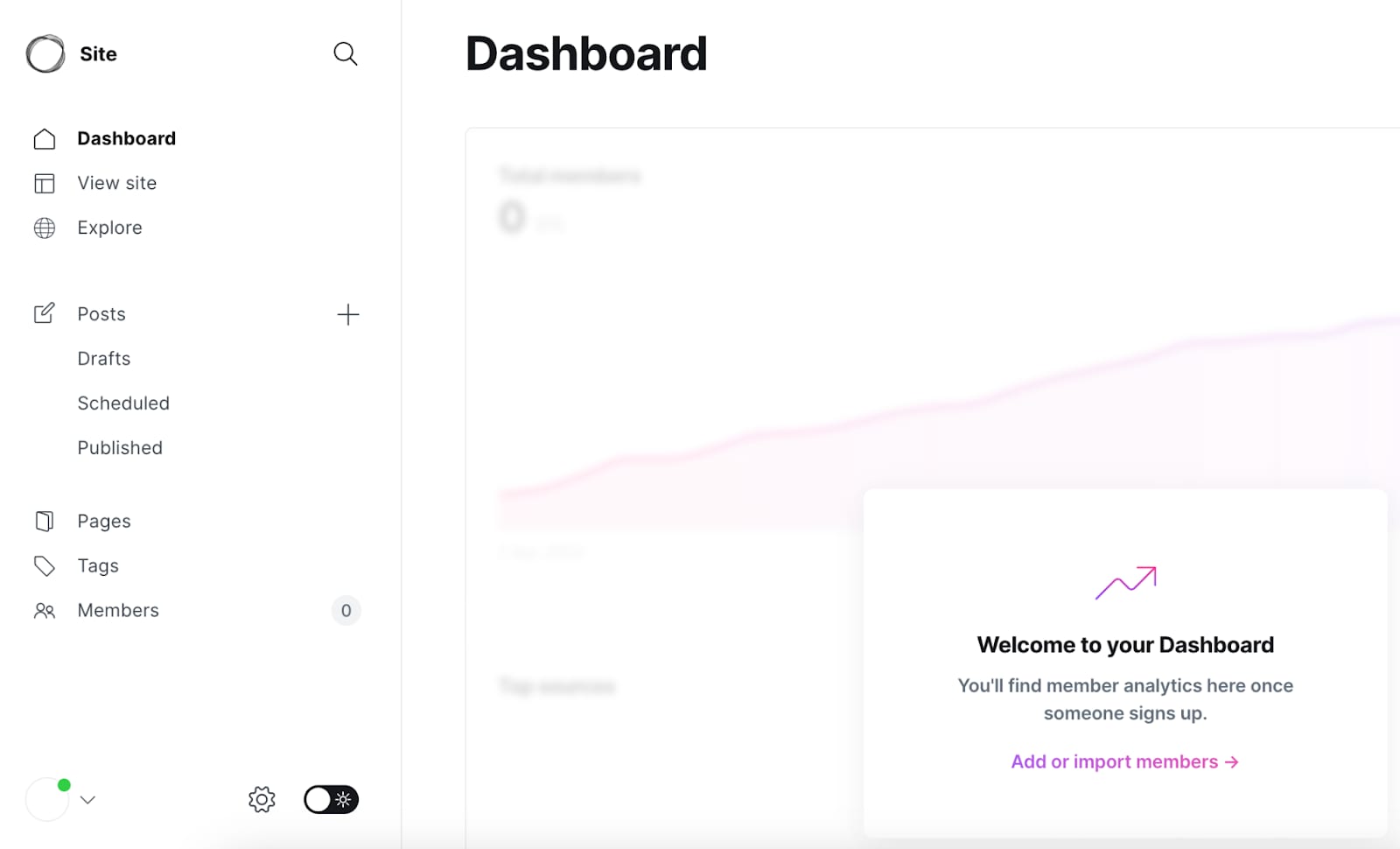
The Ghost admin panel is intuitive. Spend some time exploring its features, including creating posts, managing tags, and customizing your sites design:
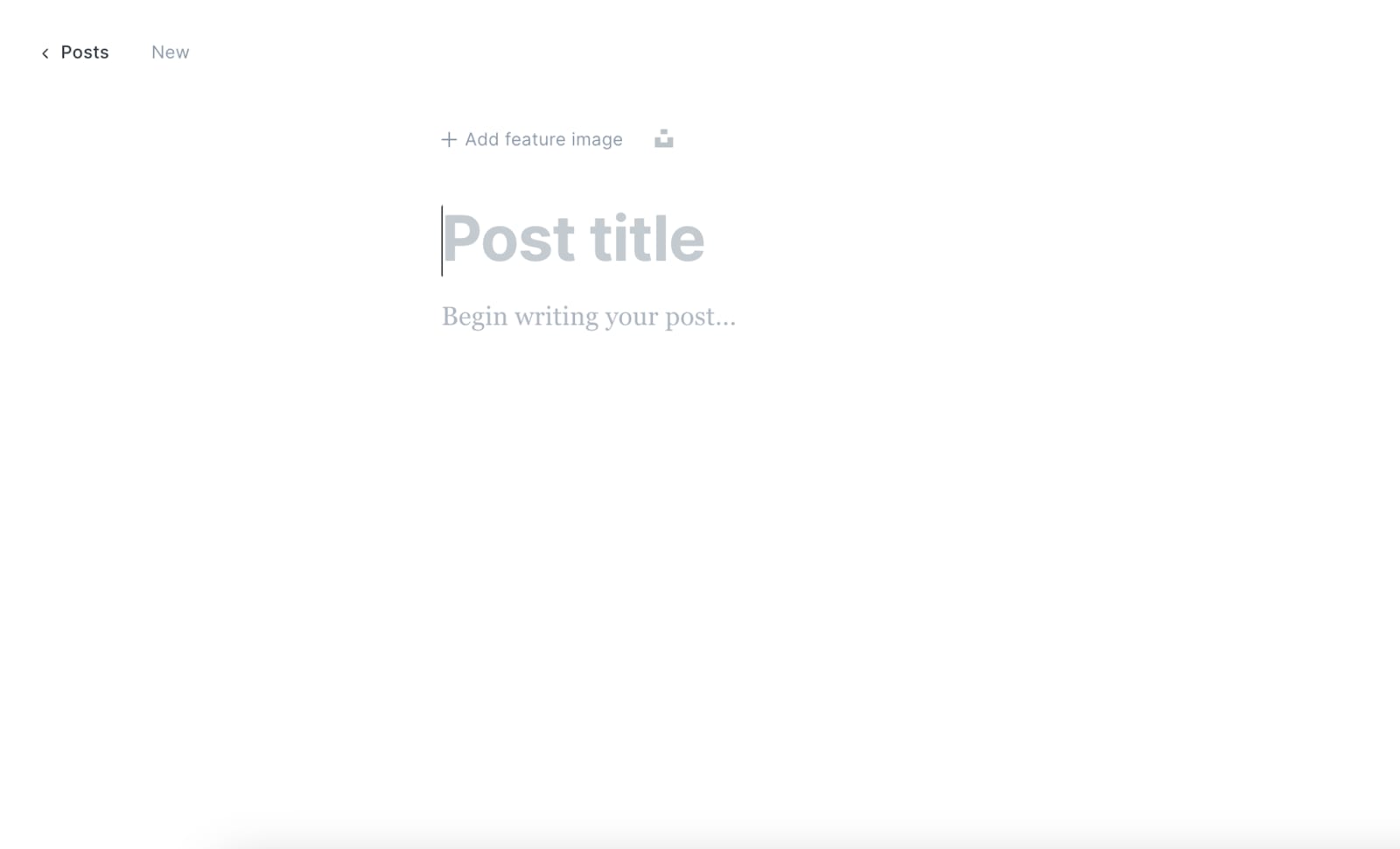
Learn how tocreateand format posts. Ghost offers amarkdown editorfor writing and styling your content:
Customizing Your Site
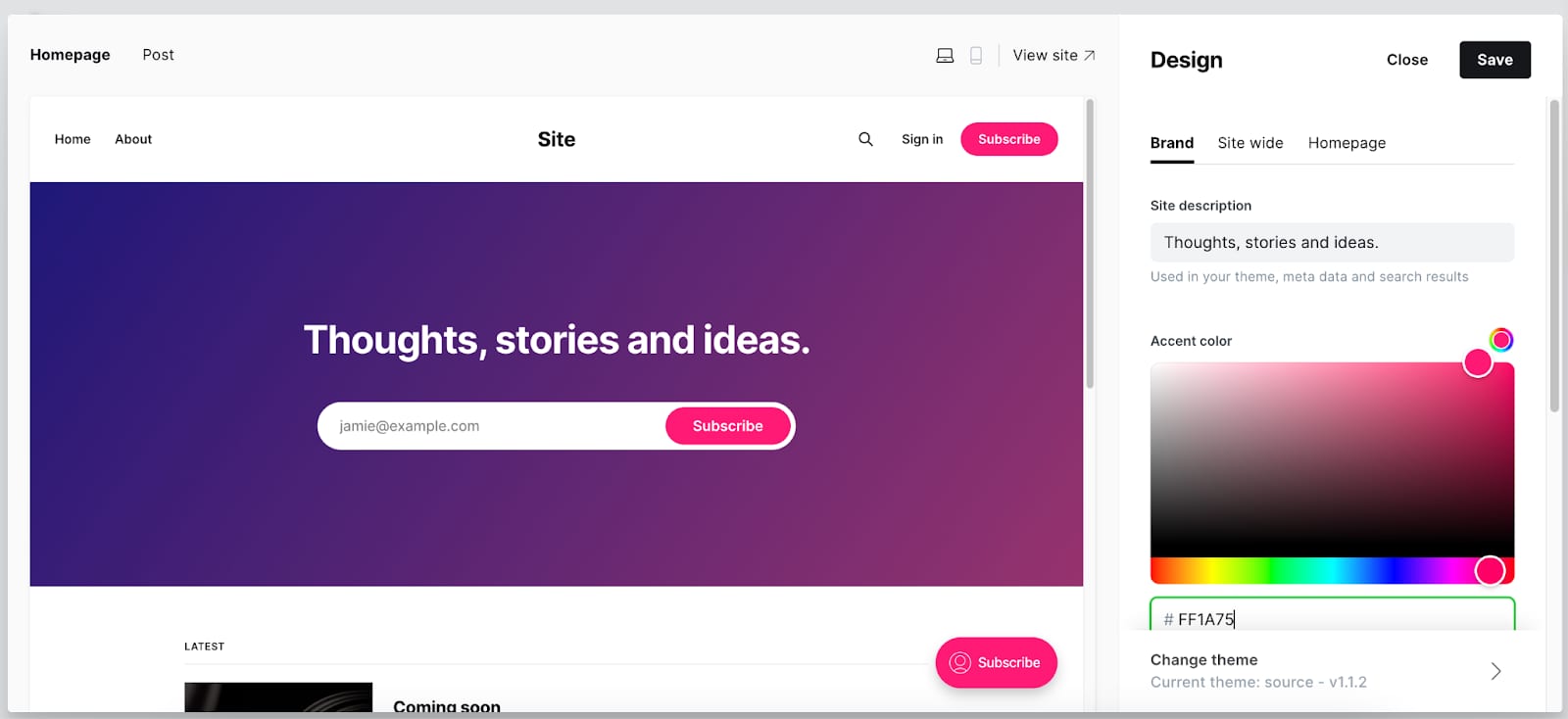
Ghost allows you tocustomize the appearanceof your site. You can select from variousthemesor create your own:
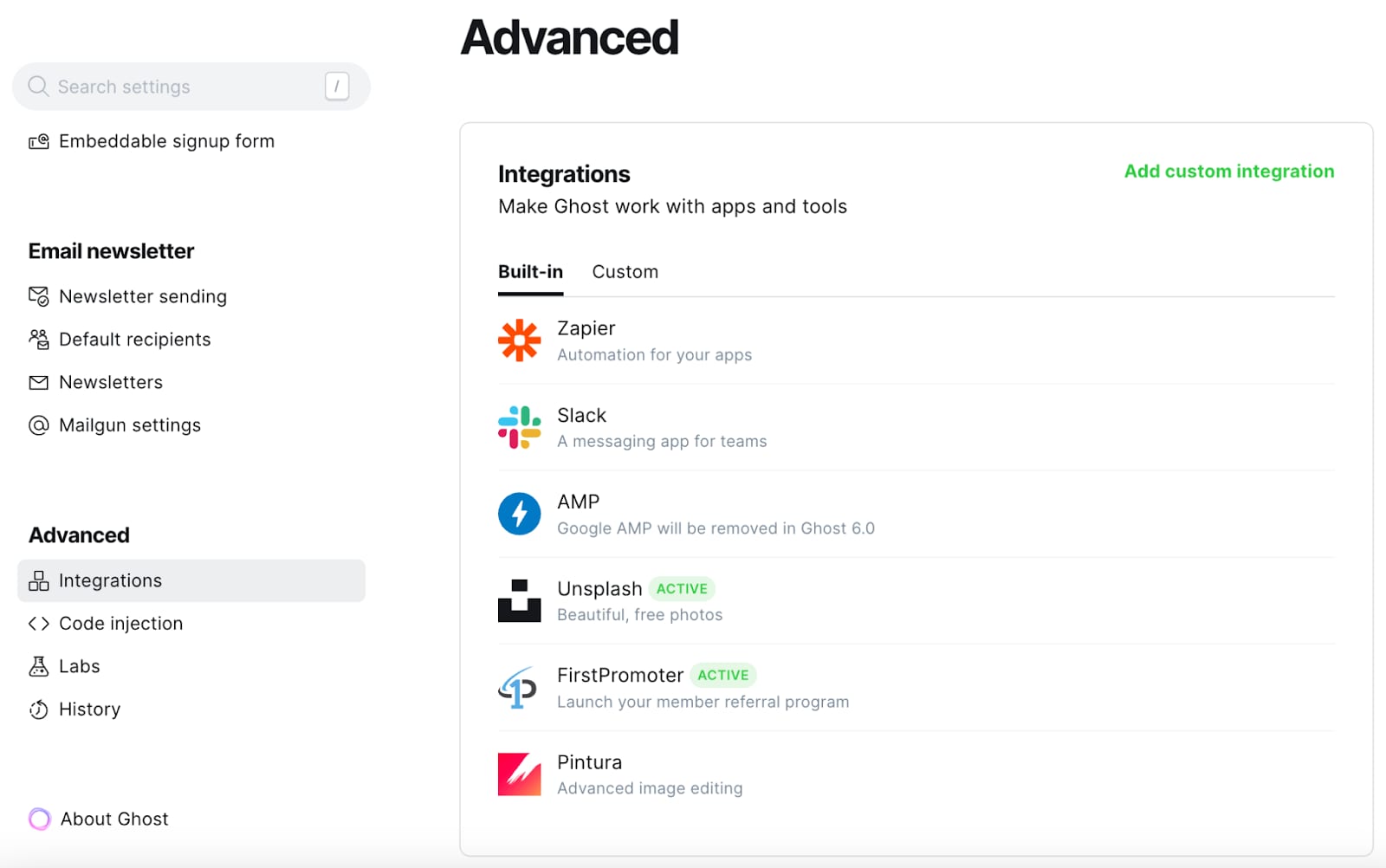
Ghost supportsintegrationswith many popular services like social media, analytics, and email newsletters. Check the Ghost integrations directory for options:
For more detailed instructions and tips, refer to the officialGhost documentationandhelp center?
