How to Use the Akaunting VPS Template
Akauntingis a comprehensive online accounting software that offers afull suite of tools for finance management. It includes invoicing, expense tracking, and accounting functionalities. With its modular structure, Akaunting also boasts an App Store for additional features. With Hallo-Webseite.desUbuntu 22.04 64bit with AkauntingVPS template, setting up Akaunting for your financial management needs is easy and straightforward!
Accessing Your Akaunting Instance
Once you have installed the Akaunting template, access it by opening a web browser and navigating to:
<code>http://your-vps-hostname</code>
Make sure to replaceyour-vps-hostnamewith the actual hostname of your VPS. You can find this information and the admin username on hPanel by navigating to theOperating Systempage:
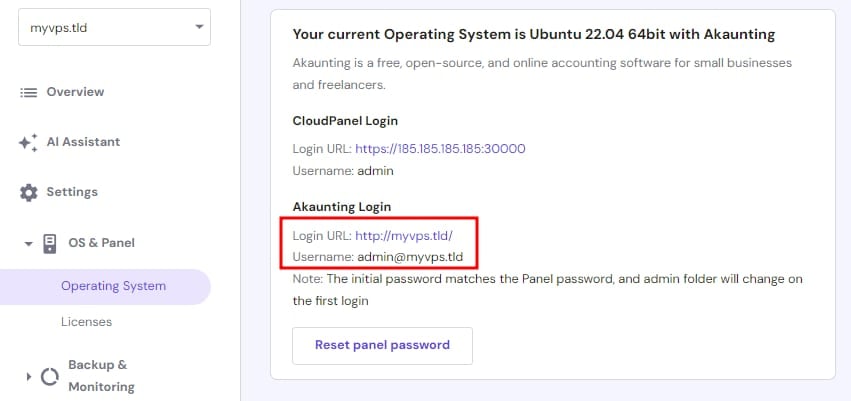
If you wish Akaunting to run on your domain,point your domain to a VPS IP addressandchange the server hostname?
On the Akaunting login page, enter this username and the initial password you set during the installation:
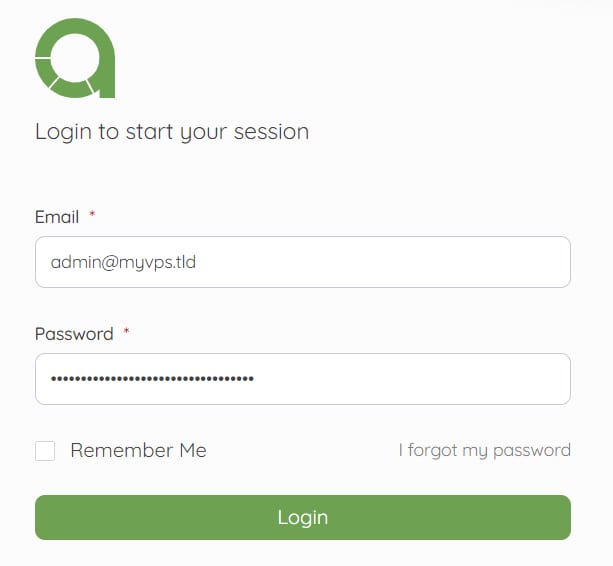
Initial Setup and Configuration
Follow the setup wizard to configure Akaunting. This will include setting up your company details, financial year, currency, and other initial settings.
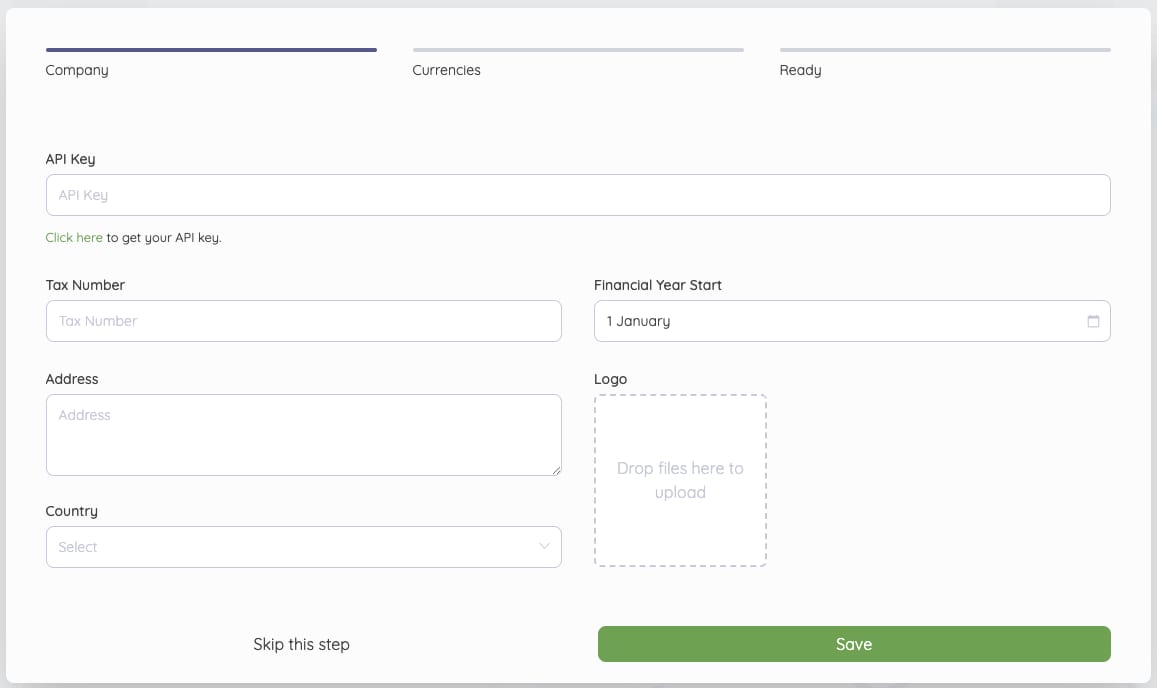
Exploring Akaunting Features
Dashboard Overview familiarize yourself with the Akaunting dashboard. It provides a quick overview of your financial status
Managing Invoices and Bills learn how to create and manage invoices and bills. Akaunting allows for easy tracking and management of your financial transactions
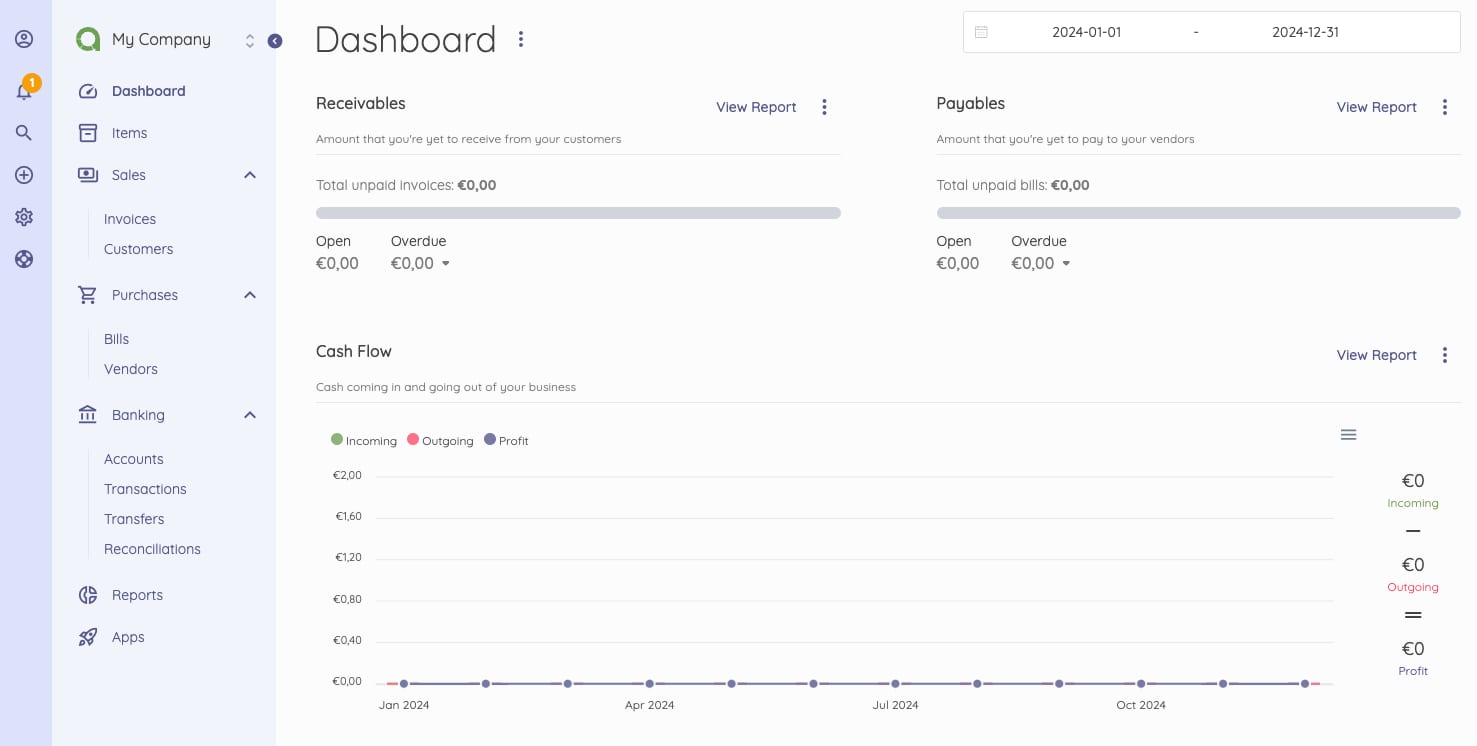
With Akaunting , you can set up a robust online accounting system. Its user-friendly interface and comprehensive feature set make financial management accessible and manageable.
For more detailed instructions and support, you can refer to theAkaunting documentation?
