How to Use the Peppermint.sh Template
Peppermint.shis an open-source helpdesk solution offering a feature-rich platform, focused on ease of use and accessibility, especially designed for teams. , you can easily set up Peppermint.sh with just a few clicks using theUbuntu 24.04 64bit with Peppermint.shVPS template.
Accessing Your Peppermint.sh Installation
To access Peppermint.sh, open a web browser and navigate to:
<code>https://your-vps-ip:1000</code>
Make sure to replaceyour-vps-ipwith the actualIP address of your server.
Next,log into the Peppermint.sh interface using the credentialsprovided in your hPanel:
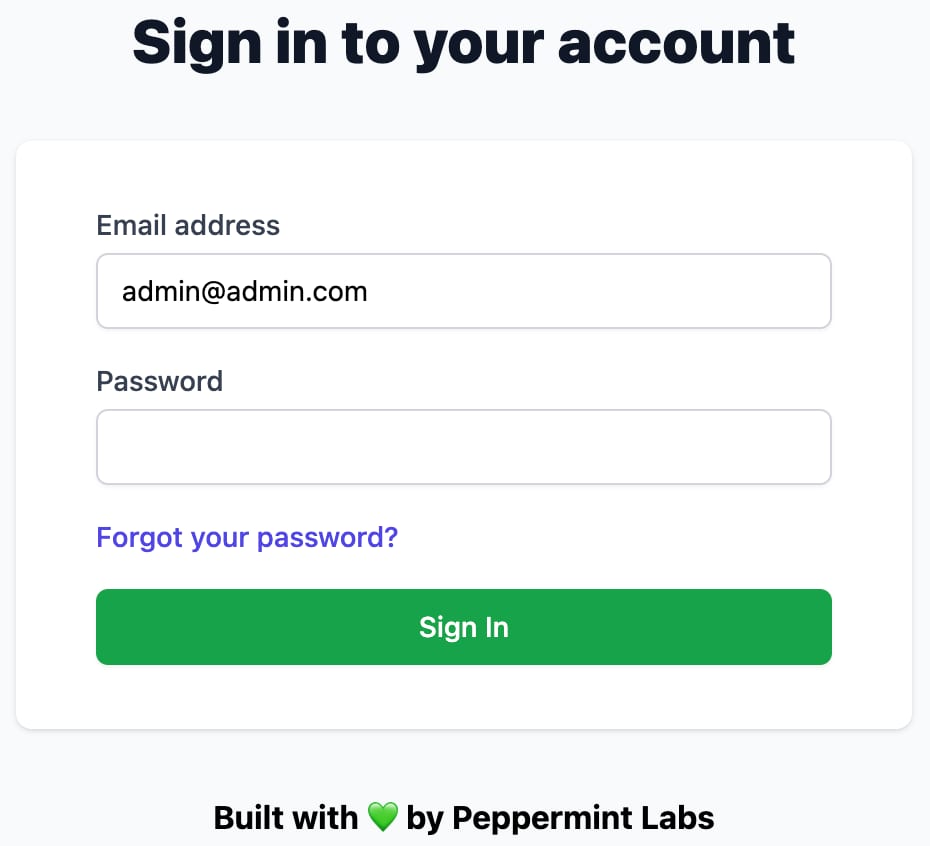
For enhanced security,change your credentialsafter logging in for the first time ?
Exploring Peppermint.sh
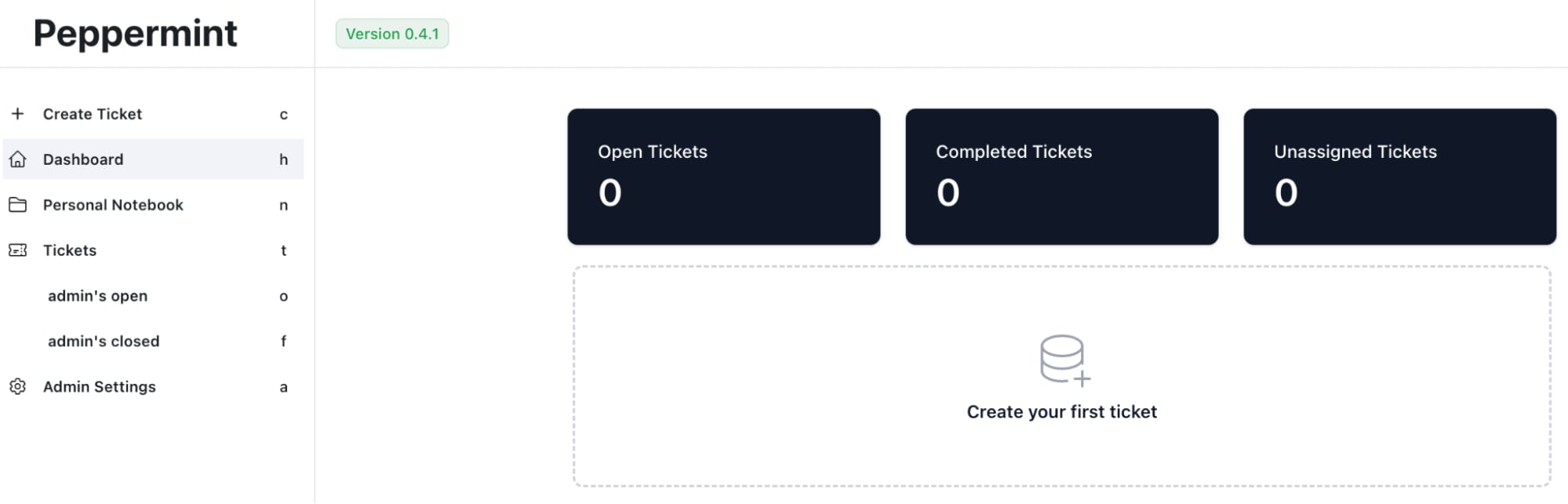
Once logged in, get familiar with Peppermint.shs interface. Check out the dashboard, ticketing system, user management, and other features:
Configuring Your Helpdesk
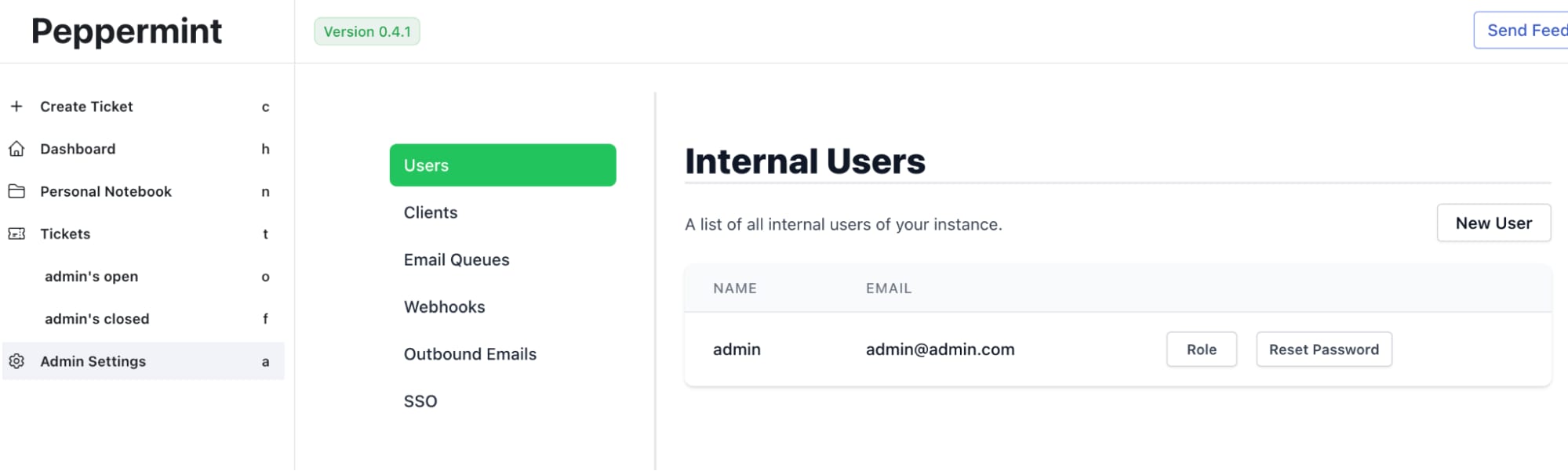
Set Up users and teams create user accounts for your team members. Assign roles and permissions as needed??
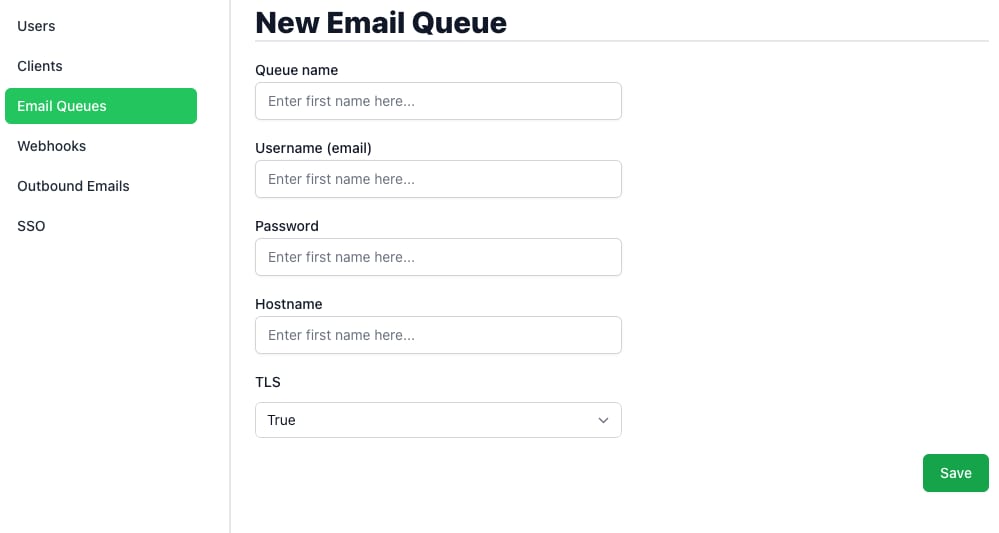
Set up email integration add your email settings to receive and respond to tickets via email?
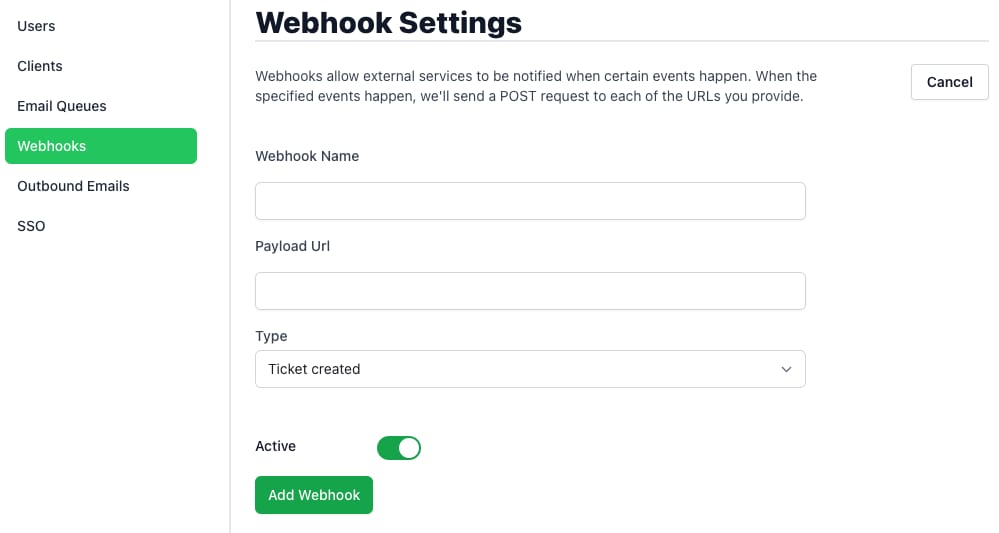
Third-party Integrations leverage any available integrations with other tools and platforms used by your team to streamline your workflow?
With Peppermint.sh on your Hallo-Webseite.de VPS, setting up an efficient and user-friendly helpdesk system is straightforward. Peppermint.sh offers a robust set of features that can enhance your teams customer support capabilities.
For more detailed information and best practices, refer to thePeppermint.sh documentation?
