How to Use the OpenVPN VPS Template
OpenVPN Access Serveris a full-featured secure network tunneling VPN software solution that integrates OpenVPNservercapabilities,enterprise managementcapabilities, simplified OpenVPNConnect UI, and OpenVPNClient softwarepackages that accommodate Windows, MAC, and Linux OS environments.
, we offer theUbuntu 24.04 VPS templatewithOpenVPNpre-installed. To start using OpenVPN,install the templateand follow the steps below ?
Step 1 Access the Administration Panel
1. Once you get your VPS running with OpenVPN, you canaccessthe administration panel using the following details:
Login URL:https://your_vps_ip:943/admin/
Username:openvpn
Password: the one you provided when installing the template
In the login URL, make sure to replaceyour_vps_ipwith the actualIP address of your server?
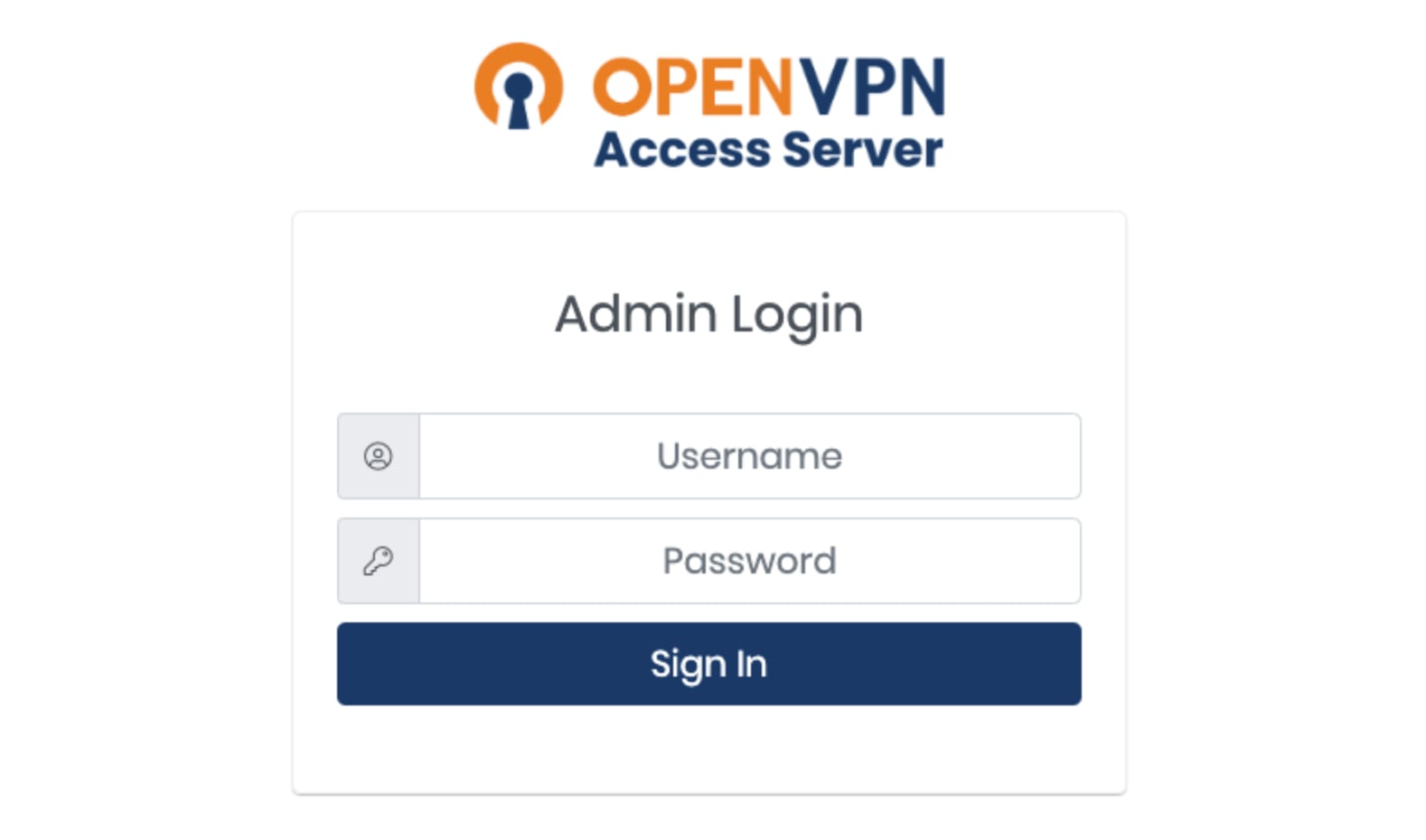
When you first access the page, yourbrowser might display a security warningbecause it is a self-signed certificate. Go ahead andaccept the warning to proceed.
Step 2 Complete the Configuration Wizard
Once you log in, follow the prompts provided by theConfiguration Wizardto complete the setup of your VPN server. Youll need toestablish settingslike your routing mode, VPN settings, and more.
Step 3 Create User Accounts
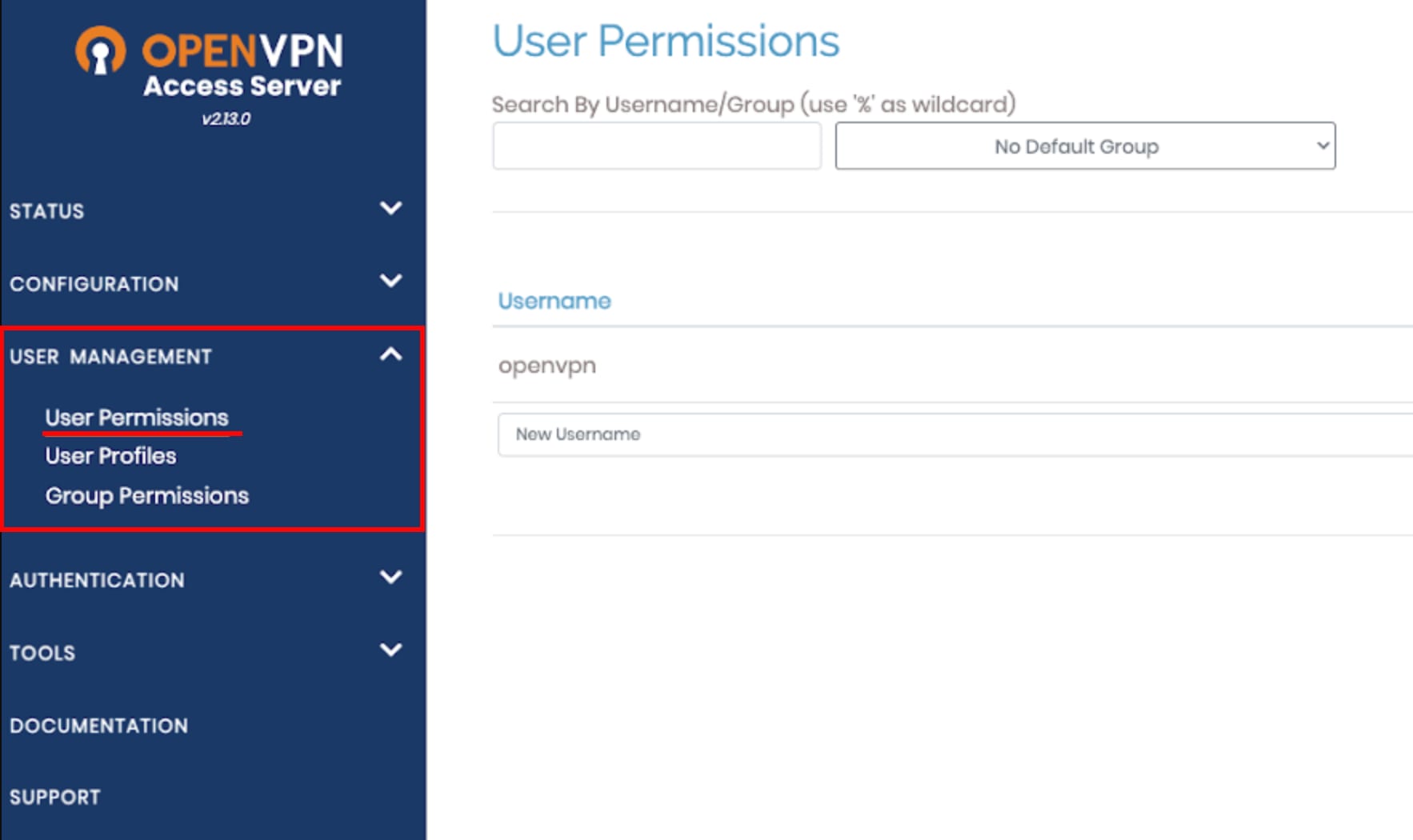
In theUser Managementsection of the admin console, click onUser Permissions. Here, you can add users and manage their access rights.
Step 4 Connect to the VPN
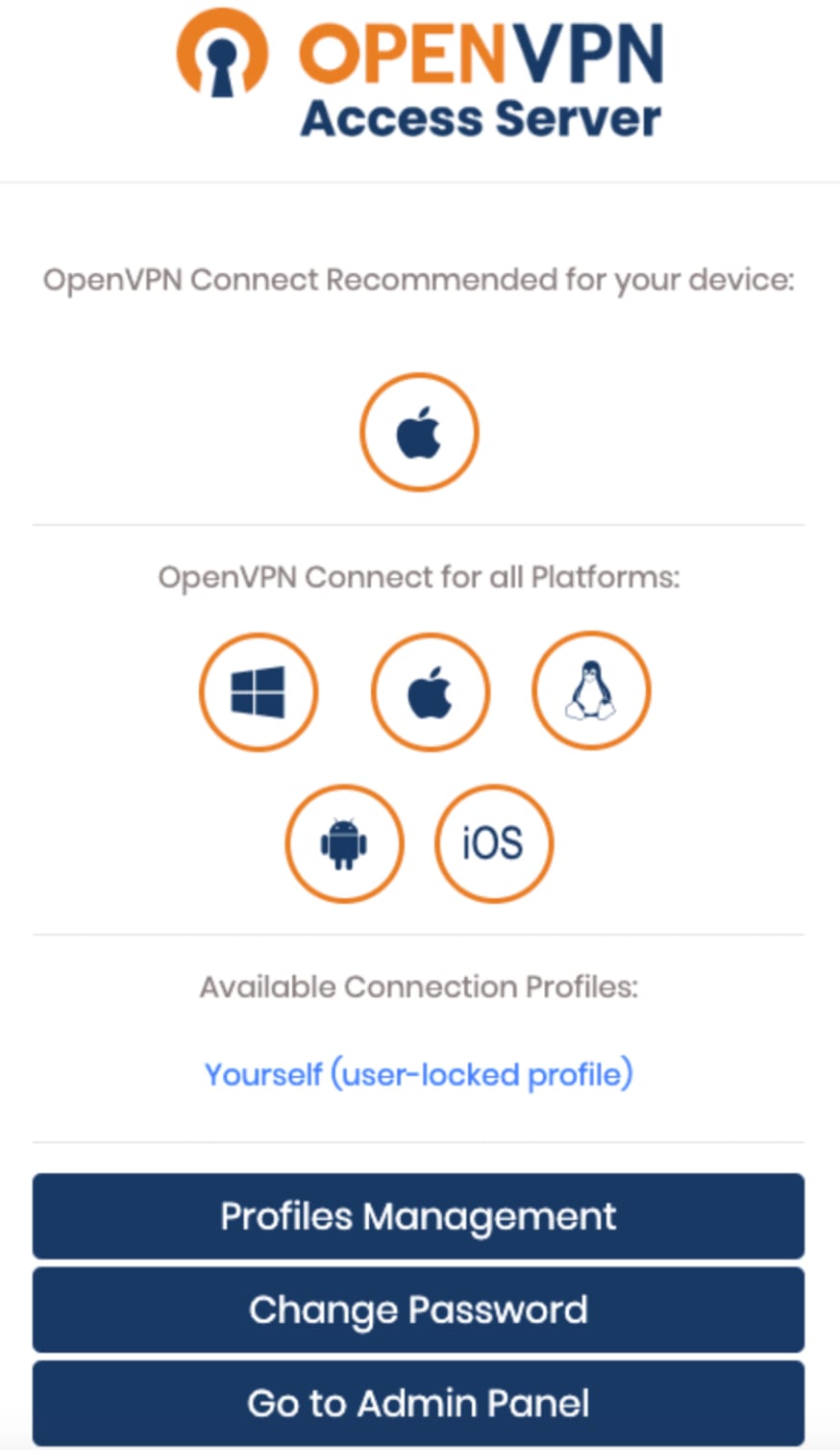
You can connect to the VPN by accessing the client UI athttps://your_server_ip:943 log in and follow the prompts to download the VPN client:
Having a VPN on your VPS provides anadditional layer of securityfor your online presence. It allows you to securely access your VPS server from anywhere, making it a great advantage when working remotely.
By following the steps provided in this guide, you can get OpenVPN Access Server installed and running on your VPS. If you encounter any issues, feel free to contact us for help!
Make sure to explore the officialOpenVPN documentationto learn more about the platform ?
