How to Use the Easypanel VPS Template
Easypanelis a user-friendly control panel thatsimplifies server management.
With its intuitive interface, you can effortlessly install applications, configure domains, manage email accounts, databases, and monitor server performance. It offers practical features like a file manager, DNS settings, and SSL certificate management, providing a seamless experience for beginners and experienced users alike. Focus on your website or application while leaving the technicalities to Easypanel.
, we offer theUbuntu 24.04 VPS templatewithEasypanelpre-installed.
To start using Easypanel,install the templateand follow the steps below ?
1. Once you get your VPS running with Easypanel, you can access the control panel using the following URL:http://your_vps_ip:3000
Make sure to replaceyour_vps_ipwith the actualIP address of your server?
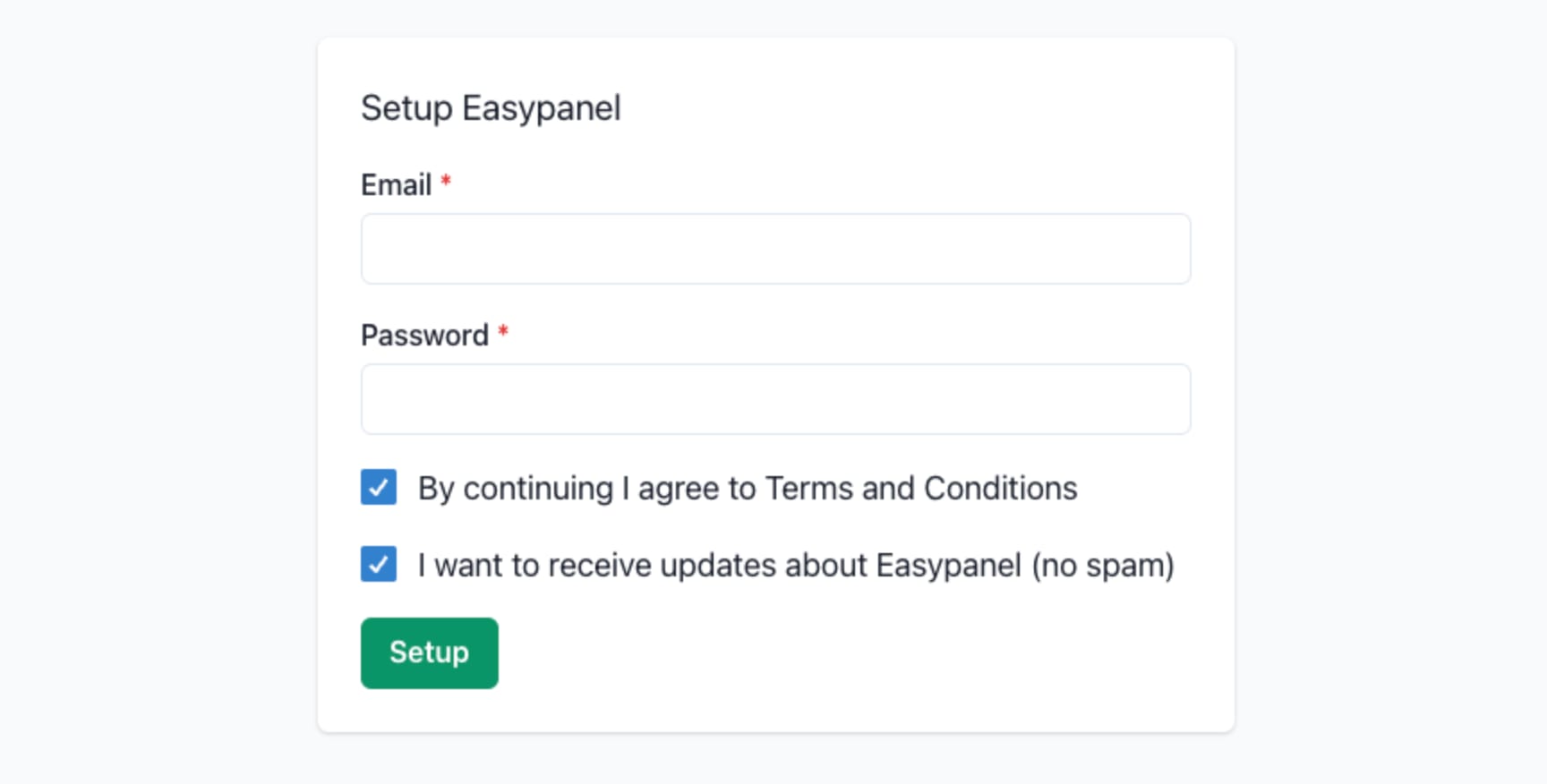
2. You will be asked to create an account on your first visit:
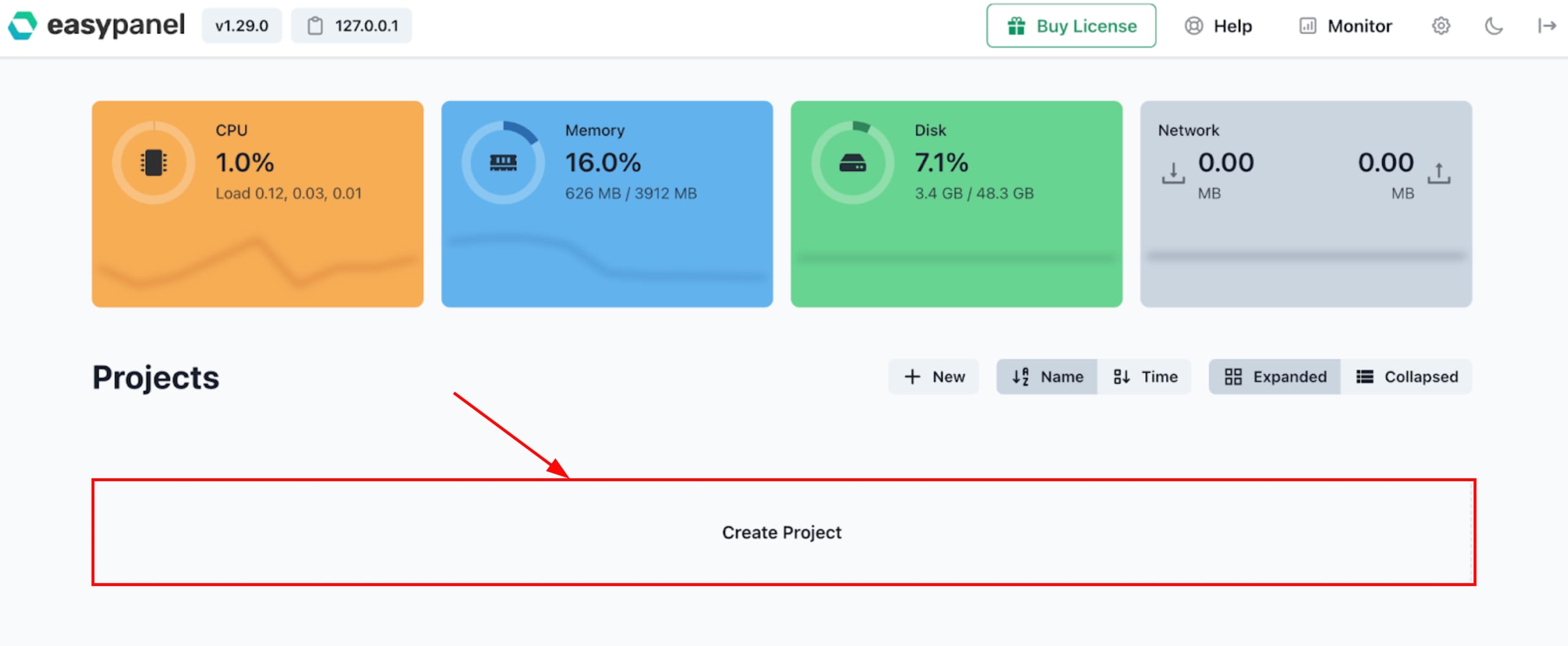
3. After creating the account, you will beautomatically logged in. Now, you can set up your first project:
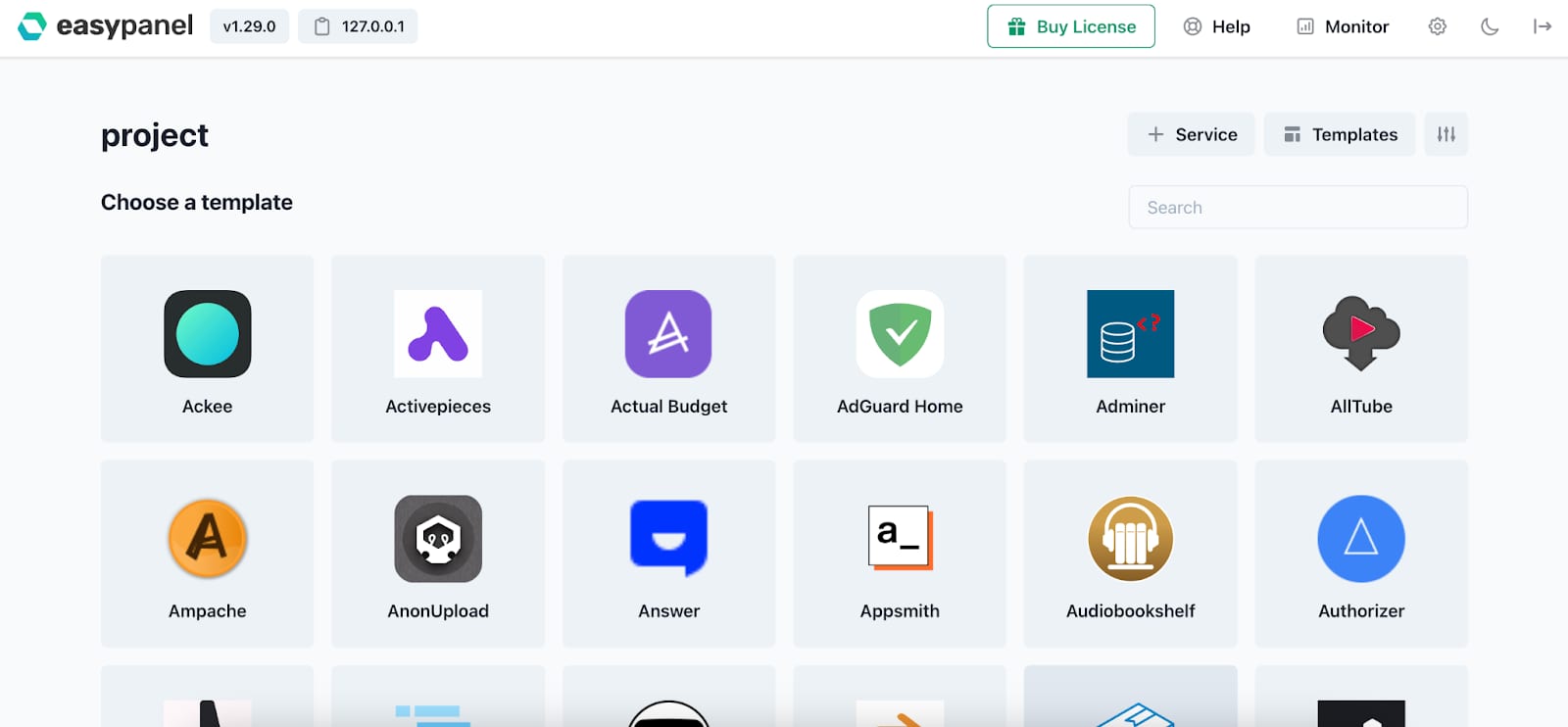
4. In the project, you canadd serviceseithermanuallyor by using one of thetemplatesprovided by Easypanel:
Make sure to explore the officialEasypanel documentationto learn more about the platform ?
