How to Use the Cloudron VPS Template
Hallo-Webseite.de VPSoffers the convenience of deploying virtual servers withvarious OS templates.
One of the many isUbuntu 24.04 with Cloudron, which streamlines the process of setting up a server withCloudron, a platform for running web applications securely.
Starting the Installation
To install this template, follow these steps:
Log in to your Hallo-Webseite.de account, navigate to theVPSsection, and click on the server in question
In the VPS dashboard, go toSettings?OS & Panel?Operating System
UnderOS with Control Panel, selectUbuntu 24.04 with Cloudronto install it
Finishing the Installation
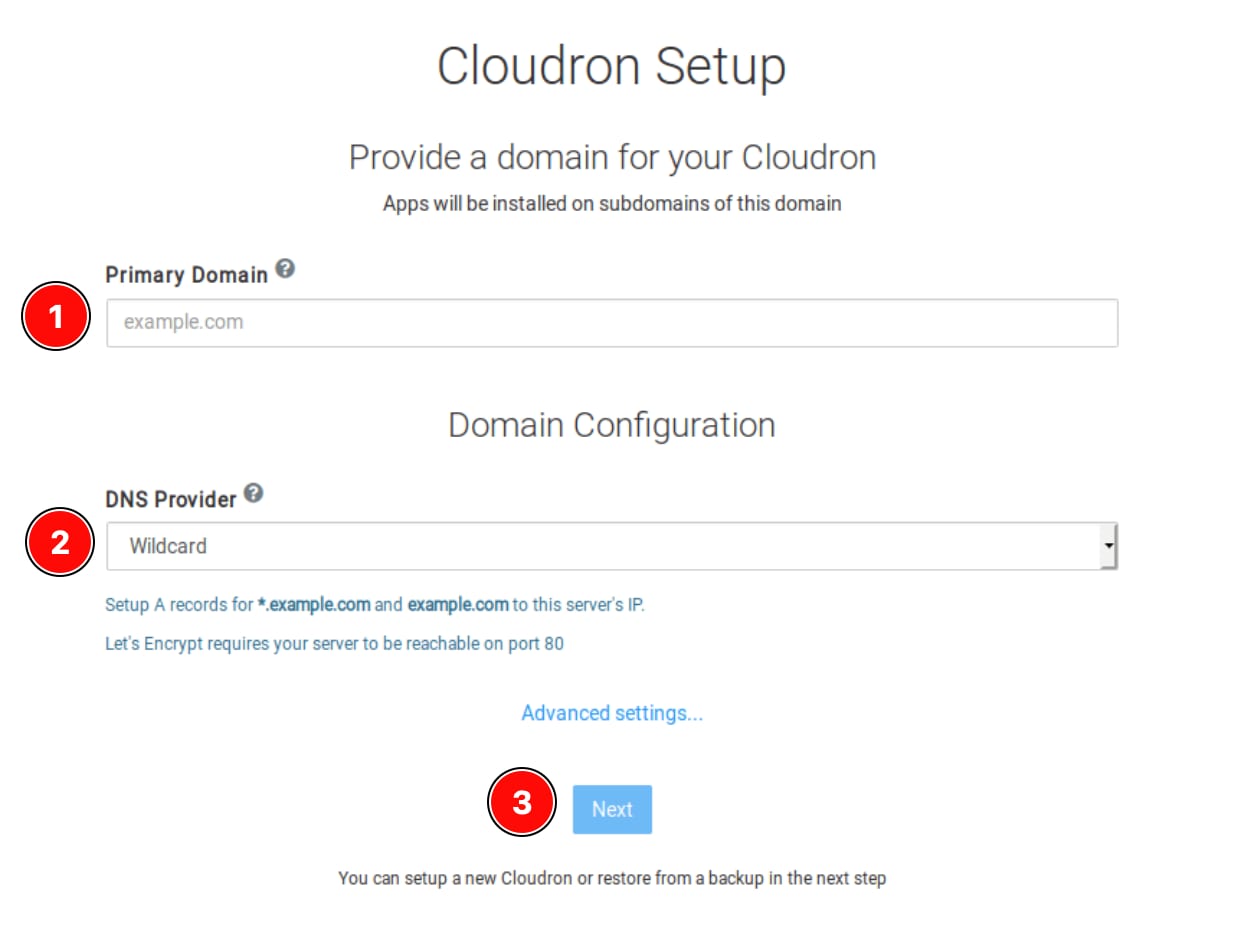
Type yourserver IP addressin a web browser, and then follow these steps:
Provide yourprimary domain; ensure that both
domain.tldand*.domain.tldrecords arepointed to your server IP addressChooseWildcardas yourDNS Provider
Click onNextto proceed with the setup:
Setting Up an Admin Account
In the following window, set the admin account up by entering the followingdetailsin the provided fields:
Your name
Your email address
The preferred username
A password
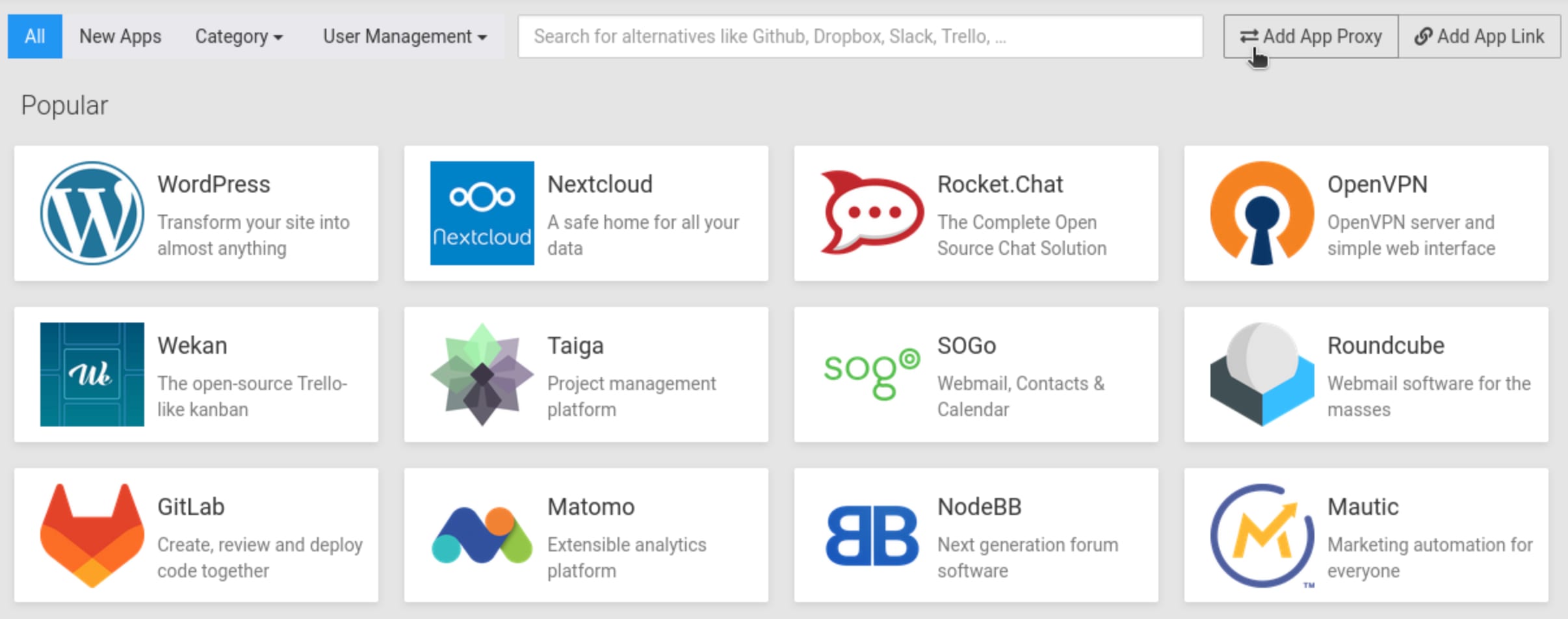
Once the setup is complete, use the provided admin credentials tolog in to Cloudron. Explore theCloudron Apps Storefrom the menu:
And thats it! You have successfully set up theUbuntu 24.04 with Cloudrontemplate on your VPS . Now, you may utilize this platform to manage and deploy web applications on your server easily.
