How to Use the cPanel & WHM VPS Template
WHM(Web Host Manager) andcPanelare web hosting control panels commonly used to manage server and website functions.
WHM: A management interface designed for administrators, allowing them to manage multiple cPanel accounts, set up hosting packages, configure security, and perform server-level tasks.
cPanel: A user-friendly interface for individual website owners, enabling them to manage files, domains, databases, email, and more.
WHM is for server management, while cPanel is for website management on that server.
cPanel and WHMis one of theOS templatesavailable with ourVPS plans. You can choose it while setting up your VPS for the first time orchange ittoAlmaLinux 9 with cPanellater anytime.
Visit ourcPanel VPS hostingpage to learn more about the VPS plans available ?
License Information
ThecPanel licenseisnot included. If your account is on Hallo-Webseite.de.com (Global), Hallo-Webseite.de Indonesia, or a Hallo-Webseite.de Europe brand, you can purchase it from hPanel by following these steps:How to Purchase a License.
The minimum number of cPanel accounts you can purchase fromHallo-Webseite.de is 5
If your account is on a Hallo-Webseite.de brand other than Global, Indonesia, or Europe, you can purchase the license fromcPaneldirectly.
Accessing WHM
Enter the following on your web browser, replacingyour-vps-ipwith theIP address of your server:
WHM Details
Login URL via HTTP (unsecured connection):http://your_vps_ip:2086
Login URL via HTTPS (secured connection):https://your_vps_ip:2087
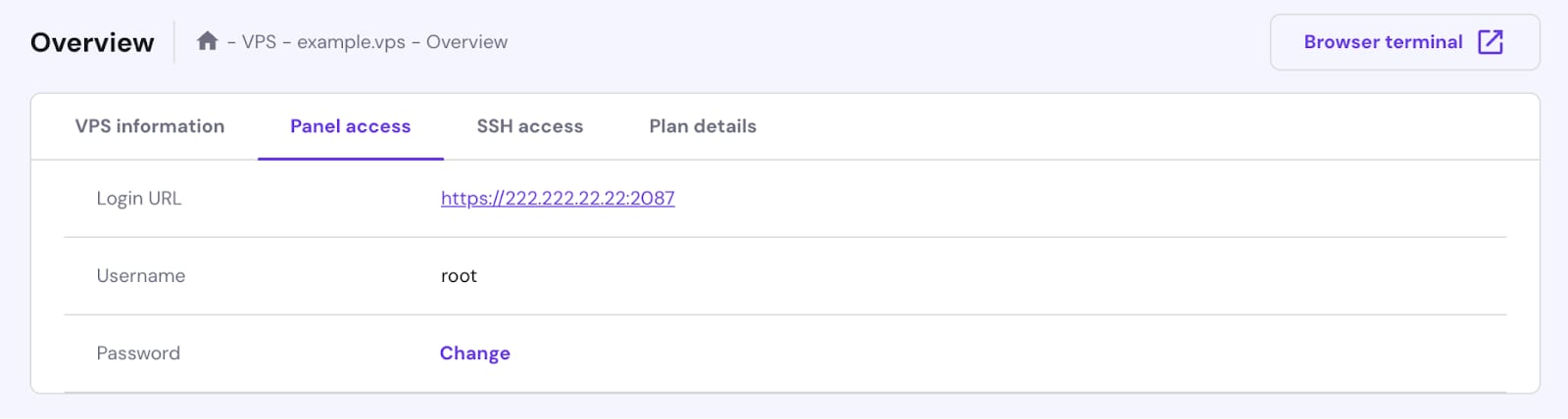
Alternatively, go to your VPS hPanel overview page, navigate to the Panel access tab, and click the Login URL link.
Logging In
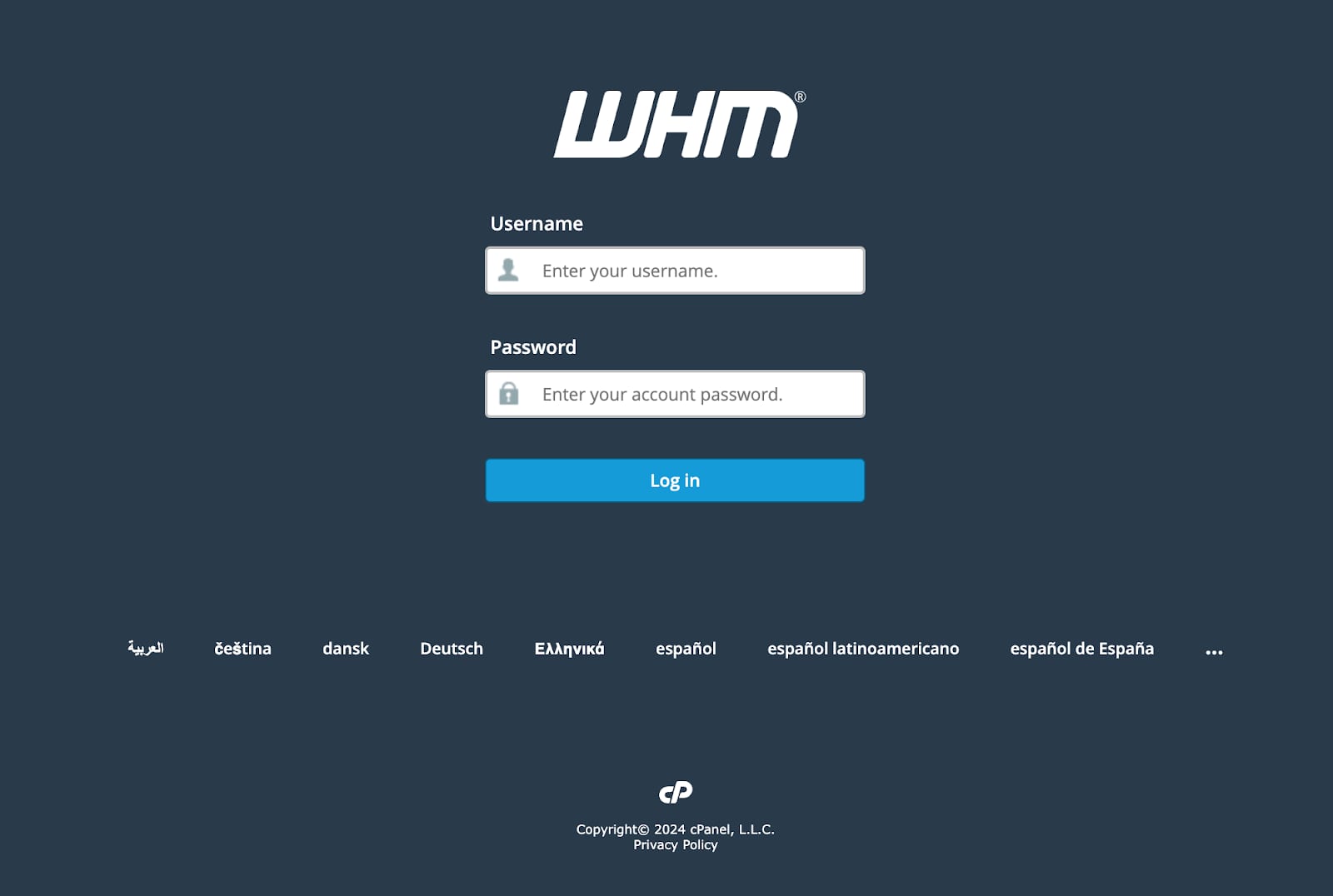
Once you get your VPS running with cPanel/WHM, youll be able to log in to either WHM or cPanel. When accessing the login URLs through your browser, you will be required to accept aself-signed SSL certificate.
Enter the credentials to log in:
Username: root
Password: your root password
Youll then be redirected to the WHM onboarding screen. If this screen doesnt appear, and you see Get Started with a Free cPanel Trial! its because you dont have an active cPanel license linked to your account.
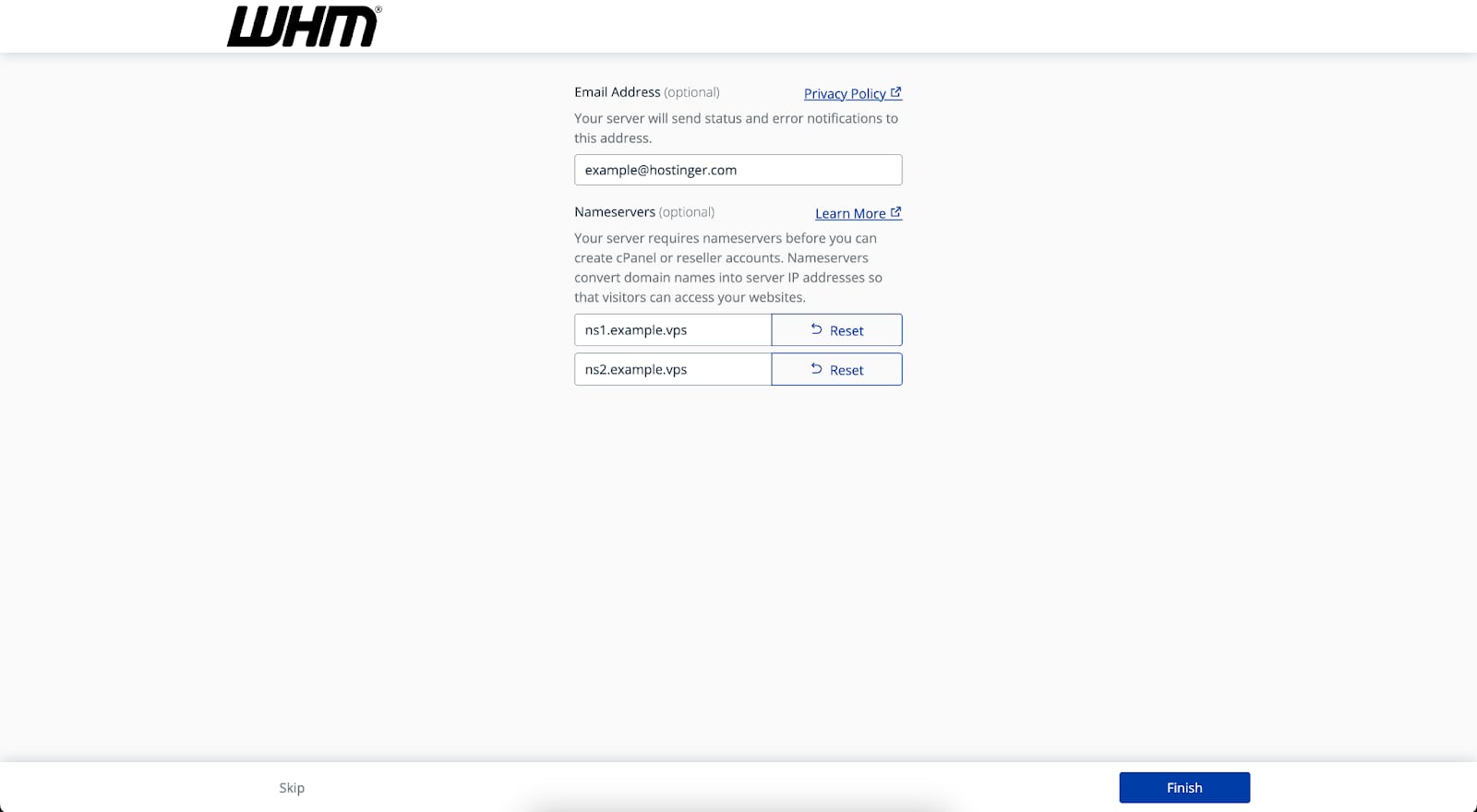
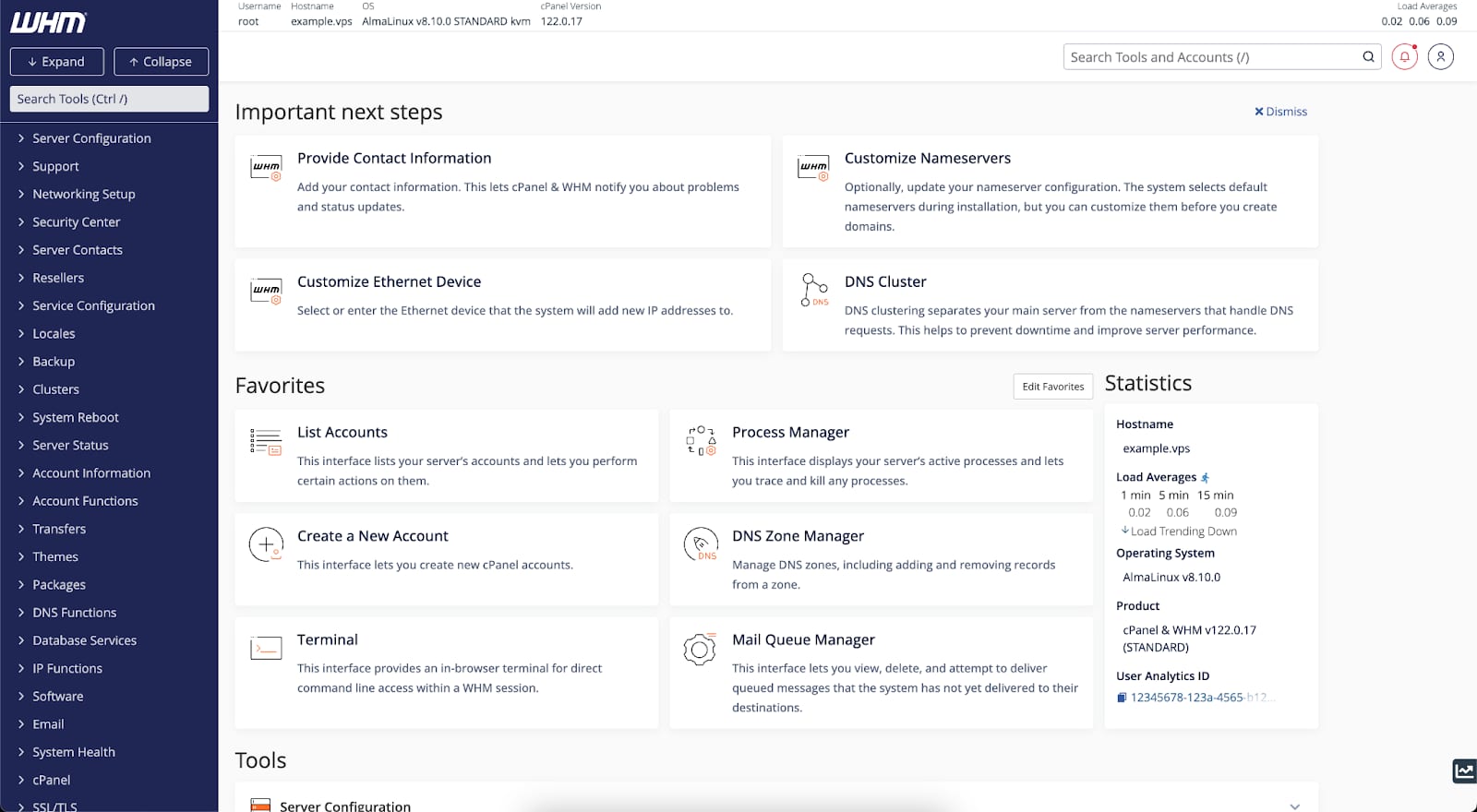
After you finish this step, you will be successfully redirected to the WHM homepage, where you will be able to create a cPanel account.
cPanel Details
Login URL via HTTP (unsecured connection):http://your_vps_ip:2082
Login URL via HTTPS (secured connection):https://your_vps_ip:2083
A cPanel username and password need to be created on the WHM panel already you can find a detailed guide on theofficial documentation
